
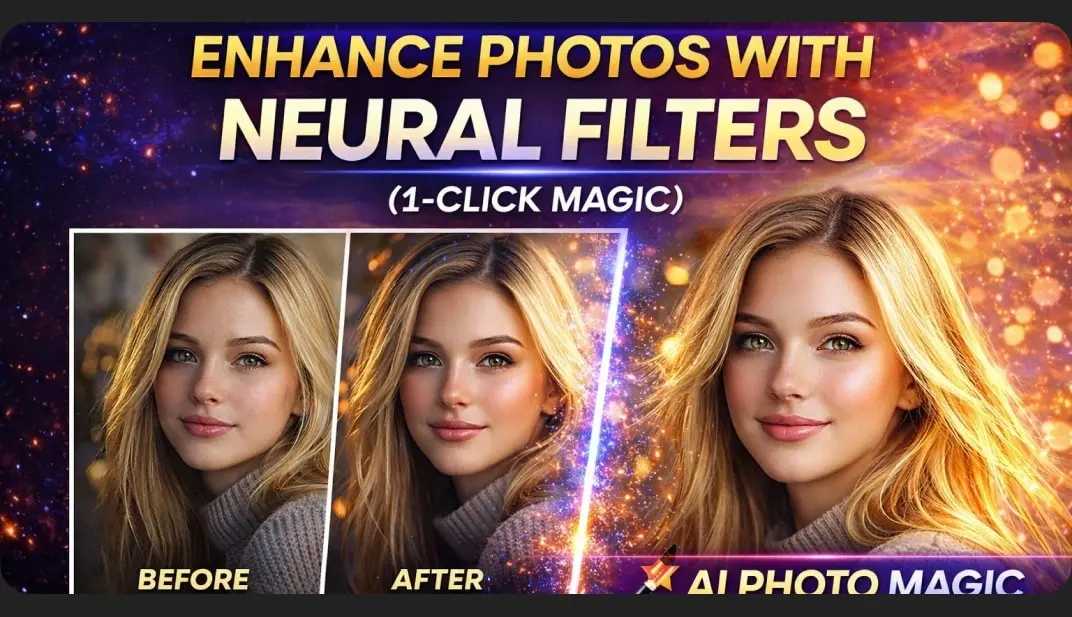
Enhance Photos with Adobe Photoshop Neural Filters AI: 1-Click Magic
Overview
Photo Restoration — Repair old, damaged, or faded images.
Colorize — Add realistic color to black-and-white photos.
Harmonization — Match color and light between subject and background.
Makeup Transfer — Instantly apply or change makeup looks.
Smart Portrait — Adjust age, facial expressions, gaze and lighting.
Landscape Mixer — Transform seasons or weather using AI.
Style Transfer — Apply artistic styles from any reference image.
Super Zoom — Zoom and enhance detail without losing quality.
Depth Blur — Create cinematic shallow-focus effects.
JPEG Artifacts Removal — Clean low-quality, compressed images.
Topics: AI, Photoshop
How access works
1Get a plan
Starter, Pro or Lifetime.
2Sign in with Telegram
One tap — plan linked to your account.
3Download
Open the Mini App or your Profile.