
Madbax Navigation - Premium Animated Banner

Search Madbax

Find courses, tutorials, and creative resources

Enter to search
↑↓ to navigate
Esc to close
Madbax Navigation - Premium Animated Banner

Search Madbax

Find courses, tutorials, and creative resources

Enter to search
↑↓ to navigate
Esc to close
Home Courses AI Adobe Photoshop Masterclass: Mastering AI for Real-World Design
AIPhotoshop

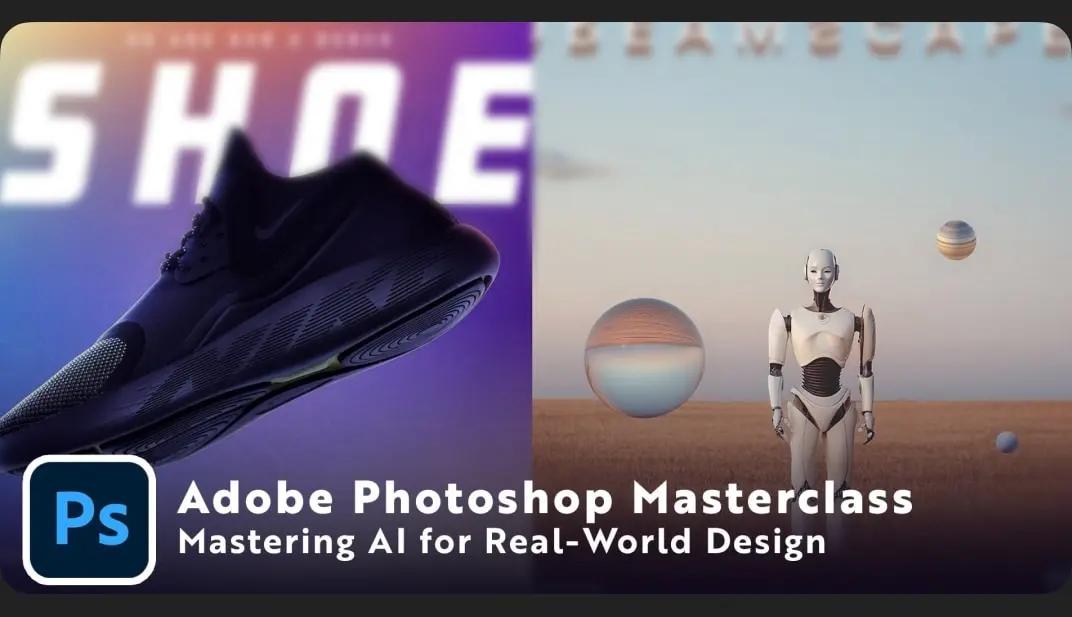
Adobe Photoshop Masterclass: Mastering AI for Real-World Design

Share

Hi there! My name is Tom, and I’m a Senior Graphic Designer and Art Director with over 15 years of experience. Over my career, I’ve worked with brands like Pokémon, Marvel, Bally Sports, and more, and now, I’m here to share the tools and workflows that today’s creative professionals need to stay ahead.

In this class, you’ll learn how to harness Photoshop’s new AI tools to design faster, smarter, and with more creative freedom. AI isn’t here to replace designers, it’s here to save you hours of tedious work so you can focus on the fun, imaginative side of creating.

We’ll work through real-world projects step by step, including:

  • Social media posts & photo clean-ups → remove distractions, expand backgrounds, and prep for Instagram.
  • Branding & marketing design → product showcases, lifestyle ads, and professional client mockups.
  • Creative projects → album covers, moodboards, and concept art variations.
  • Portfolio-ready showcases → learn how to present your work in polished, professional decks.

Along the way, you’ll discover:

  • How to use Generative Fill, Neural Filters, and AI-powered selections.
  • Prompting strategies to get consistent, high-quality results.
  • Smart, non-destructive workflows to keep your files organized and flexible.
  • Tips for blending AI with your own design style to create work that looks professional (not generic).

By the end of this course, you’ll know how to use Photoshop AI as your creative sidekick, speeding up your workflow, unlocking new design possibilities, and helping you deliver client-ready work with confidence.

This class is perfect for:

  • Designers who want to work faster and stay ahead of the curve.
  • Creatives curious about AI but unsure how to use it professionally.
  • Anyone building a portfolio, brand, or freelance career.

⚡ Final Project: You’ll combine 2–3 of the techniques from the course to create your own unique project, whether that’s an album cover made entirely from AI graphics, a product showcase, or a scroll-stopping social post.

AI is changing the way we create, but the creativity is still all yours. Grab your coffee, fire up Photoshop, and let’s make some design magic together.

Related Articles
Filmmaking

Prepping Remote Follow Focus Systems

Prepare your remote follow focus systems like a pro!  Prepping Remote Follow...

Filmmaking

RED V-Raptor Live Stream Demo

Shane Hurlbut, ASC goes through the RED V-RAPTOR with Lead Production Technology...

Filmmaking

Choosing The Right Lights

Learn the necessary tips and tech specs on which lights to use...

Filmmaking

How To Light Green Screens

Professionally light green screen for moving talent! How To Light Green Screens pulls...