By Fasttracktutorials · Official page
Creating Art Tools using Blender Geometry Nodes
About this item
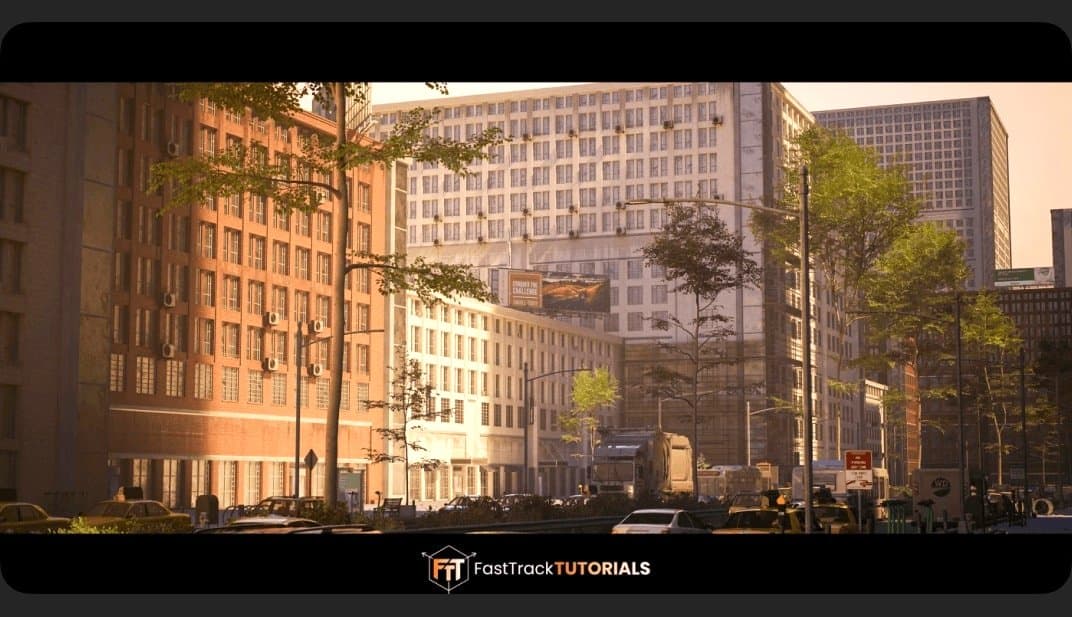
BLENDER, ALTERMESH AND UNREAL ENGINE 5 In this course we will cover the creation of multiple procedural tools useful for environment production. We will also showcase how to use these tools directly in Unreal Engine.
We will be creating the following tools
A trash scattering tool. A drag & drop ready road tool. An advanced building creation tool. Bonus – using the tools in UE5 and creating a demo environment. The general takeaway of this course is that you will be able to understand the process on how to create geometry node networks in Blender and having the ability to transfer these tools to Unreal engine to speed up your workflows.
Frequently Asked Questions
How does instant Telegram delivery via @madbaxapp_bot work?
Activate any plan from $5, then press Download on this page: 6 files (21.9 GB) are sent to your Telegram chat instantly by the bot @madbaxapp_bot.
How do I extract multi-part .part01.rar archives on Windows and macOS?
Download all volumes (.part01.rar, .part02.rar … .partN.rar) into one folder, then start the extraction only from the first volume, part01.rar. On Windows use WinRAR or 7-Zip; on macOS use Keka or The Unarchiver. The other volumes are read automatically.
What is included in the download archive?
The archive includes all project and video files for this release. It does not include one-to-one mentoring or certificates from the original school.
Related Assets
Switching to Blender for Game Artists
Included in plans
Blender 5 Complete Beginners Guide
Included in plans
Let’s make cool and cute abstract CG using the free software “Blender”!
Included in plans
Blender Robot Creation for Beginners
Included in plans
The Topology Handbook for Blender
Included in plans