Madbax Navigation - Premium Animated Banner

Search Madbax

Find courses, tutorials, and creative resources

Enter to search
↑↓ to navigate
Esc to close
Madbax Navigation - Premium Animated Banner

Search Madbax

Find courses, tutorials, and creative resources

Enter to search
↑↓ to navigate
Esc to close
Home Courses Maya FXPHD Look Development with Maya, V-Ray and Nuke – Part 2
MayaNuke

FXPHD Look Development with Maya, V-Ray and Nuke – Part 2

Share

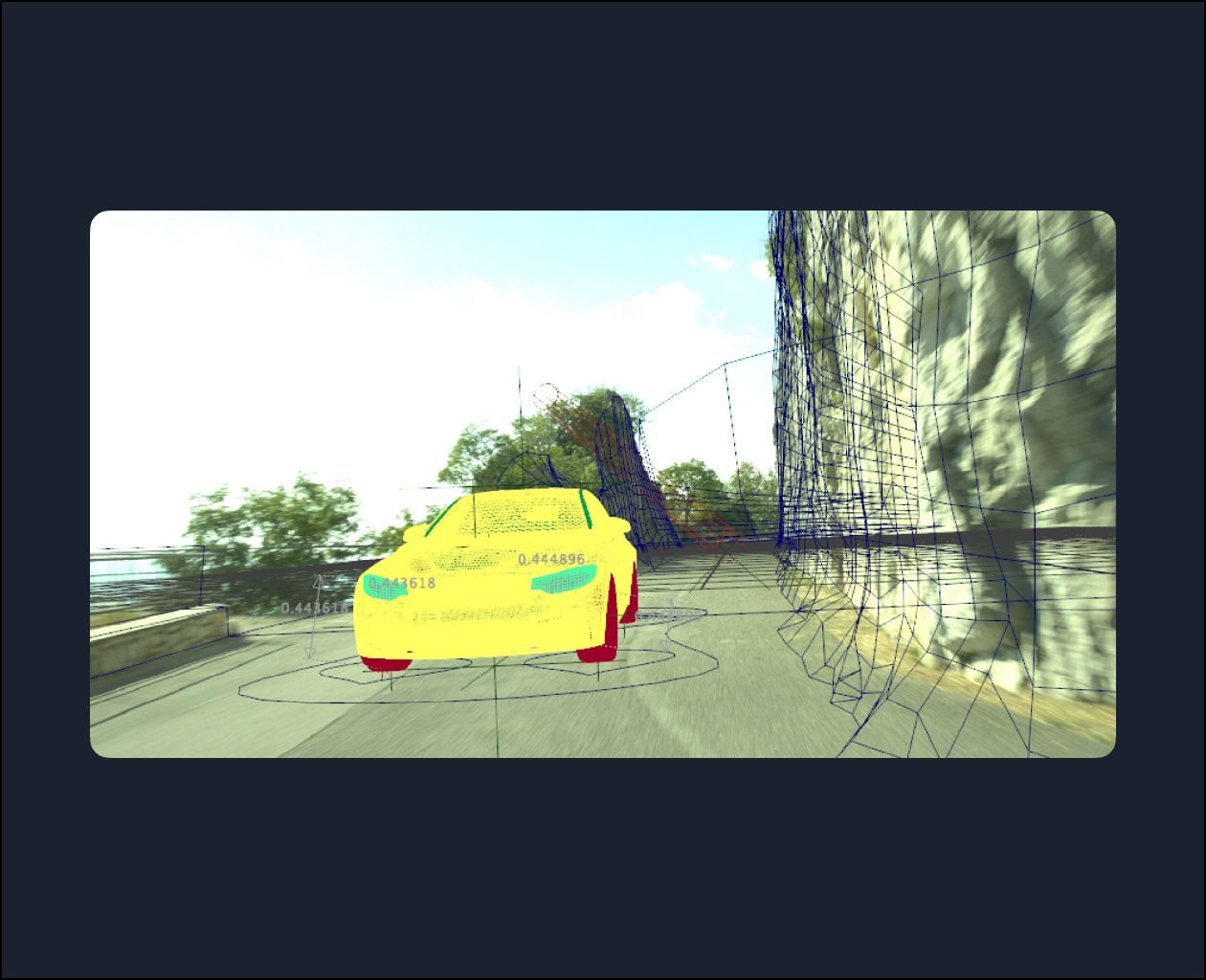
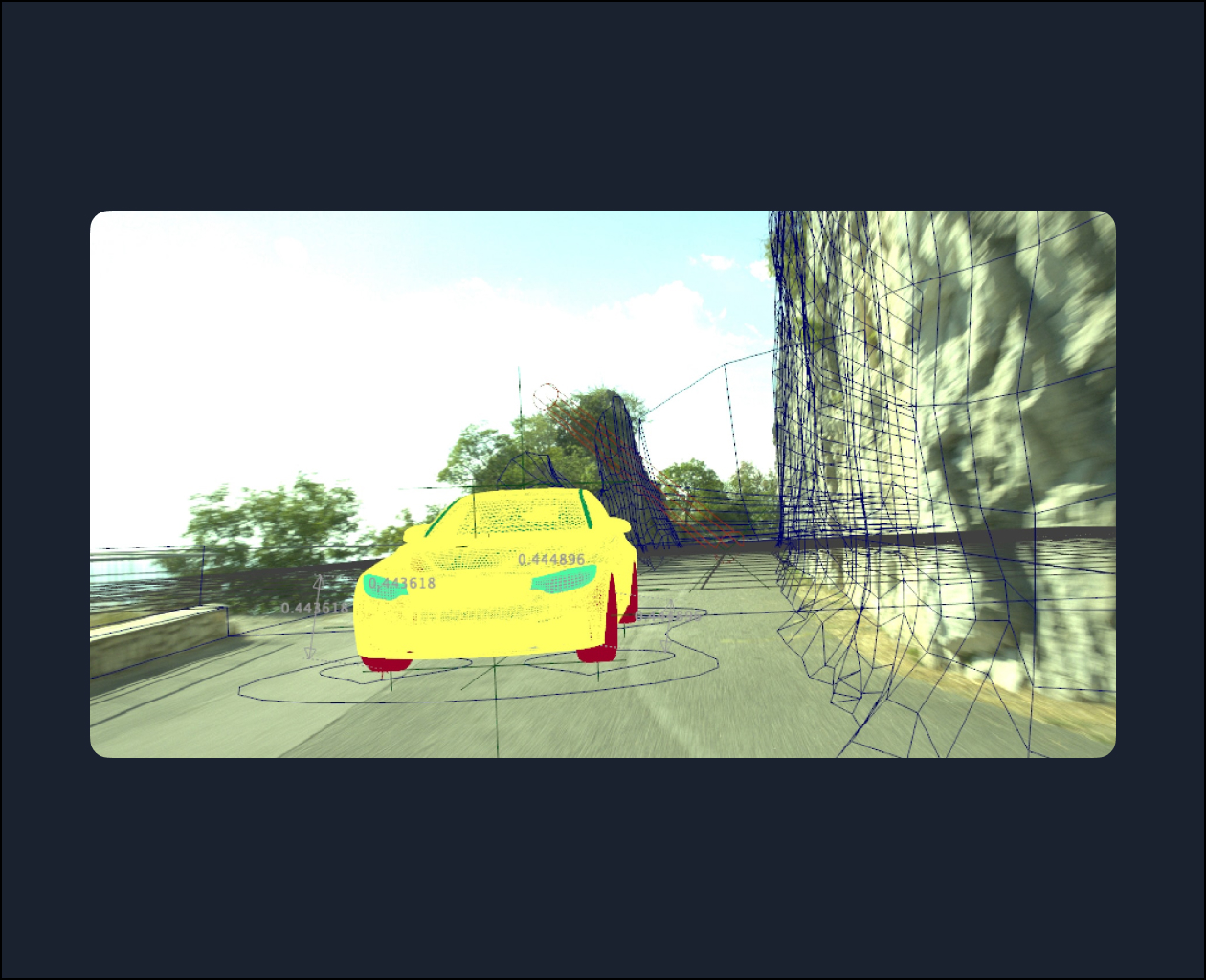
This course, taught by Amid Rajabi, is the second of a three part course covering integrating the car from VRY203 into a live action plate. The focus in this part is on rigging, animating, lighting, and rendering.

The course starts out covering rigging the car and animating it in Maya followed by showing how you can use the Quad Draw feature in Maya to remodel the generated meshes for the projection process. Also, we will use VRaySun and VRaySky to set up the lights to match the real world lighting in the scene. Finally, you’ll see how to use V-Ray nodes to project the footage on the rock models, set up the render layers, and render the scene.

Video Player

00:00

01:22

Class Listing

Class 1: Overview

A refresher about the course and an overview of how we will rig, animate, and set up the lights and render our shot.

Class 2: Rigging, Part 1

Examining the primary information about the rig and getting through the rigging process of one of the car wheels.

Class 3: Rigging, Part 2

Transferring the rig to other wheels and build up the needed controllers and the related attributes for them.

Class 4: Final rigging and initial animation

Finalizing the car rigging and a discussions of the components of animating the car.

Class 5: Animation

Working on the car animation, including finessing to get a more complete, detailed, and accurate animation.

Class 6: Mesh adjustments

Remodeling the Nuke-generated PoissonMesh meshes with the help of the Maya Quad Draw tool.

Class 7

In this session, we’re going to perform the lighting of the scene based on the footage that we have in V-Ray.

Class 8

In this session, we’re going to revise and correct the shader that we built for the Projection and build the existing trees in the shot by using the Opacity Map.

Class 9

We’re going to make the rendering layers by Render Setup in Maya and add the needed AOVs in V-Ray.

Class 10

We’re going to finalize the render setting parameters and starting the render.

Related Articles
The Group Buy Vault

Energise Creator Essentials™

Discover the Secrets Behind Energise’s Content Success! Unlock the exact resources that...

The Group Buy Vault

NEW Premiere Pro Master Class: Video Editing Completed with Trendy Examples in 2026

The Edit Girl is back with the latest version of Premiere Pro!...

The Group Buy Vault

Video Editing Master Class : Mastering 40 Scenes by the Editing Woman

· 40 scene production exercises, over 51 lecture clips (approx. 34 hours)· Composed of...

The Group Buy Vault

Video editing made easier with AI! NEW Premiere Pro Masterclass

Fast Campus’s video editing bestseller, “Editor Girl,” is back with a revamped...