FXPHD Look Development with Maya, V-Ray and Nuke – Part 3
May 6, 2026
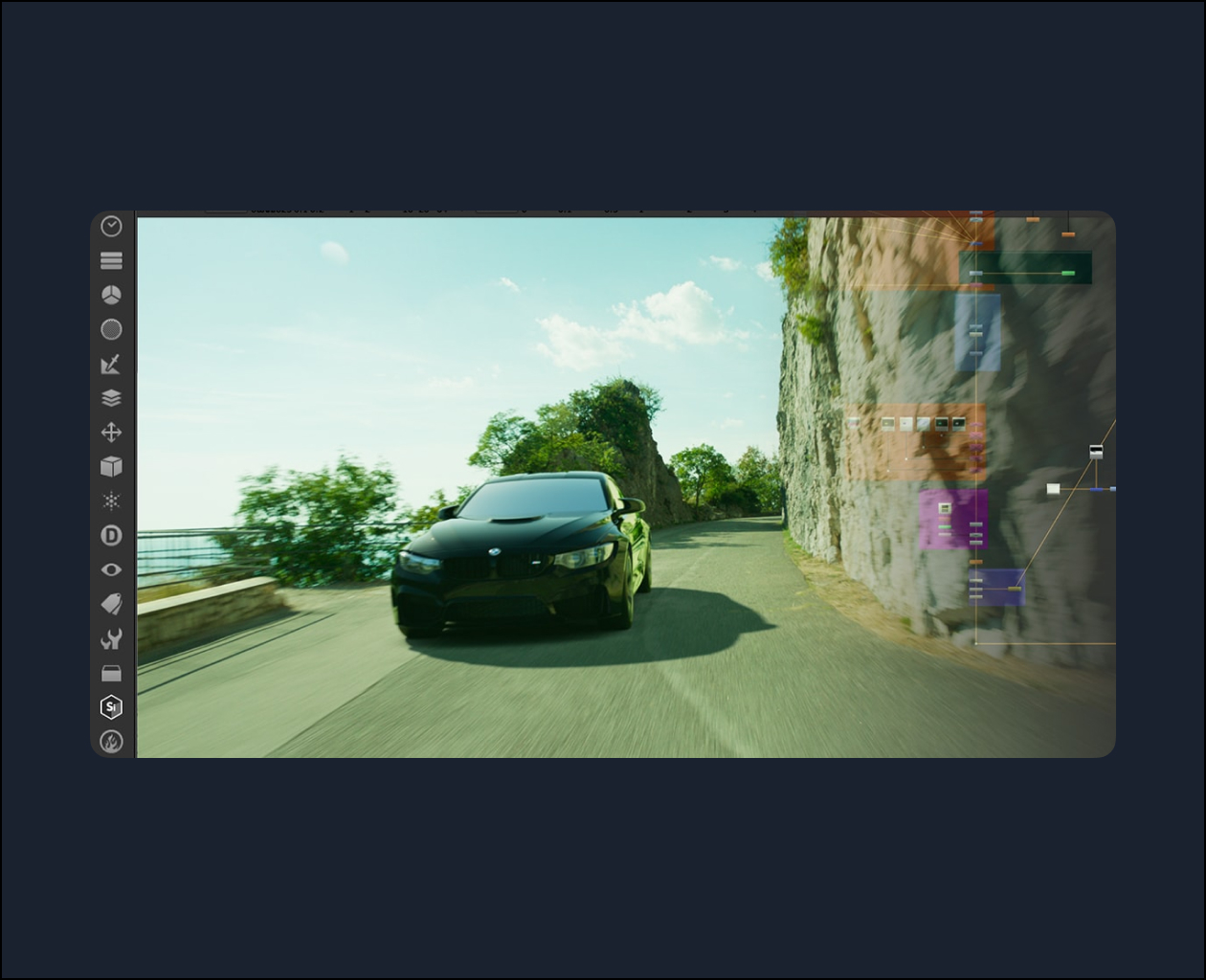
Description
## Class Listing
#### Class 1: Setup
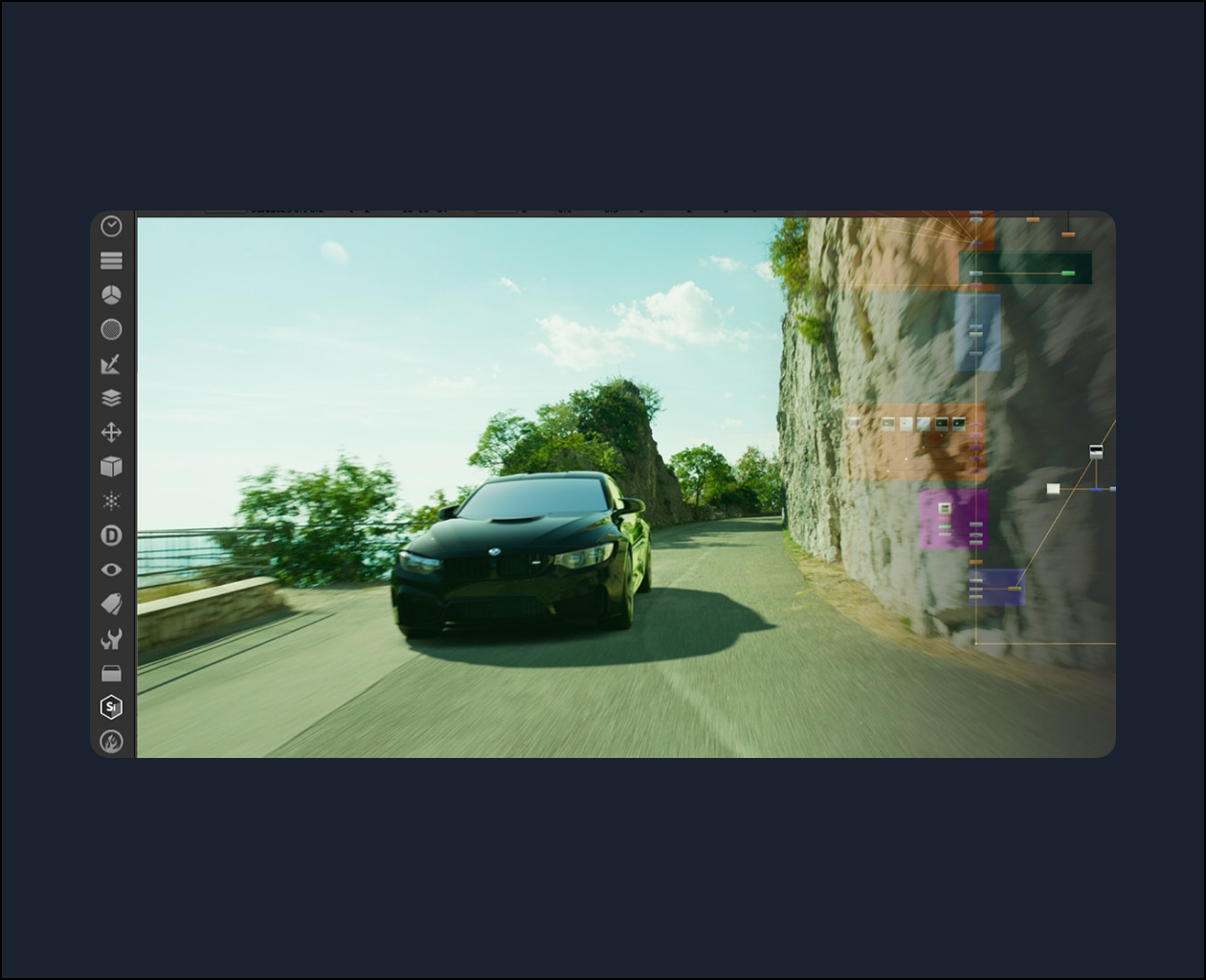
Using the render passes to set up the multi-pass compositing process.
#### Class 2: Grading, Part 1
Grade of the reflection pass so that the car reflects the background in a realistic way.
#### Class 3: Grading, Part 2
Grading the car to match the background plate.
#### Class 4: Shadow Extraction, Part 1
Using the Keyer and Erode nodes to extract the luminance for the shadow extraction process.
#### Class 5: Shadow Extraction, Part 2
Finalizing the shadow extraction.
#### Class 6: Ambient Occlusion
Add ambient occlusion to the background to improve the realism of the shot.
#### Class 7: Final touches
Adding grain and other final touches for the composite.
Topics: Maya, Nuke