By Gumroad · Official page
Unreal Engine x Houdini Water Tutorial - Complete Workflow Course
About this item
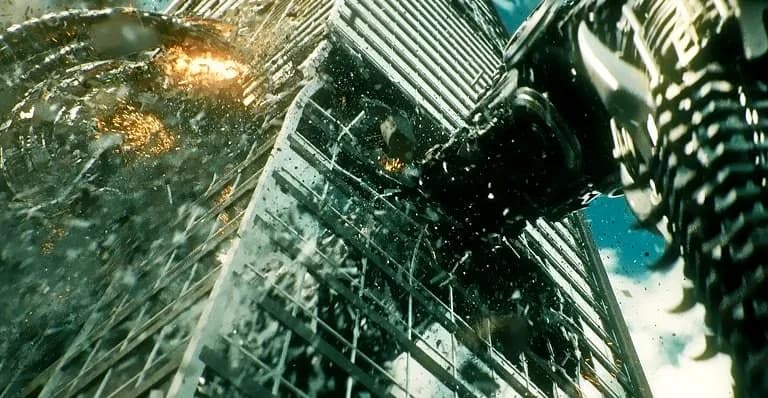
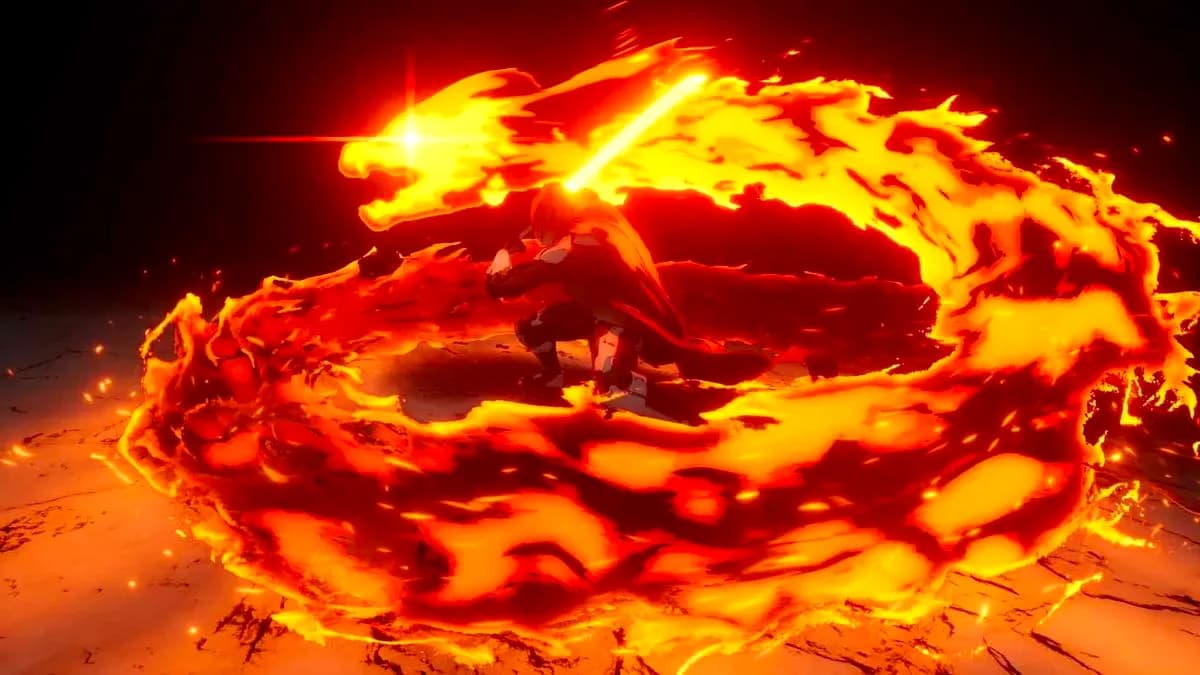
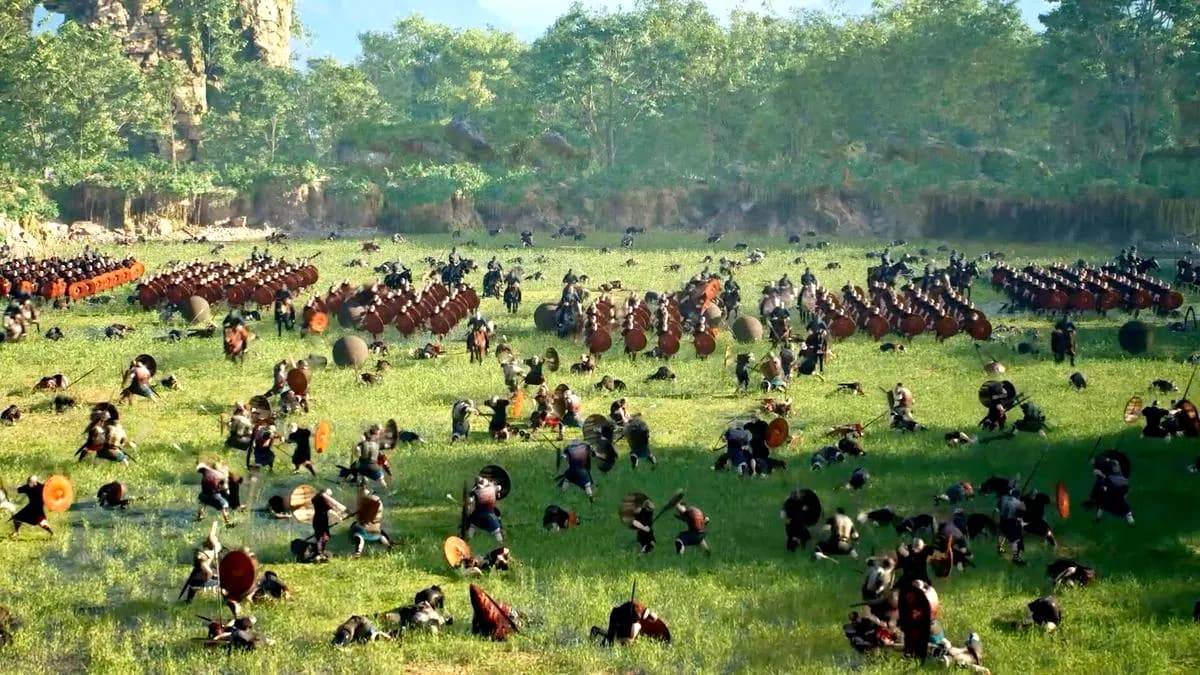
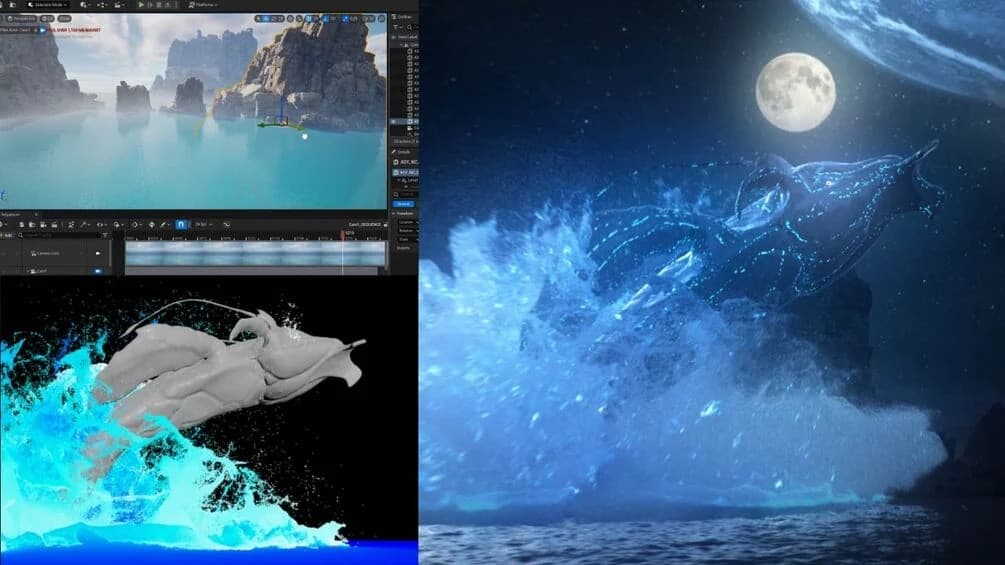
From the creator of the Unreal Engine x Houdini Dragon project: a complete workflow for FLIP fluid simulation in Houdini, rendering, and building the final shots in Unreal Engine.
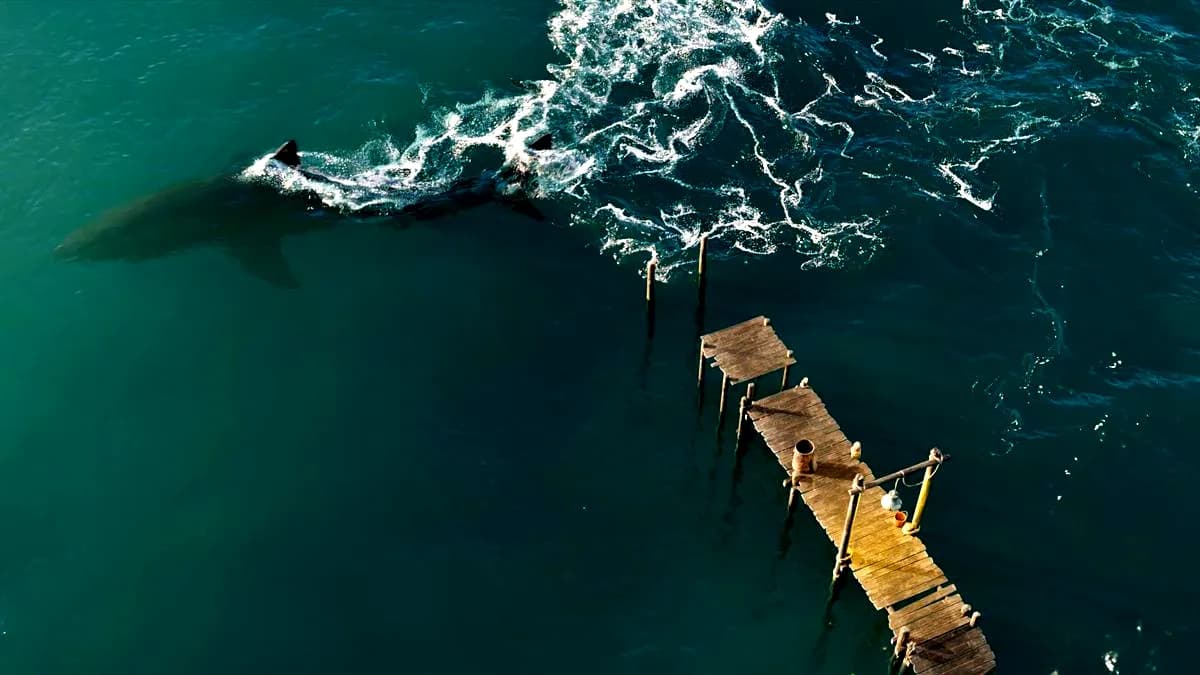
With over 15 years of experience, the instructor guides you through creating your own FLIP fluid production from start to finish without skipping any steps, from large-scale water simulation to final compositing. The course offers a shortcut for beginners by providing template projects for simulation and rendering that can be adapted to any 3D model and fluid behavior. You build a stunning environment in Unreal Engine from scratch and finish by compositing everything into two polished shots, the same shots featured in the promo video.
Course overview
- Module 1, FLIP fluid simulation inside Houdini: setting up collisions, the FLIP tank and simulation, custom velocity, caching the final sim, whitewater source and solver, meshing the main FLIP
- Module 2, rendering and camera preparation: textures and ocean displacement, importing the simulation cache, test renders and AOVs, animating the camera, batch beauty renders, exporting cameras for Unreal Engine
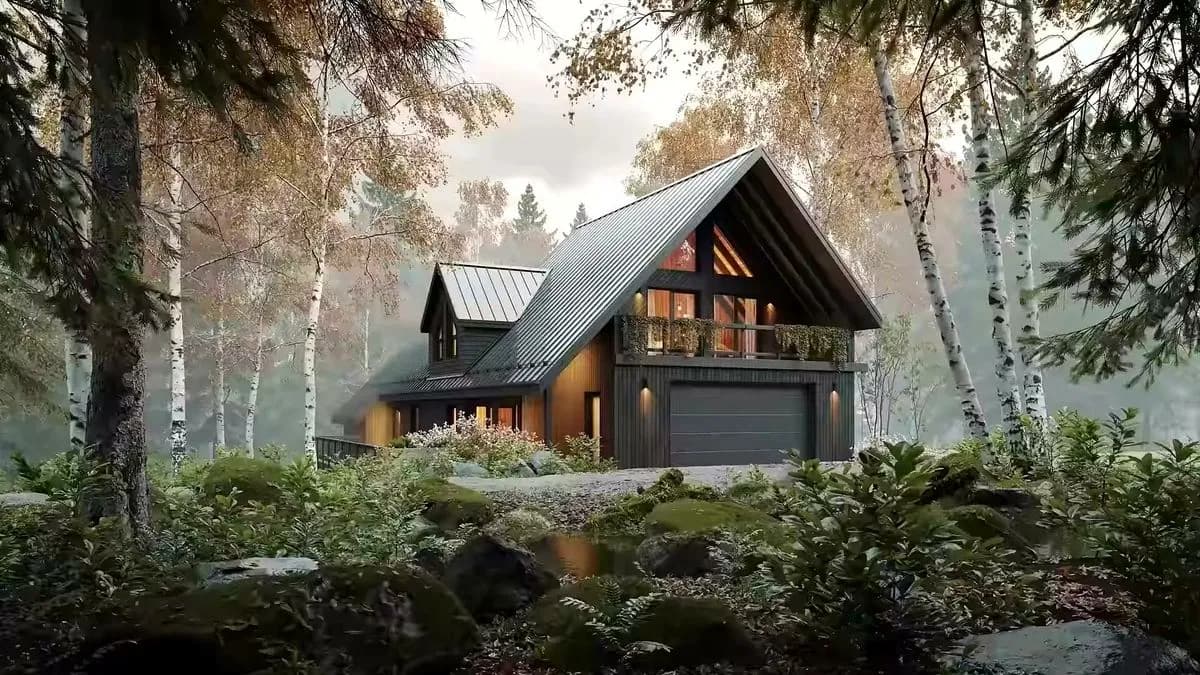
- Module 3, Unreal Engine environment and rendering: setting up the Fab and Unreal project, plugins, level and level sequence, dressing the environment, lighting and final tweaks, rendering from Unreal
- Compositing the final shots
What is included
- Over 6 hours of course video
- Personal simulation template
- Personal render template
- Personal ocean template
- High quality animated Alembic model with textures
- Assets: HDR, sky, textures, fog and birds
Frequently Asked Questions
How does instant Telegram delivery via @madbaxapp_bot work?
Activate any plan from $5, then press Download on this page: 3 files (11.1 GB) are sent to your Telegram chat instantly by the bot @madbaxapp_bot.
How do I extract multi-part .part01.rar archives on Windows and macOS?
Download all volumes (.part01.rar, .part02.rar … .partN.rar) into one folder, then start the extraction only from the first volume, part01.rar. On Windows use WinRAR or 7-Zip; on macOS use Keka or The Unarchiver. The other volumes are read automatically.
What is included in the download archive?
The archive includes all project and video files for this release. It does not include one-to-one mentoring or certificates from the original school.
Related Assets
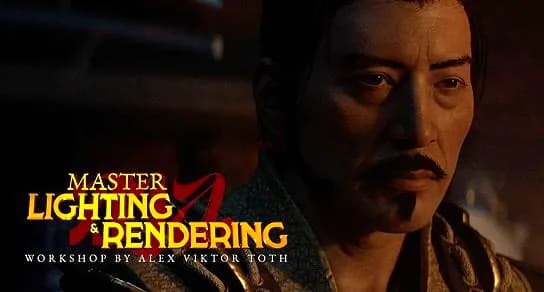
DoubleJump Academy – Master Lighting and Rendering in Houdini (Solaris + Karma)
Included in plans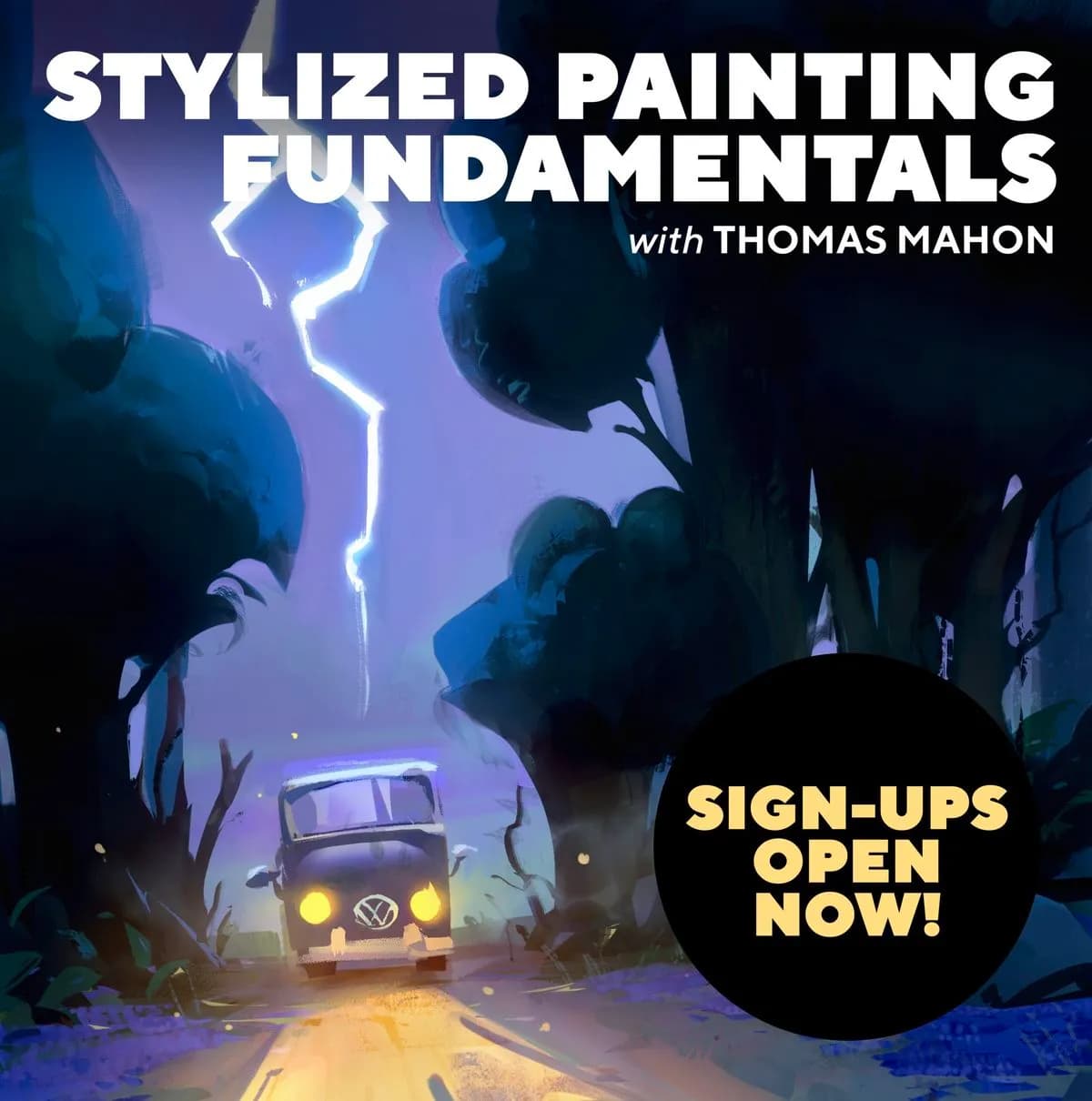
Underpaint Academy – Stylized Painting Fundamentals with Thomas Mahon
Included in plans
Creative Shrimp – Eevee Realistic Lighting and Rendering
Included in plans
Real Cinematic Process in Cinema4D
Included in plans
Mdp School – Unreal Engine 5 for Artists – Jama Jurabaev
Included in plans