By Filmmakersacademy · Official page
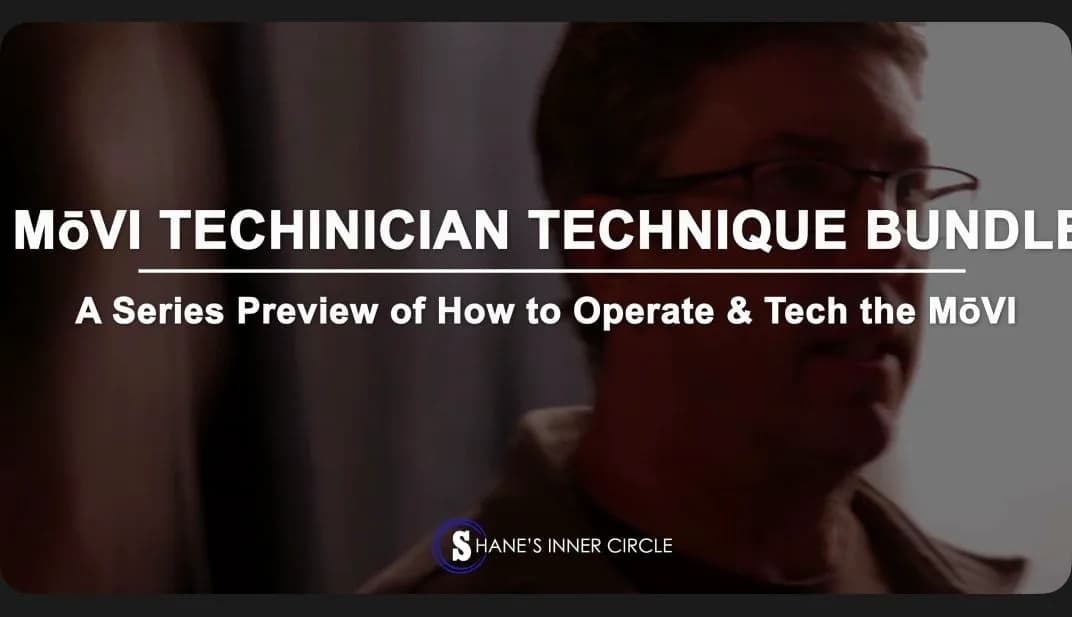
How To Be A MōVI Gimbal Technician
Subtitles: English
About this item
In this beginner course, you’ll become familiar with gimbals and how to balance and configure them. Chris shows you how he builds and operates the MōVI M5, M10, and M15 with different cameras.
Then, he breaks down how he adjusts his MōVI to handle Majestic mode and change values on the fly for complex shots that require subtle movement and extreme action. Chris reveals what tools he uses and shares his own set of experiences so you can use the MōVI to take your own shots to the next level.
Detailed Written Breakdowns MōVI M5, M10, and M15 systems English Subtitles Included
Frequently Asked Questions
How does instant Telegram delivery via @madbaxapp_bot work?
Activate any plan from $5, then press Download on this page: 1 file (2.3 GB) are sent to your Telegram chat instantly by the bot @madbaxapp_bot.
How do I extract multi-part .part01.rar archives on Windows and macOS?
Download all volumes (.part01.rar, .part02.rar … .partN.rar) into one folder, then start the extraction only from the first volume, part01.rar. On Windows use WinRAR or 7-Zip; on macOS use Keka or The Unarchiver. The other volumes are read automatically.
What is included in the download archive?
The archive includes all project and video files for this release. It does not include one-to-one mentoring or certificates from the original school.
Related Assets
Wandering DP Commercial Cinematography: The Foundation
Included in plans
Martin Scorsese Teaches Filmmaking
Included in plans
Film Look with Final Cut Pro: Colorist Masterclass
Included in plans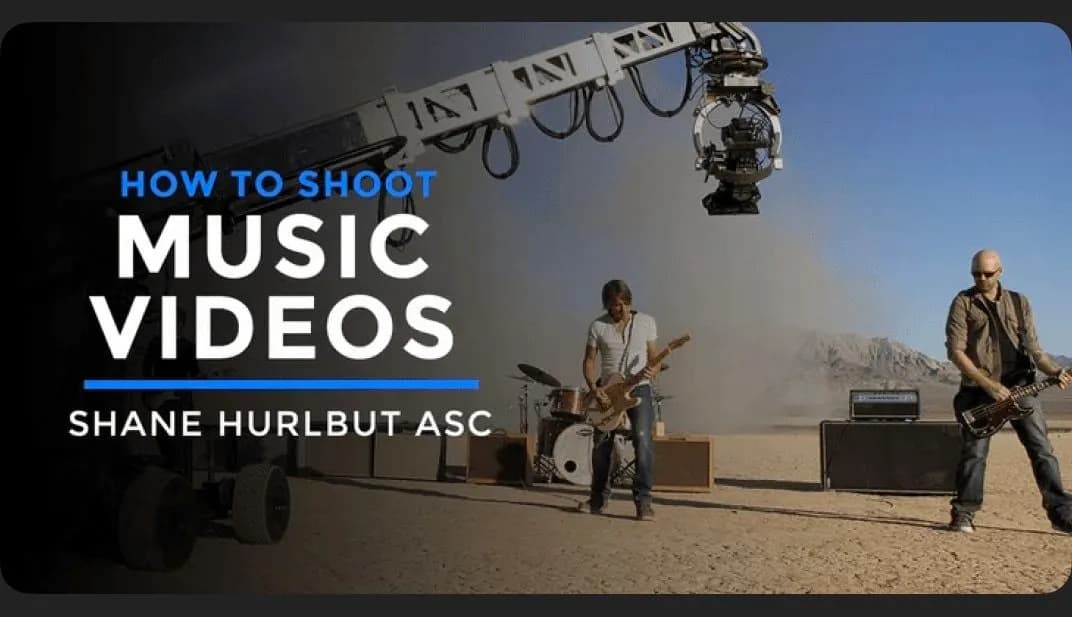
How To Shoot a Music Video
Included in plans
Commercial Cinematography: US Cellular
Included in plans