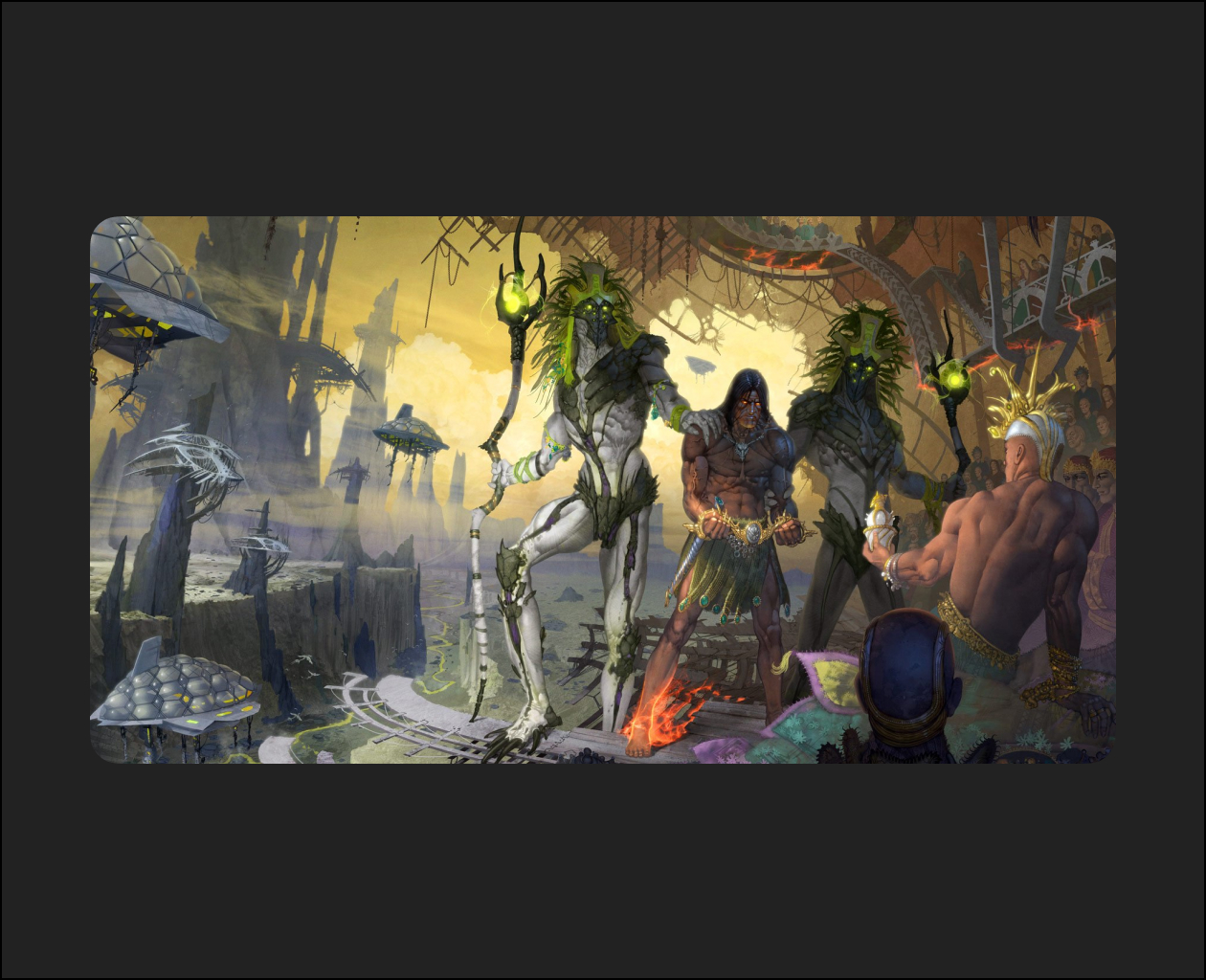
Steve Firchow reveals how to boost your creativity through an in-depth workshop that explores the art of highly detailed narrative realism. In this 4-hour workshop, Steve shares the workflow that he has used successfully over the course of his 30-year career in the entertainment industry, working as an acclaimed concept artist and illustrator.
Covering composition and design philosophy, while sprinkling in anecdotes from his years working on some of the industry’s biggest franchises, Steve’s workshop is aimed at intermediate-level artists who already have an understanding of 2D software and are comfortable with character and environment design, although the techniques demonstrated are attainable for artists of all levels. For ease of general entry, this workshop does not include any 3D tools in the process.
This thoughtful workshop covers a lot of ground very quickly; expect lots of sketching and digital painting to learn how to master the art of deeply immersive narrative illustration. Steve’s focus is on helping artists improve the efficiency of their layout and rendering skills through a wide range of time-saving techniques. He teaches how to balance and control the level of detail in character and environment designs so the final image appears extremely detailed yet never cluttered or confusing. Steve’s composition techniques aim to create drama and motion without resorting to clumsy, push-button solutions, and how to create the impression of extreme detail primarily through control of silhouettes.
Industry insights include consideration of “creative waste” that occurs frequently in large productions. Steve discusses in depth the importance of saving all ideas an artist may have while working on jobs – anything that helps build a catalog of work the artist can repurpose over their career. He also discussed the importance of understanding how to create clean, interesting character designs that take into consideration rigging and animation constraints in production.
With this workshop, Steve has provided his Photoshop files to show the key stages of his artwork creation, and his Blend Brush Settings to help artists emulate the rendering techniques Steve uses in his workflow.