By Patataschool · Official page
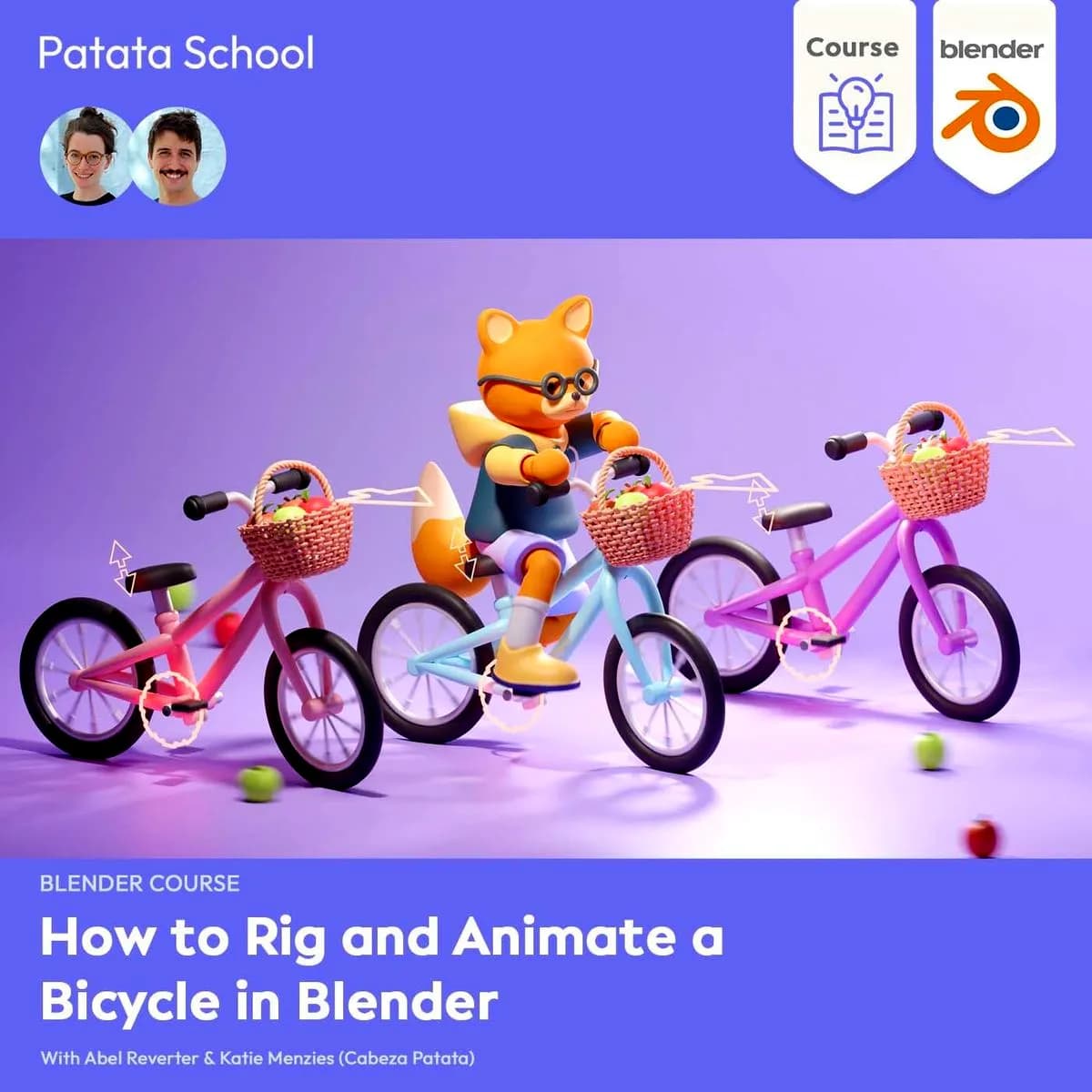
Patata School - How To Rig & Animate A Bicycle In Blender
About this item
This 150-minute course teaches you how to rig and animate a bicycle in Blender. You'll start with the theory of rigging objects and vehicles, then work through the practical steps needed to set up a functional bicycle model. The course covers the complete rigging process in detail, breaking down each stage so you understand not just how to do it, but why each step matters.
By completing this course, you'll gain the skills to rig a wide variety of objects and vehicles for your characters to interact with in Blender. You'll also learn how to create a looping cycling animation, bringing your rigged bicycle to life with realistic movement. Whether you're working on character animations, vehicle interactions, or complex scene setups, the techniques covered here will give you a solid foundation for rigging projects beyond just bicycles.
Frequently Asked Questions
How does instant Telegram delivery via @madbaxapp_bot work?
Activate any plan from $5, then press Download on this page: 1 file (1.4 GB) are sent to your Telegram chat instantly by the bot @madbaxapp_bot.
How do I extract multi-part .part01.rar archives on Windows and macOS?
Download all volumes (.part01.rar, .part02.rar … .partN.rar) into one folder, then start the extraction only from the first volume, part01.rar. On Windows use WinRAR or 7-Zip; on macOS use Keka or The Unarchiver. The other volumes are read automatically.
What is included in the download archive?
The archive includes all project and video files for this release. It does not include one-to-one mentoring or certificates from the original school.
Related Assets
Blender 3D: Cartoon Animal Character Modeling for Beginners
Included in plans
Creating Autonomous Living Creatures in Blender!
Included in plans
Learn 2D Character Animation for Games with Blender & Unity
Included in plans
Blender 3D: Your First Character Animation (Walk Cycle)
Included in plans
Learn to create Stylized Characters in Blender 2024
Included in plans