
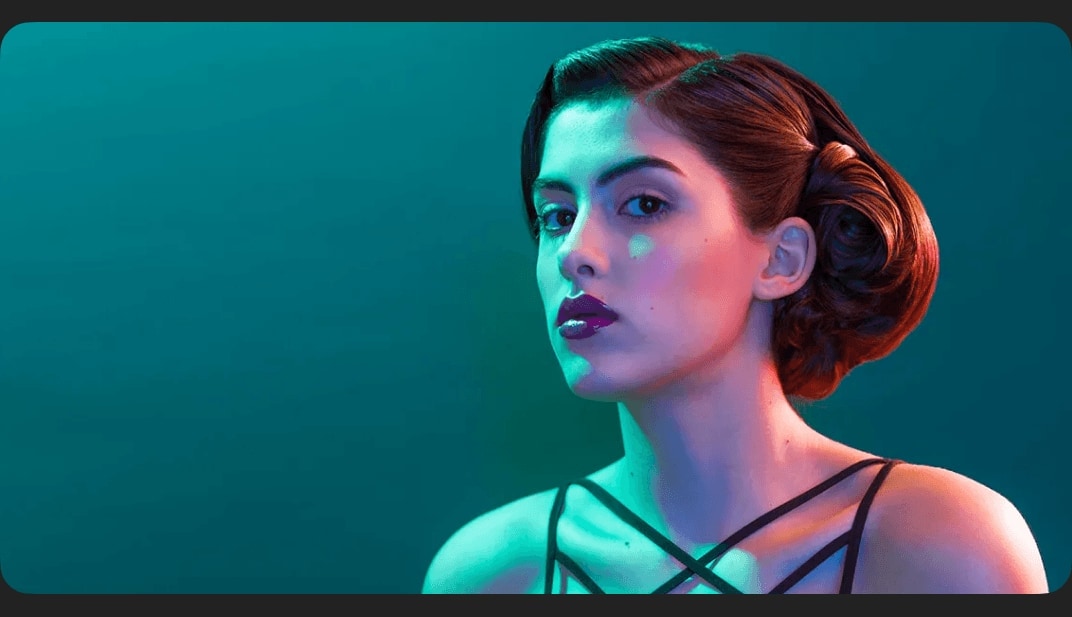
Retouching 301
Overview
Retouching Clothing
A great portrait will only go so-far if the person is wearing wrinkled, stained, or misfitting clothing. Learn tips-and-tricks for transforming clothing into a thing of beauty. Re-create collars, sleeves, colors and weaves in the lesson dedicated to retouching clothes.
Two Full-Length Exercises
Combine everything you learn from sections 1-8 to retouch two portraits from start to finish. Where do I start? How do different techniques tie together? What don’t I know? Follow along the entire retouching process from Camera RAW to Exporting the Final Photos.
16-Bit RAW Files Included
With 26 straight-out-of-camera RAW images included, you’ll be able to retouch in 16-bit for the full experience. The capabilty of this collection makes nothing impossible.
Do I need a tablet to retouch?
Short answer – no, but there is nothing like having the best tool for the job. The micro-adjustments that the Wacom Tablet make possible are unparalleled. Pressure sensitivity gives you optimum control over all of your Photoshop tools; opacity, flow, and size.
How access works
Starter, Pro or Lifetime.
One tap — plan linked to your account.
Open the Mini App or your Profile.