The Ultimate Guide to Lightroom Classic Workflow
Overview
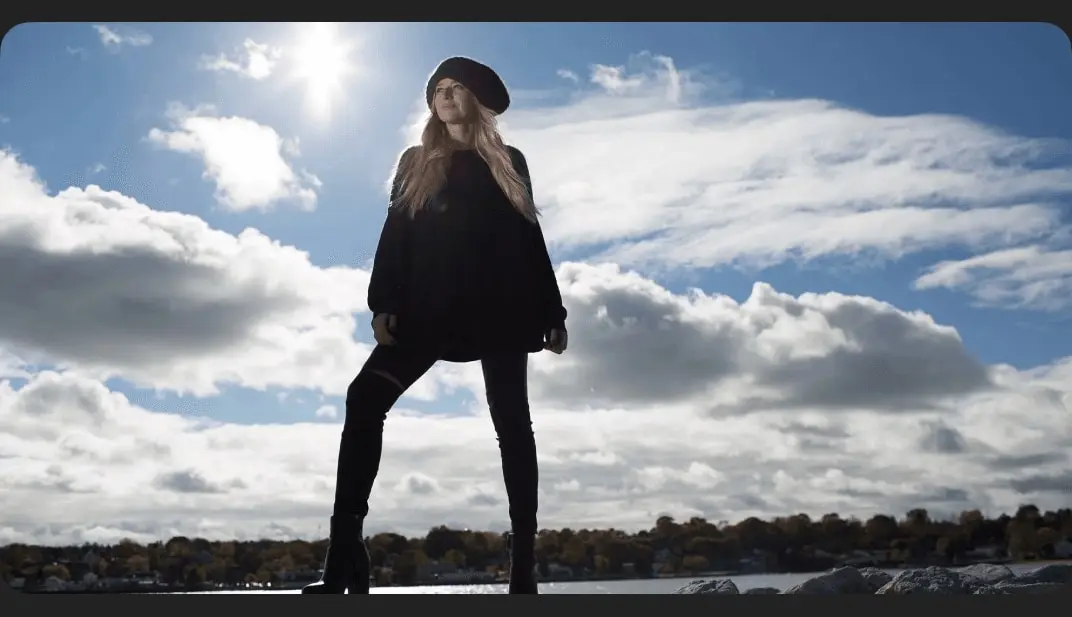
You got into photography to capture beautiful images, but that’s only half the battle. When you’re taking thousands of images, you need something to help organize, choose favorites, edit, and share them with the world.
In this tutorial, we break down our Lightroom Classic workflow for importing, culling, editing, exporting, and protecting your images. Learn to batch process entire folders, send pictures over to Photoshop for more intense edits, improve your photoshoots using tethered capture, and more!
- 213 Sample Images
How access works
1Get a plan
Starter, Pro or Lifetime.
2Sign in with Telegram
One tap — plan linked to your account.
3Download
Open the Mini App or your Profile.