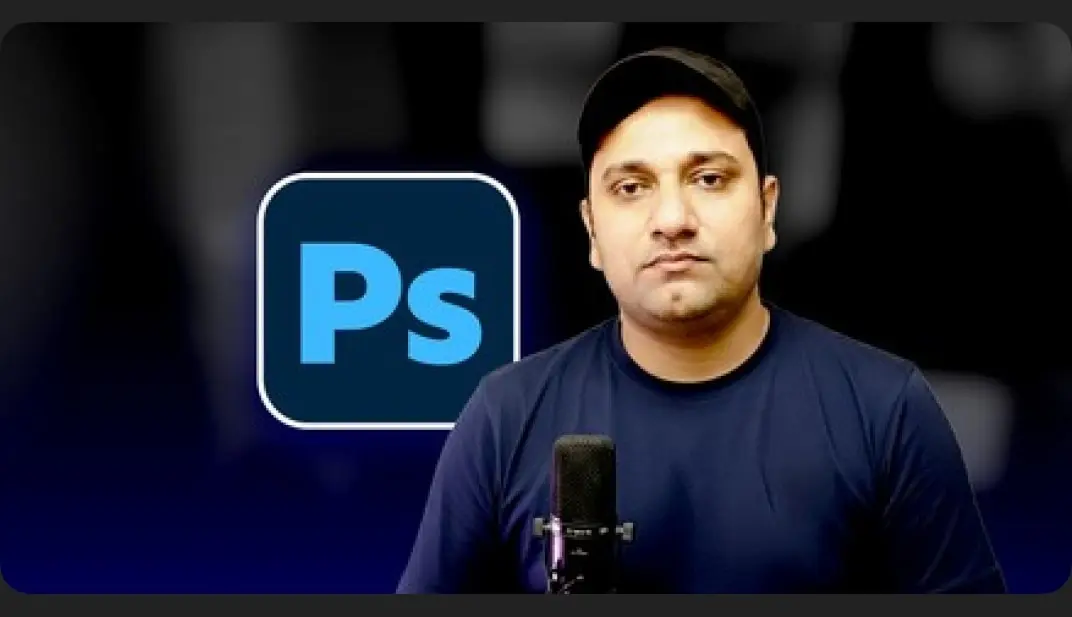
Photoshop Graphic Design Course (Basic to Advance)
Overview
Navigate the Photoshop interface with confidence
Edit and enhance photos using professional tools and techniques
Design social media Posts, Banners, and Promotional Material
Master tools like Layers, Masks, Brushes, and Blending Modes
Remove backgrounds, apply effects, and retouch portraits
Create real-world design projects like Posters, Mockups, and Web Layouts
Topics: Photoshop
Source: https://www.udemy.com/course/adobe-photoshop-2025-basics-to-advance
How access works
1Get a plan
Starter, Pro or Lifetime.
2Sign in with Telegram
One tap — plan linked to your account.
3Download
Open the Mini App or your Profile.