By Skillshare · Official page
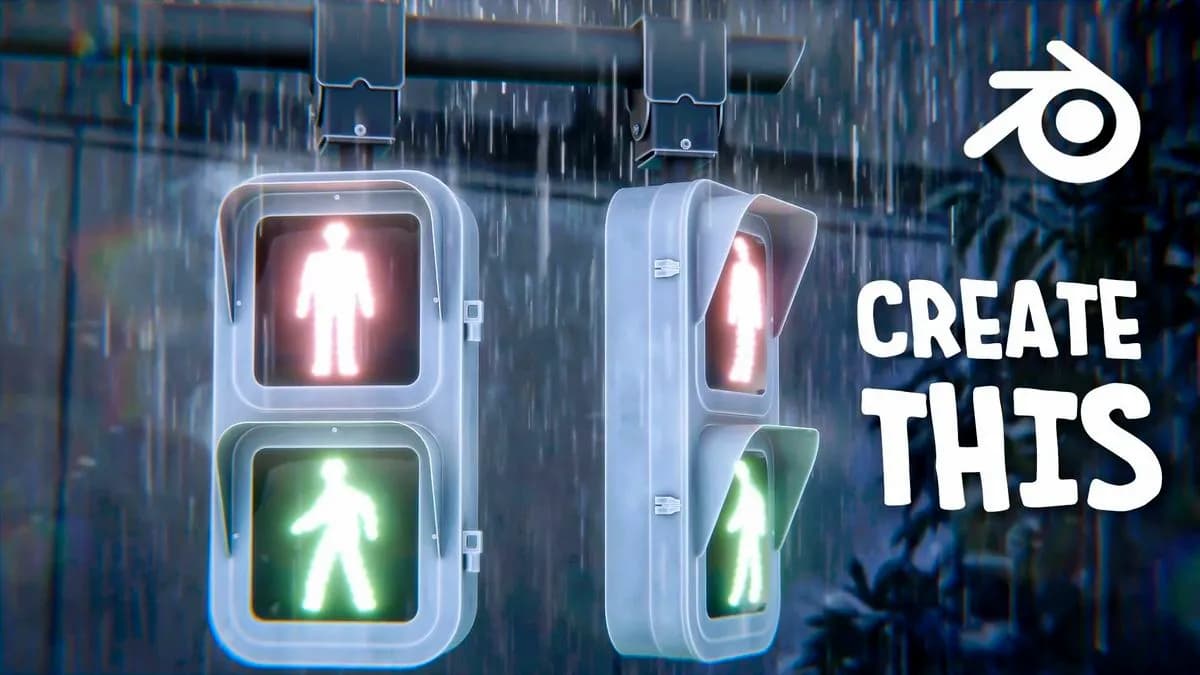
Create Anime Traffic Light Scene in Blender | Aniket Rawat
About this item
Learn to create a stylized anime traffic light scene using Blender. This course guides you through the 3D modeling and rendering process, focusing on achieving an anime-inspired aesthetic. You'll work with lighting techniques and material properties to bring your scene to life with that characteristic anime visual style.
Suitable for Blender users looking to expand their creative skills in character and environment design, this project teaches practical modeling and lighting workflows that apply beyond just traffic light scenes. By the end of the course, you'll have completed a finished anime-style render ready to showcase in your portfolio.
Frequently Asked Questions
How does instant Telegram delivery via @madbaxapp_bot work?
Activate any plan from $5, then press Download on this page: 1 file (840.5 MB) are sent to your Telegram chat instantly by the bot @madbaxapp_bot.
How do I extract multi-part .part01.rar archives on Windows and macOS?
Download all volumes (.part01.rar, .part02.rar … .partN.rar) into one folder, then start the extraction only from the first volume, part01.rar. On Windows use WinRAR or 7-Zip; on macOS use Keka or The Unarchiver. The other volumes are read automatically.
What is included in the download archive?
The archive includes all project and video files for this release. It does not include one-to-one mentoring or certificates from the original school.
Related Assets
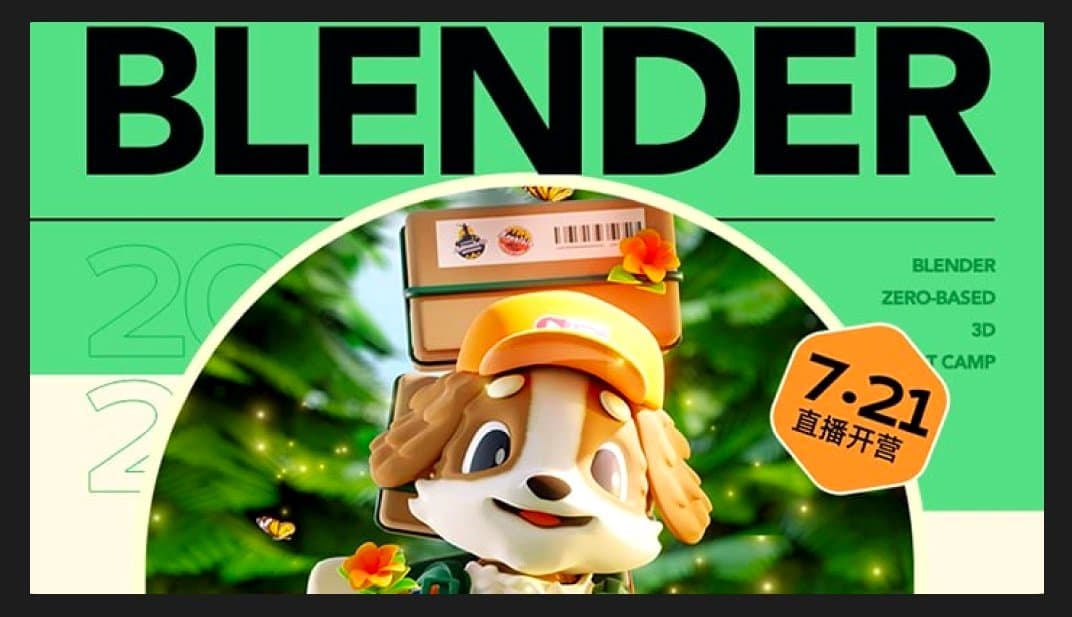
Xiao Yi’s 36-Day Blender Character and Scene Design
Included in plans
Guided Course: Start on Blender creating a fun 3D scene
Included in plans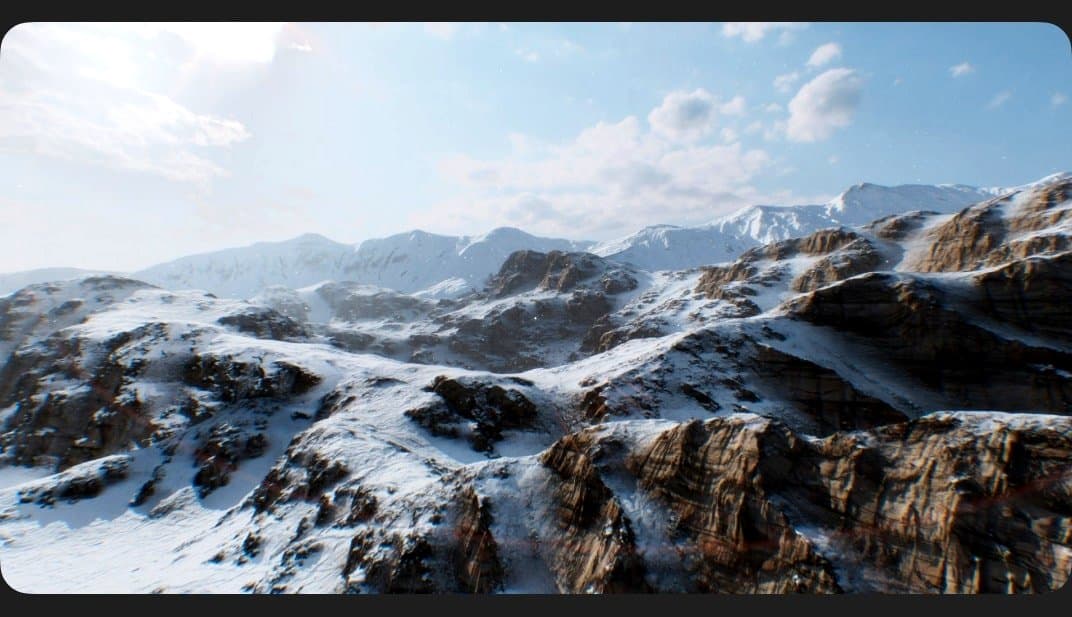
The GnomonWorkshop Creating Photorealistic 3D Environments
Included in plans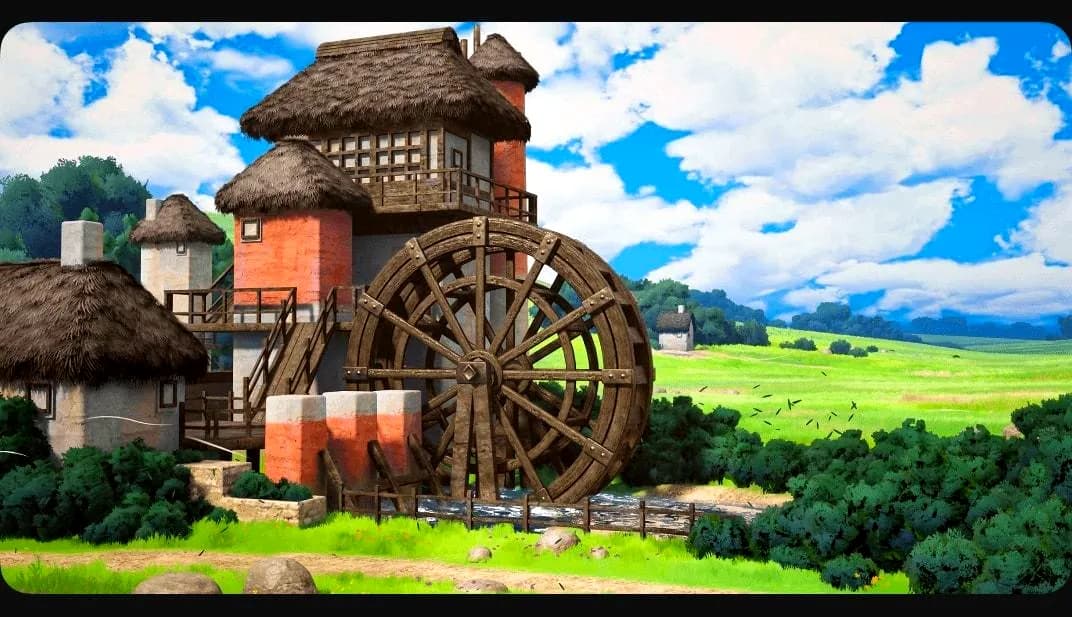
Creating Stylized 3D Environments for Games
Included in plans
The Art of Storytelling Frame by Frame
Included in plans