By Gumroad · Official page
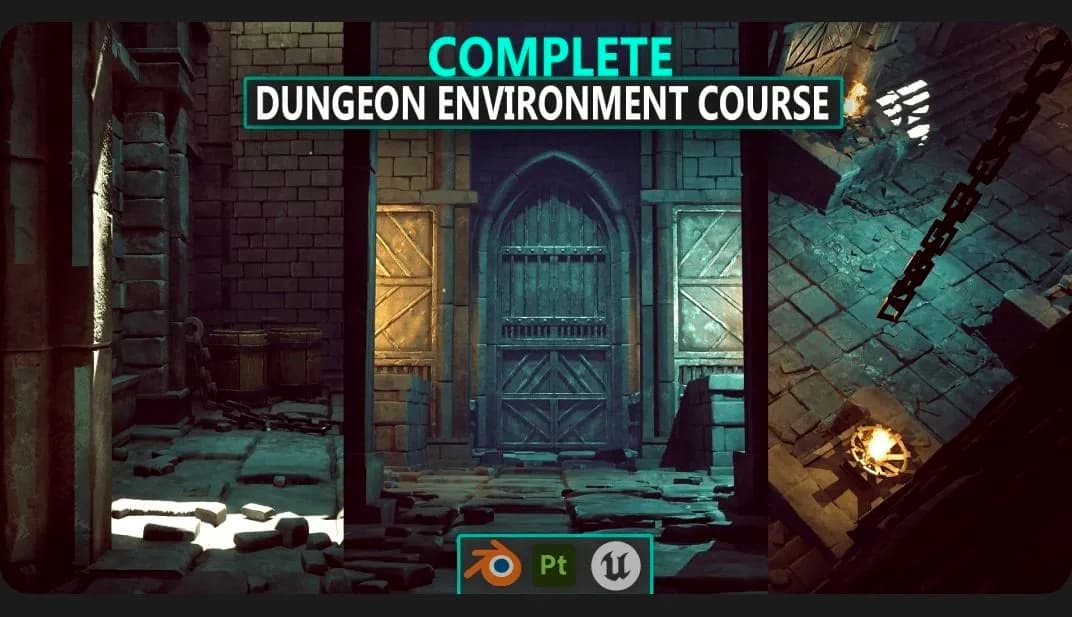
How to Make a Stylized Dungeon Environment from Start to Finish
About this item
📌 What You’ll Learn: How to plan and block out environments efficiently Creating modular assets that fit together seamlessly Sculpting, UV mapping, and texturing assets in Blender + Substance Painter Setting up materials, blueprints, and assets in Unreal Engine 5 Adding props, debris, decals, and FX for extra detail Finishing with lighting and post-processing for a polished look
Frequently Asked Questions
How does instant Telegram delivery via @madbaxapp_bot work?
Activate any plan from $5, then press Download on this page: 3 files (10.3 GB) are sent to your Telegram chat instantly by the bot @madbaxapp_bot.
How do I extract multi-part .part01.rar archives on Windows and macOS?
Download all volumes (.part01.rar, .part02.rar … .partN.rar) into one folder, then start the extraction only from the first volume, part01.rar. On Windows use WinRAR or 7-Zip; on macOS use Keka or The Unarchiver. The other volumes are read automatically.
What is included in the download archive?
The archive includes all project and video files for this release. It does not include one-to-one mentoring or certificates from the original school.
Related Assets
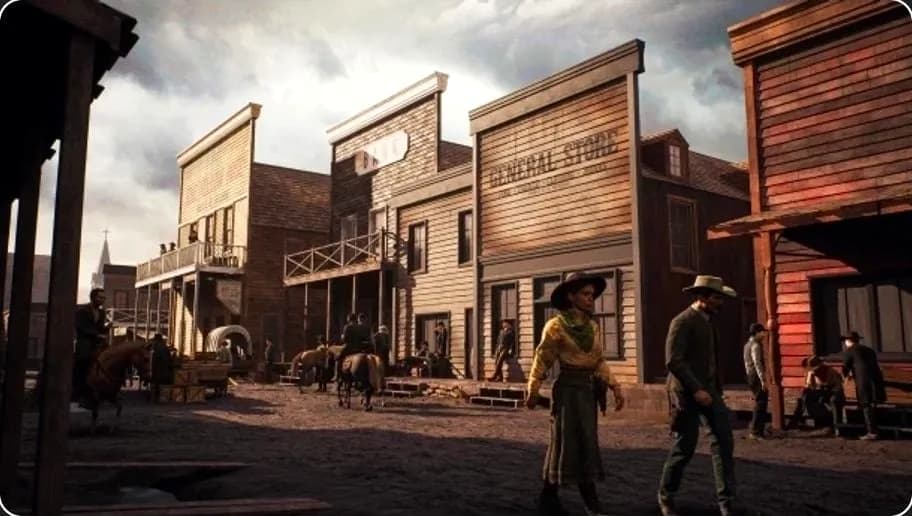
Full 3D Environment Creation in UE5 & Blender — 3D Art Tutorial
Included in plans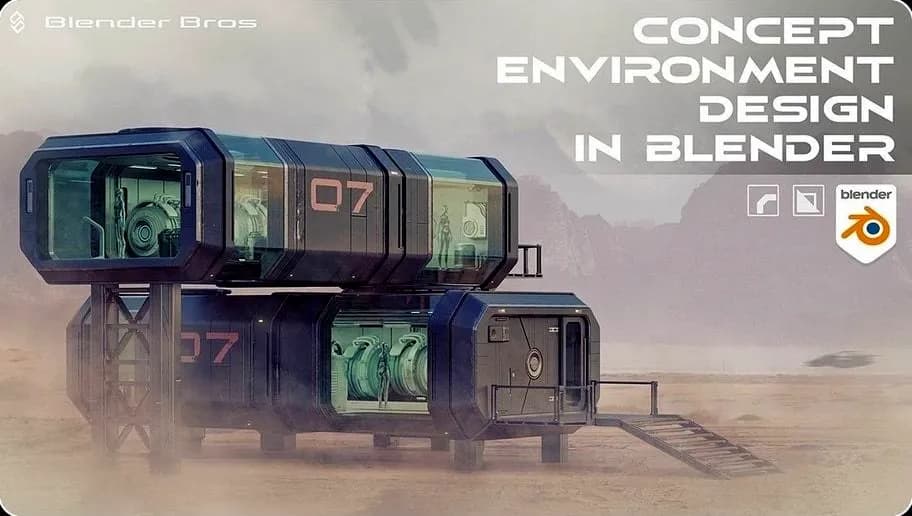
Concept Environment Masterclass in Blender
Included in plans
A-Z Environment Design using Trim Sheets
Included in plans
Environment Compositing in Blender
Included in plans
Blender 3D to 2D: A Complete Tutorial of Classic Case Studies – Anime-Style Church Scene
Included in plans