
By Skillshare · Official page
Godfather Of Lottiefiles
About this item
Learn how to design and export dynamic vector animations using Adobe After Effects and LottieFiles. This course covers the fundamentals of creating smooth, lightweight motion graphics optimized for web and mobile applications. It is ideal for motion designers and creators looking to enhance their digital UI/UX projects with interactive animations.
Frequently Asked Questions
How does instant Telegram delivery via @madbaxapp_bot work?
Activate any plan from $5, then press Download on this page: 1 file (390.5 MB) are sent to your Telegram chat instantly by the bot @madbaxapp_bot.
How do I extract multi-part .part01.rar archives on Windows and macOS?
Download all volumes (.part01.rar, .part02.rar … .partN.rar) into one folder, then start the extraction only from the first volume, part01.rar. On Windows use WinRAR or 7-Zip; on macOS use Keka or The Unarchiver. The other volumes are read automatically.
What is included in the download archive?
The archive includes all project and video files for this release. It does not include one-to-one mentoring or certificates from the original school.
Related Assets
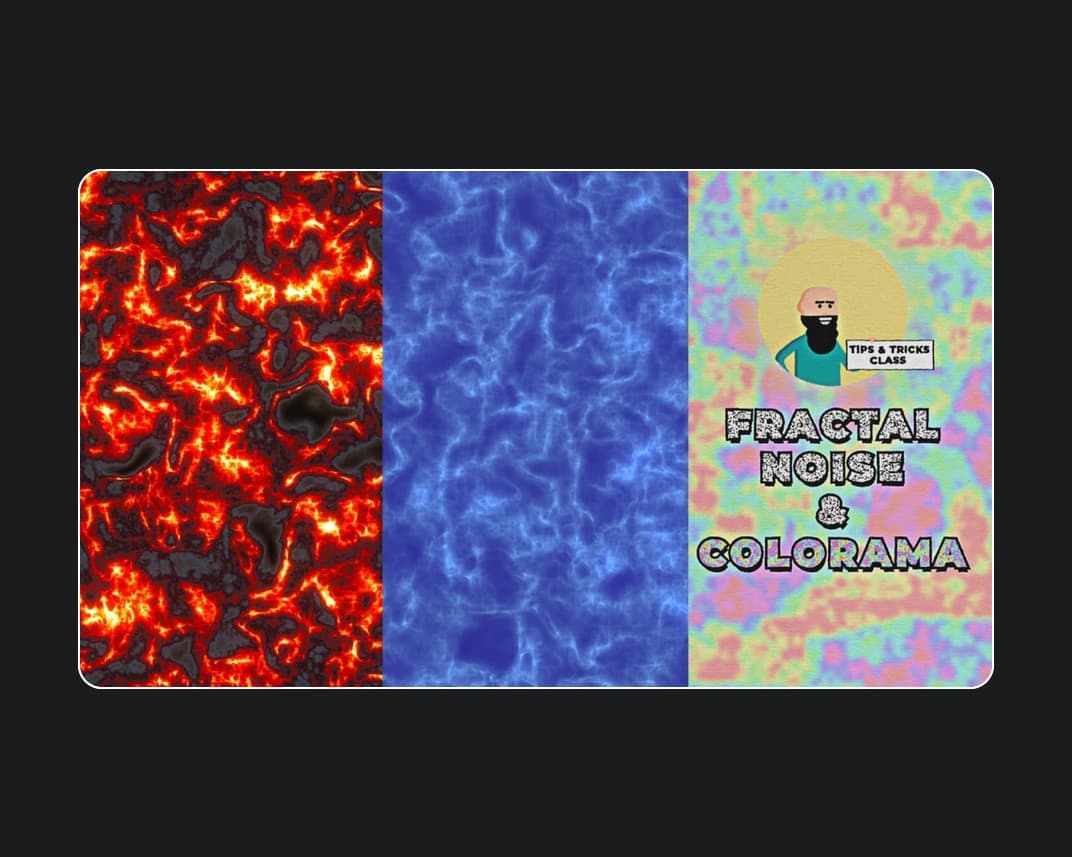
Create Water Lava And Colorful Noise With 2 Powerful Effects In Adobe After Effects
Included in plans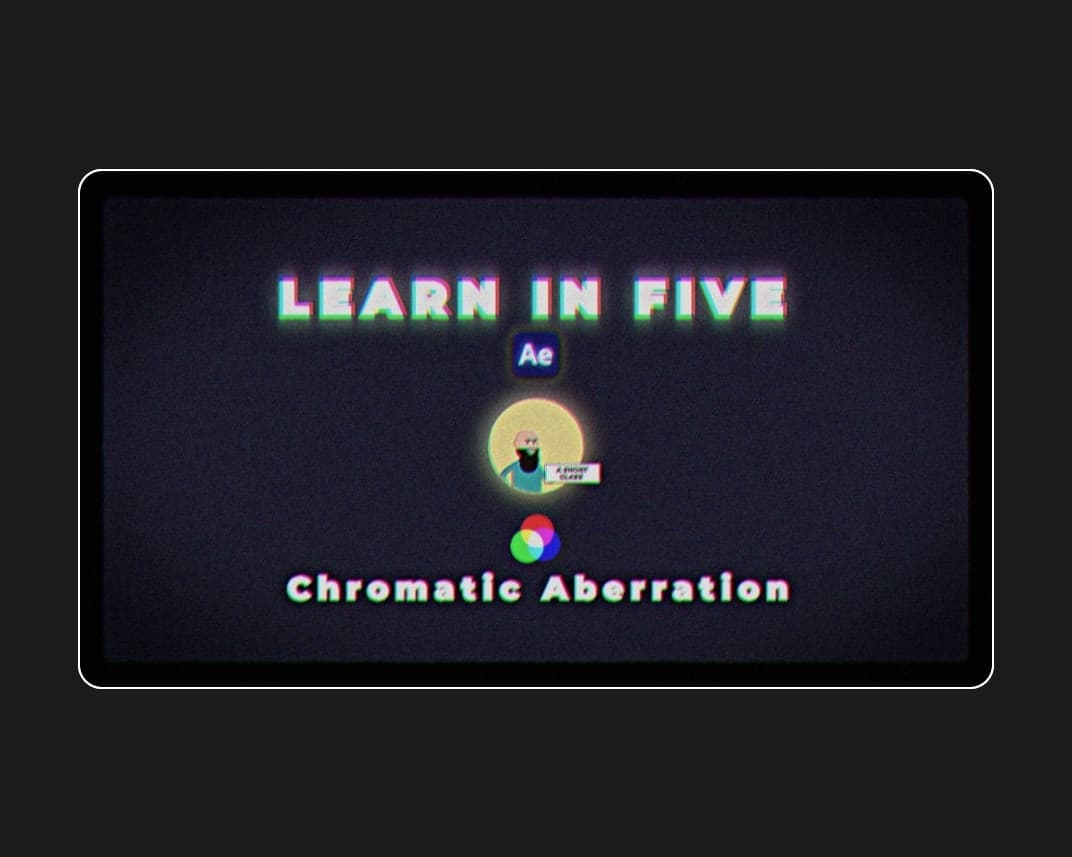
Easy Chromatic Aberration Rgb Split Effect In Adobe After Effects Learn In Five
Included in plans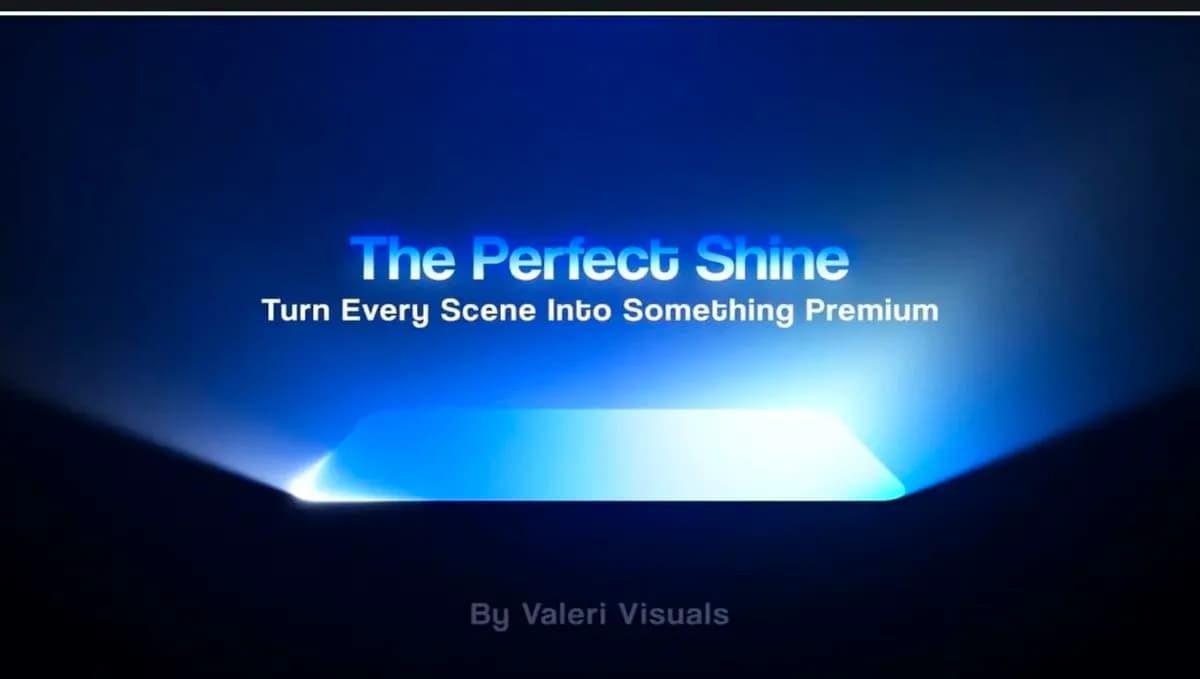
The Perfect Shine Effect in Adobe After Effects
Included in plans
The Ebert Club patreon
Included in plans
Carlos TV
Included in plans
Inside The Edit
Included in plansMore from Madbax
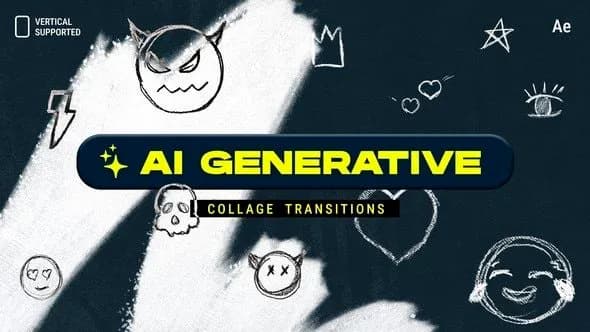
AI Generative Collage Transitions | Vertical | After Effects
Included in plans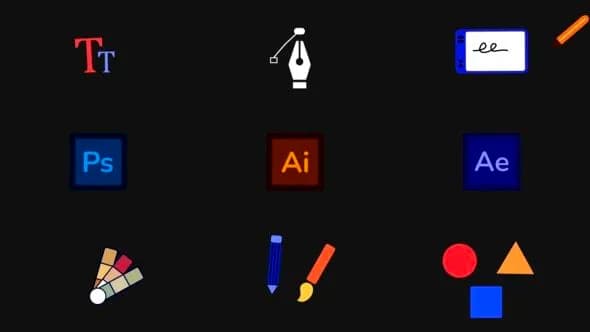
Design Tools Icon Pack for After Effects
Included in plans
Party graphic animation template | After Effects
Included in plans