By Superhive · Official page
Auto-Highlight in Outliner v3.8.5
About this item
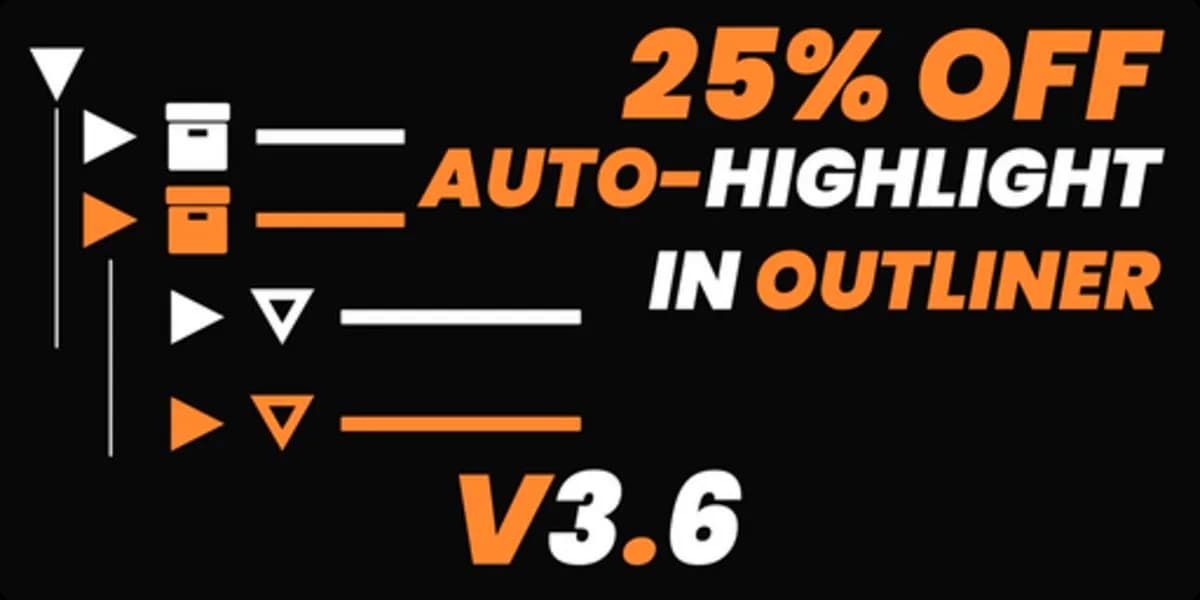
Auto-Highlight in Outliner is a Blender addon that automatically expands the Outliner panel to display the currently selected object whenever you click on it in the 3D viewport. This feature eliminates the manual step of hunting through hierarchies to locate your active selection, making navigation faster in complex scenes. The addon responds to selection changes in real time, keeping your Outliner synchronized with your 3D viewport interactions. It's particularly useful when working with large or deeply nested object hierarchies where finding the selected item would otherwise require manual tree expansion. Download
Frequently Asked Questions
How does instant Telegram delivery via @madbaxapp_bot work?
Activate any plan from $5, then press Download on this page: 1 file (32 KB) are sent to your Telegram chat instantly by the bot @madbaxapp_bot.
How do I extract multi-part .part01.rar archives on Windows and macOS?
Download all volumes (.part01.rar, .part02.rar … .partN.rar) into one folder, then start the extraction only from the first volume, part01.rar. On Windows use WinRAR or 7-Zip; on macOS use Keka or The Unarchiver. The other volumes are read automatically.
What is included in the download archive?
The archive includes all project and video files for this release. It does not include one-to-one mentoring or certificates from the original school.