By Udemy · Official page
Canva AI - Create Images, Video and Interactive Features
About this item
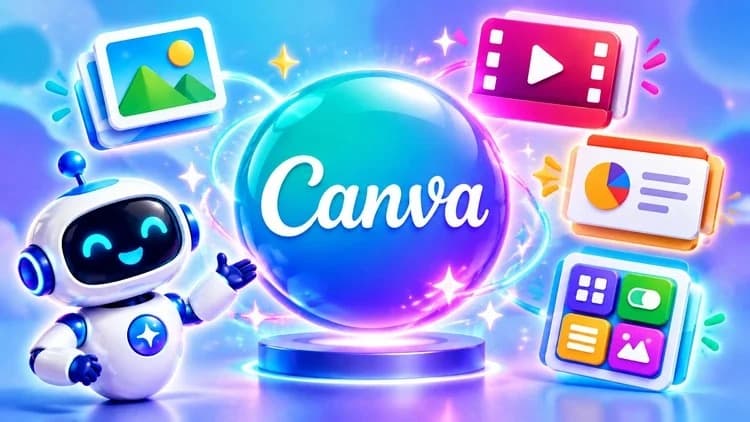
Canva AI Masterclass: Presentations, image editing, Magic Media, and video creation with Canva AI
This course contains the use of artificial intelligence.
Discover how to turn your ideas into presentations, original images, short videos and interactive experiences using Canva AI.
This practical course explores the AI tools available within Canva through a connected creative project: a Mars survival guide. You will see how to develop a presentation, create and refine visual scenes, generate a short video, and experiment with an interactive survival activity.
The course includes the very latest technology including the Canva Craft image model.
Rather than treating AI-generated content as a finished product, the course shows you how to work with it: describe what you want, review the results, correct mistakes and refine your designs. Canva's AI-generated designs remain editable, allowing you to combine AI assistance with your own creative decisions.
The course focuses on Canva's own tools available through Canva, rather than separately paid third-party apps such as external voice-generation services. AI features remain subject to Canva's usage allowances and availability.
What you will learn
- Use Canva AI to turn a written brief into an editable presentation.
- Review and improve AI-generated text, layouts and visual choices.
- Generate images and explore alternative versions of a scene.
- Work with Canva AI, Magic Media and Dream Lab.
- Describe a simple scene for a short AI-generated video.
- Use Canva Code to explore an interactive survival trade-offs activity.
Frequently Asked Questions
How does instant Telegram delivery via @madbaxapp_bot work?
Activate any plan from $5, then press Download on this page: 1 file (2.2 GB) are sent to your Telegram chat instantly by the bot @madbaxapp_bot.
How do I extract multi-part .part01.rar archives on Windows and macOS?
Download all volumes (.part01.rar, .part02.rar … .partN.rar) into one folder, then start the extraction only from the first volume, part01.rar. On Windows use WinRAR or 7-Zip; on macOS use Keka or The Unarchiver. The other volumes are read automatically.
What is included in the download archive?
The archive includes all project and video files for this release. It does not include one-to-one mentoring or certificates from the original school.
Related Assets
Complete Claude AI Course: From Beginner to Advanced
Included in plans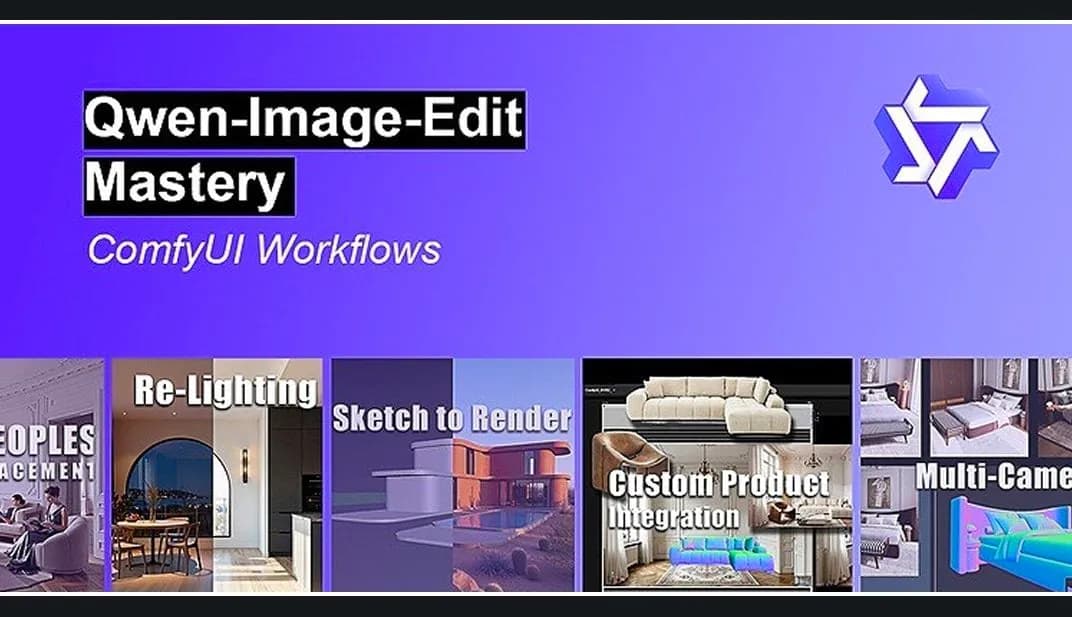
AI Reverse Engineering with OpenClaw, Codex, Claude and MCP
Included in plans
Building Agents with Agent Builder in Microsoft 365 Copilot Online Class
Included in plans
Agentic Harness Engineering: Harness Design for AI Engineers
Included in plans
Qwen Edit Mastery
Included in plans
AI Hyperrealism in Fashion
Included in plansMore from Madbax
Blender for Filmmakers: Turn a 2D Photo into an Explorable 3D Scene
Included in plans
Blender for Filmmakers: 3D Set Extension with Camera Tracking
Included in plans
Create a Portfolio in Blender that will attract Clients
Included in plans