By Udemy · Official page
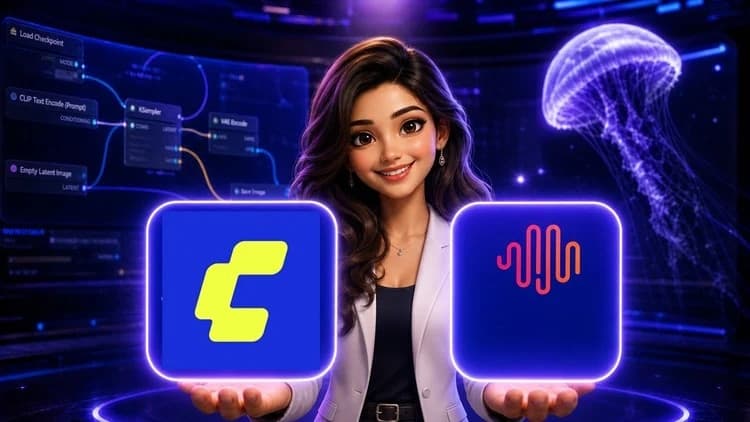
Master AI Video Generation with ComfyUI and MiniMax H3
About this item
Master ComfyUI & MiniMax H3: AI video prompting, workflows, upscaling and portfolio projects for beginners
Want to learn AI video generation, but think the tools available online are too expensive? Start here. Before you pay for any subscription, you can practice AI video generation on your own computer with ComfyUI, and then move to paid platforms with confidence.
In this course you will see step by step how to use MiniMax H3 inside ComfyUI to create AI videos, even if you have never opened ComfyUI before.
What you will learn
- The ComfyUI interface and basic workflow, so nodes and connections stop feeling confusing
- How to use skills and a free AI chatbot to understand how prompting works, so you never get stuck at any step
- The basics of omni-modal video generation
- How to create several hands-on projects that build your AI video portfolio
- How to upscale a low-quality generation, using the very same video, and prepare it for high-quality upload anywhere
Who it is for
- Video editors and filmmakers who want to add AI video to their skills
- Graphic designers and content creators exploring AI
- Complete beginners curious about AI video generation
- Anyone who wants to practice before paying for expensive AI tools
Requirements
- A PC with an NVIDIA graphics card (8 GB VRAM minimum), 16 GB RAM, and about 50 GB of free SSD space
- No coding or prior AI experience needed
By the end, you will understand how ComfyUI works, how to write prompts that give better results, and have a portfolio of AI videos to showcase.
Frequently Asked Questions
How does instant Telegram delivery via @madbaxapp_bot work?
Activate any plan from $5, then press Download on this page: 1 file (1.8 GB) are sent to your Telegram chat instantly by the bot @madbaxapp_bot.
How do I extract multi-part .part01.rar archives on Windows and macOS?
Download all volumes (.part01.rar, .part02.rar … .partN.rar) into one folder, then start the extraction only from the first volume, part01.rar. On Windows use WinRAR or 7-Zip; on macOS use Keka or The Unarchiver. The other volumes are read automatically.
What is included in the download archive?
The archive includes all project and video files for this release. It does not include one-to-one mentoring or certificates from the original school.
Related Assets
Ai For Interpreters Complete Practical Course
Included in plans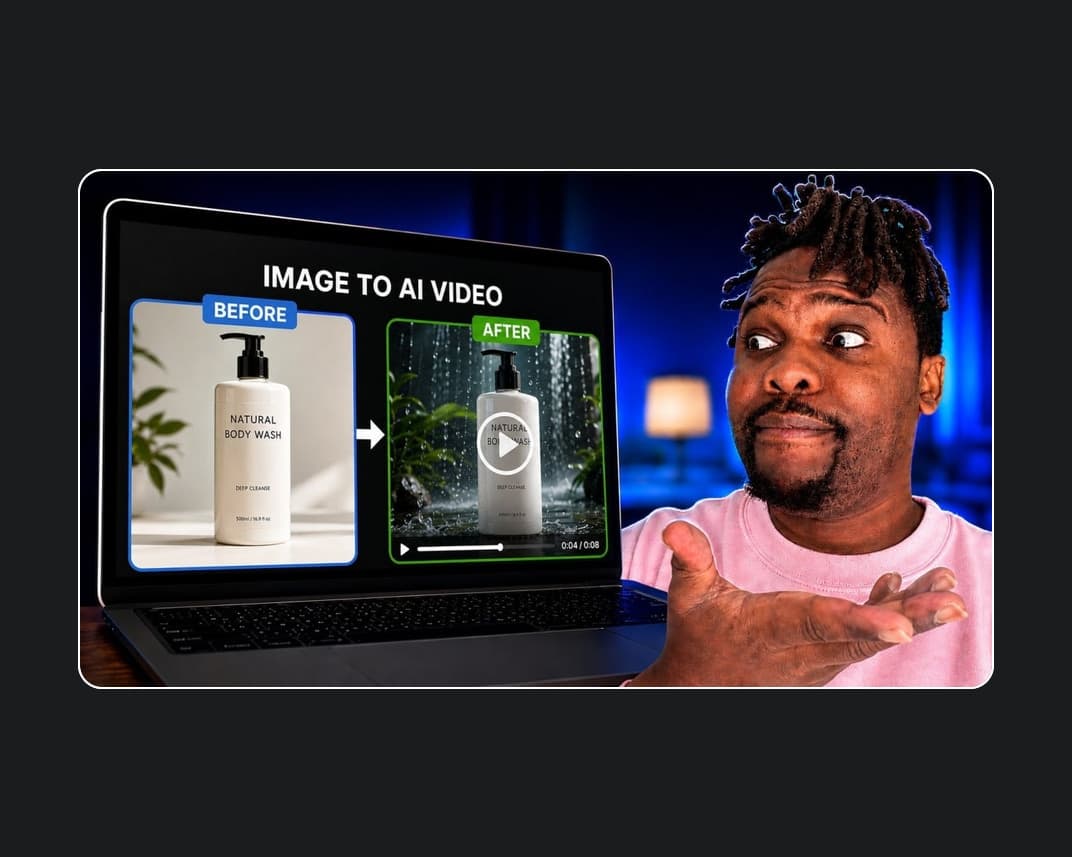
How To Turn Static Images Into Video with AI (For Beginners)
Included in plans
the Smartest Prompting Methods to Make the Most Out of ChatGPT
Included in plans
ChatGPT Masterclass. Get Future Ready with Smart Prompting Techniques
Included in plans
The 2026 Claude Online Business Masterclass: From Idea to First Sale in 7 Days | LAMZ | Skillshare
Included in plans
Create Viral AI Videos Fast Using Nano Banana, ChatGPT and Kling | Vladislav Sateev | Skillshare
Included in plansMore from Madbax

Microsoft AI: Intro to Computer Vision AI with Labs & Sims
Included in plans
Watercolor Painting: From Simple Shapes to Glowing Portraits
Included in plans
Apache Cassandra Operations: Repair, Backup, Incidents
Included in plans