By Udemy · Official page
Dzine AI Masterclass Characters, Produce AI Video & Lip-Sync
About this item
Create, edit and pose consistent characters, animate them into video and make them talk in dzine's all-in-one AI studio
- This course contains the use of artificial intelligence.
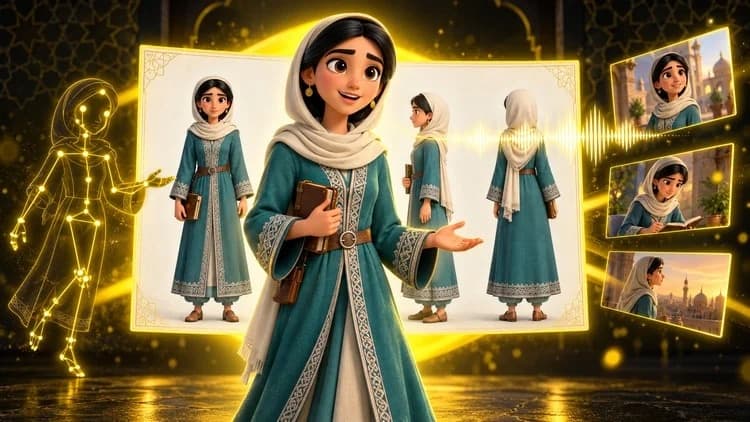
One browser tab. A whole production studio. dzine puts image generation, character consistency, editing, video generation, voices and lip-sync in a single workspace. This course shows you how to use all of it together, not as a list of buttons, but as a practical workflow for building characters, scenes and talking videos you can actually use. Every lesson is recorded on a real project: an original 3D animated series set in 9th-century Baghdad. You'll see real prompts, real character sheets and real scenes, including what didn't work the first time and how it was fixed.
Start with images that look like a film
You'll learn the dzine interface, how credits and models work, and how to choose the right model for each job. Then you'll create a cinematic title card, refine it, restyle it and reframe it for different screens. You'll also blend references with the Image Combiner, copy a look with Image-to-Prompt, and expand any canvas with Generative Fill.
Build characters that stay the same in every shot
Consistency is the hardest problem in AI video, and it's the heart of this course. You'll build reusable characters and character sheets from reference images, then direct exact poses with dzine's pose-control skeleton instead of hoping the AI guesses. You'll place several named characters in one frame and generate new angles and moods of the same scene without your cast drifting.
Edit and finish like a professional
You'll edit images just by typing with the Chat Editor, enhance and upscale your frames, reframe from 16:9 to 9:16 for Shorts and Reels, remove unwanted objects, and fix text inside images. You'll also explore style changes, anime transfer, outfit changes and avatar filters, with clear guidance on using face swap and watermark tools responsibly.
Turn stills into video
You'll animate your images with image-to-video, generate new shots from text, restyle existing clips with video-to-video, and create vertical videos for social platforms, all from the same workspace where your characters live.
Make your characters talk
You'll generate voices with text-to-speech, set a speaking style, create a custom voice clone, and lip-sync a full two-character dialogue scene. Then you'll make up to four characters talk in one shot with Multiple Lip Sync, and try the podcast and AI influencer generators.
Finish with real projects
Two capstone projects bring everything together: turning a single product photo into a talking video ad, and taking a character from sheet to finished talking scene.
What you will learn
- Produce a complete animated video from scratch using AI, with no drawing, animation, or editing experience.
- Write a compelling story and script and break it into scenes and a storyboard.
- Design consistent characters (character sheets) and keep them identical across every shot.
dzine updates its tools and models often, so some buttons may look slightly different from the recordings. Lessons are updated as the platform changes, and the workflow you learn stays the same.
Frequently Asked Questions
How does instant Telegram delivery via @madbaxapp_bot work?
Activate any plan from $5, then press Download on this page: 1 file (2.8 GB) are sent to your Telegram chat instantly by the bot @madbaxapp_bot.
How do I extract multi-part .part01.rar archives on Windows and macOS?
Download all volumes (.part01.rar, .part02.rar … .partN.rar) into one folder, then start the extraction only from the first volume, part01.rar. On Windows use WinRAR or 7-Zip; on macOS use Keka or The Unarchiver. The other volumes are read automatically.
What is included in the download archive?
The archive includes all project and video files for this release. It does not include one-to-one mentoring or certificates from the original school.
Related Assets
Building Agents with Agent Builder in Microsoft 365 Copilot Online Class
Included in plans
Agentic Harness Engineering: Harness Design for AI Engineers
Included in plans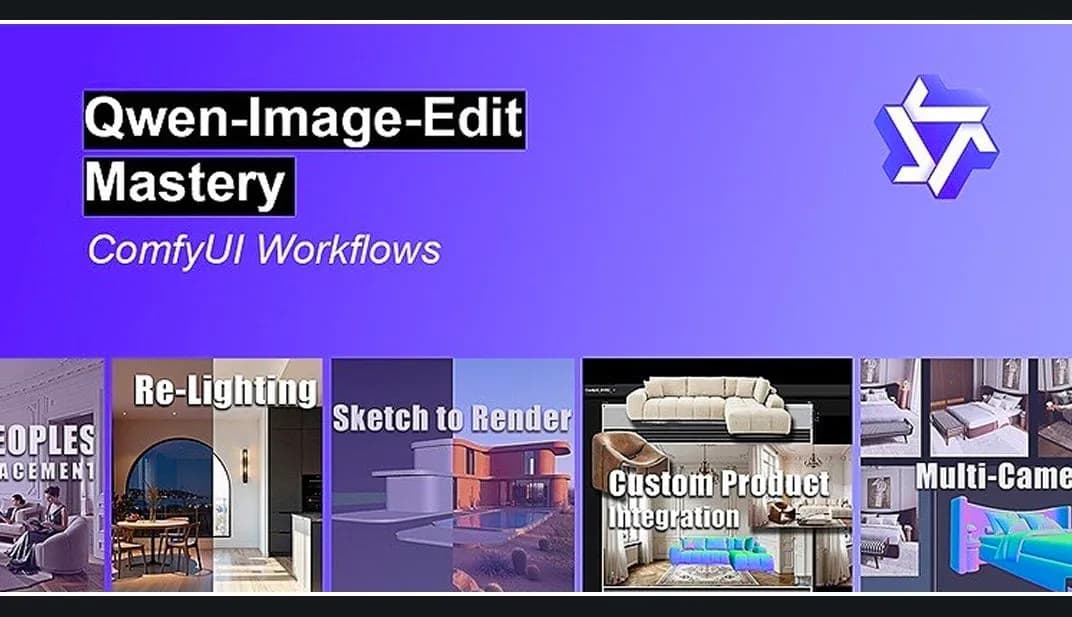
Qwen Edit Mastery
Included in plans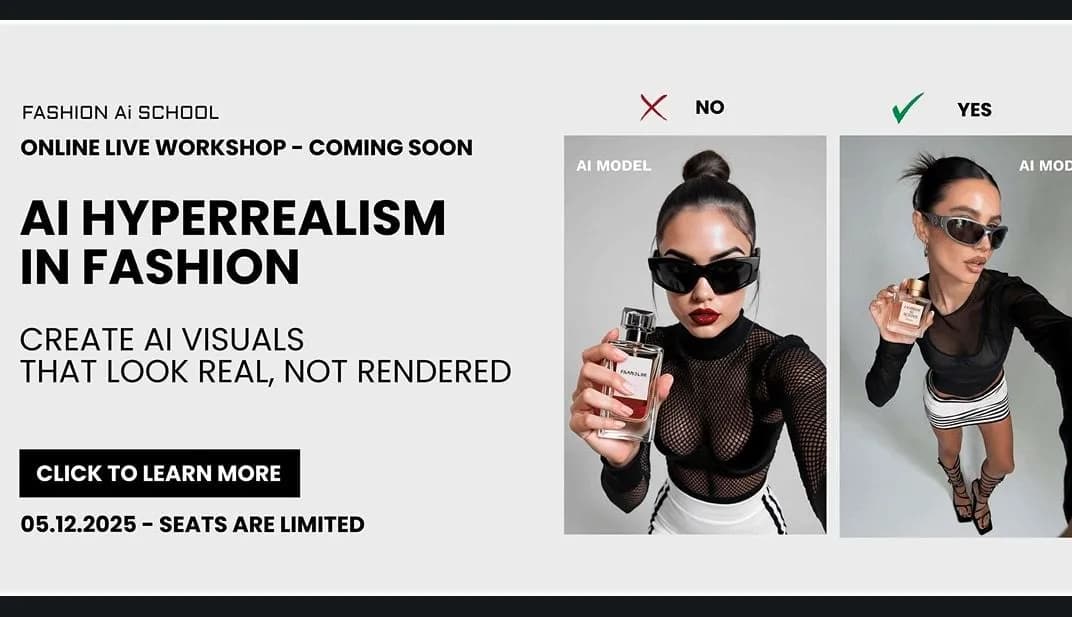
AI Hyperrealism in Fashion
Included in plans
Creative Strategist Certification | Ad Creative Academy – (AI + Performance)
Included in plans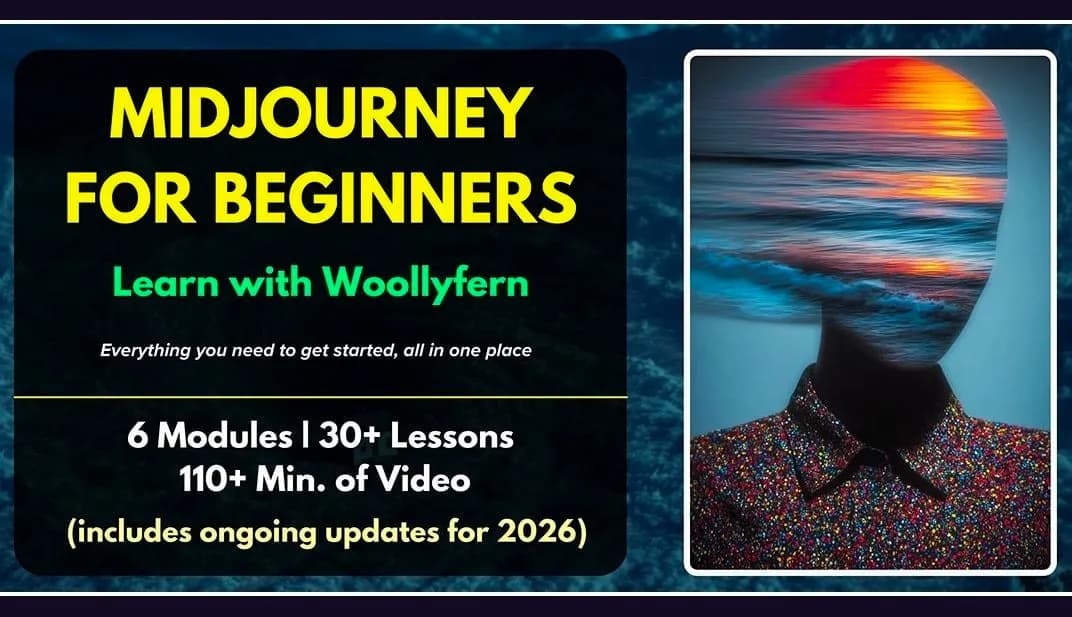
Midjourney for Beginners | Course by Woollyfern (2026)
Included in plansMore from Madbax
Stylized Texturing for Video Games with Blender with Jose Arley Moreno
Included in plans
Never Gone-Unveil the Mystery of Cel Shading with CGDavid
Included in plans
Blender Anime – NPR Environment Course with Virendra Kumar
Included in plans