By Udemy · Official page
Create realistic horror game in unreal engine 5 Blueprints
About this item
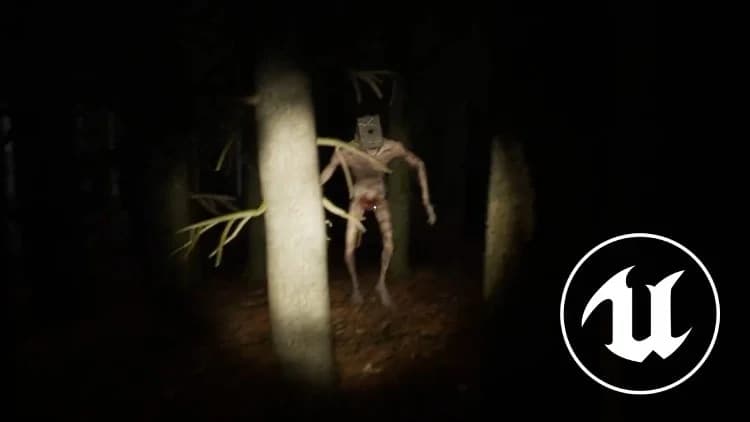
Unlock the full potential of Unreal Engine 5 and learn how to create your own dream survival horror game from the ground up. This comprehensive course is designed for beginners and intermediate developers who want to bring their darkest ideas to life using the powerful Blueprint visual scripting system. Throughout the course, you will follow a clear, structured learning path that takes you from the very basics of UE5 to advanced gameplay mechanics tailored specifically for the horror genre.
You’ll learn how to design immersive and terrifying environments, apply dynamic lighting and sound techniques to build tension, and craft eerie atmospheres that keep players constantly on edge. We will also explore how to create intelligent enemy AI, implement survival mechanics such as stamina management, and interactive objects, and build scripted events that amplify fear and anticipation. By combining level design, visual effects, sound design, and gameplay programming, you’ll gain the skills needed to create a complete horror experience.
This course focuses heavily on practical, hands-on learning. Each lesson guides you through real game development scenarios, helping you understand not just how to build features, but why they work the way they do. By the end of the course, you will have created your own fully functional survival horror prototype—and gained the confidence to continue developing it into a full game or start entirely new projects.
If you’re ready to master Unreal Engine 5 and create a chilling, unforgettable horror game, this course is the perfect place to begin.
What you will learn
- Programming in Unreal’s Blueprint visual scripting system
- Create advanced first person character with complex mechanics like sprinting and crouching
- Create advanced interaction system
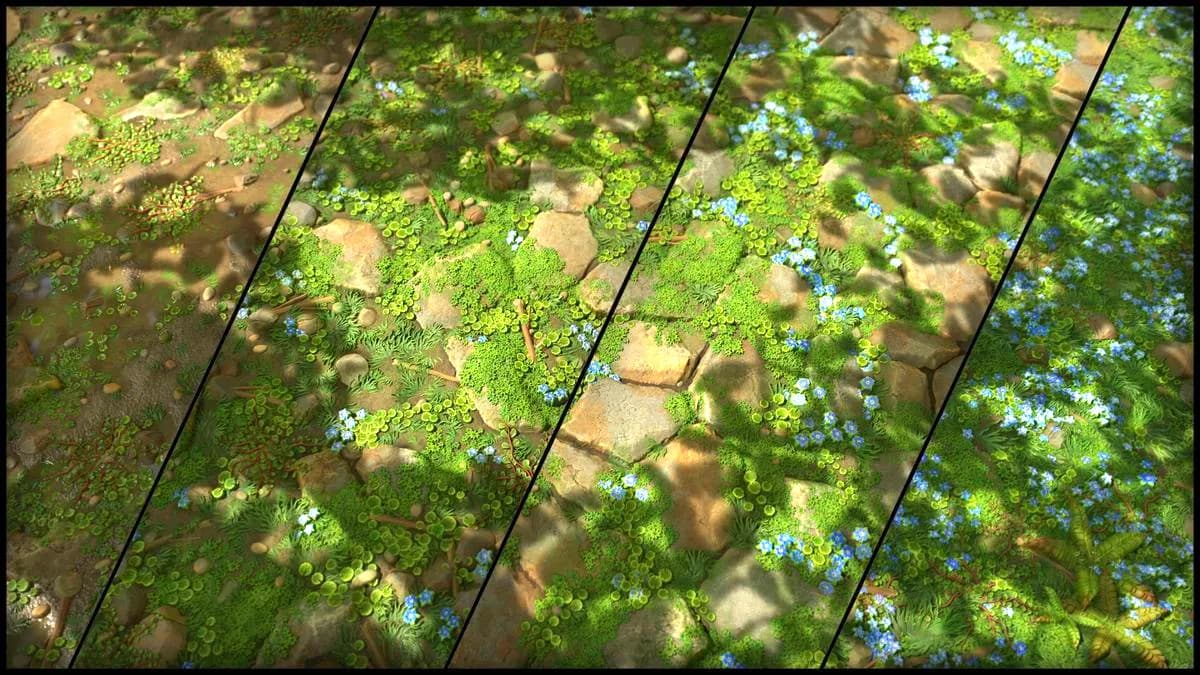
- Design realistic forest environment
- Create advanced enemy AI
- Learn how to use sound effects in video games
- Create complete gameplay loop
- Create advanced UI elements and menus
Frequently Asked Questions
How does instant Telegram delivery via @madbaxapp_bot work?
Activate any plan from $5, then press Download on this page: 3 files (10.3 GB) are sent to your Telegram chat instantly by the bot @madbaxapp_bot.
How do I extract multi-part .part01.rar archives on Windows and macOS?
Download all volumes (.part01.rar, .part02.rar … .partN.rar) into one folder, then start the extraction only from the first volume, part01.rar. On Windows use WinRAR or 7-Zip; on macOS use Keka or The Unarchiver. The other volumes are read automatically.
What is included in the download archive?
The archive includes all project and video files for this release. It does not include one-to-one mentoring or certificates from the original school.
Related Assets
Unreal Engine 5 | Real-Time Physics Interactive Art with OSC
Included in plans
Real-time VFX in EmberGen and Unreal Engine 5
Included in plans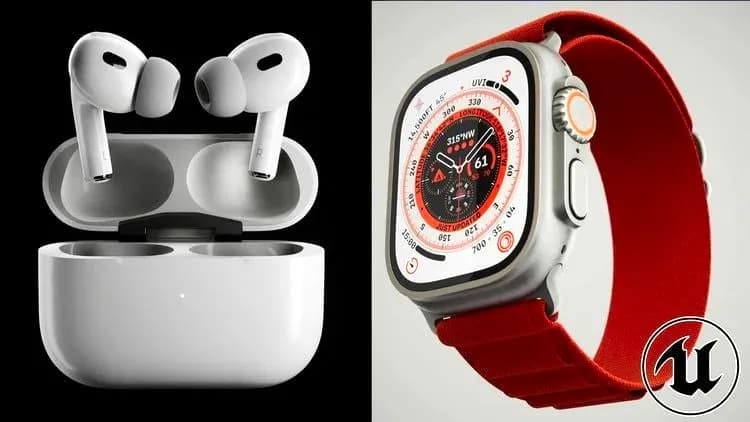
Unreal Engine 5: Realistic Product Animation / Visualization
Included in plans
Motion design with Unreal Engine 5 [Italian Audio – Eng Sub]
Included in plans
Unreal Engine: Creating Widgets for UI
Included in plans
PreMade to Pro Craft a Winning Portfolio Piece in Unreal by Eddie Faria
Included in plansMore from Madbax
3Ds MAX & PheonixFD Fire & Smoke VFX Simulation Masterclass
Included in plans
The Gnomon Workshop – Art Direction for Film Creature Design Development
Included in plans
Make Short Films in Unreal Engine 5 with Metahumans
Included in plans