By Udemy · Official page
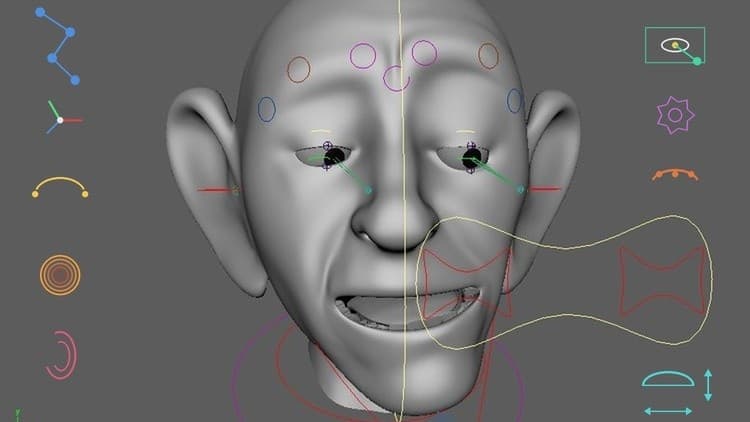
Learn facial Rigging In Maya From Scratch
About this item
Master production-ready facial rigging in Maya using joint, blend shapes, wire deformers, skinning, and controls.
Learn Facial Rigging in Maya from Scratch((Lecture based on weak evidence)
Unlock the art of professional facial rigging in Autodesk Maya and learn how to build expressive, animator-friendly facial rigs from the ground up.
Whether you're an aspiring Character TD, Rigging Artist, Animator, or 3D student, this course will guide you through a complete production-style facial rigging workflow used in animation, games, and VFX.
Starting with the fundamentals, you'll progressively build a complete facial rig while understanding the logic behind every setup. By the end of the course, you'll have the confidence to create your own production-ready facial rigs.
What You'll Learn
- Facial rigging fundamentals and workflow
- Joint placement for facial features
- Eyebrow rigging using Wire Deformers
- Skinning and Paint Skin Weights techniques
- Creating animator-friendly facial controls
- Corrective shapes for clean deformations
- Eye rigging and eye controls
- Jaw rig setup and constraints
- Lip rigging techniques
- Blend Shape workflow
- Control hierarchy and clean rig organization
- Production-ready rigging practices
- Troubleshooting common deformation issues
- Best practices for animation-ready facial rigs
Who This Course Is For
- Beginners who want to learn facial rigging from scratch
- Maya users interested in character rigging
- 3D artists looking to specialize in rigging
- Character TDs who want to improve facial rigging skills
- Students preparing for careers in animation, games, or VFX
- Freelancers looking to expand their rigging expertise
Course Requirements
- Basic knowledge of Autodesk Maya is helpful but not required.
- Autodesk Maya installed on your computer.
- Passion to learn professional character rigging.
Why Take This Course?
This course focuses on practical, production-ready techniques rather than theory alone. Every lesson is designed to help you understand not only how to build a facial rig but also why each technique is used. You'll gain hands-on experience with industry-standard workflows that can be applied to your own characters and portfolio projects.
By the end of this course, you'll have built a complete facial rig from scratch and developed the skills needed to create clean, efficient, and animation-ready facial rigs for professional production.
What you will learn
- Apply anatomical principles to accurately place and align facial joints for realistic movement.
- Utilize essential deformers (such as blend shapes, wires, and lattices) to craft believable and dynamic facial expressions.
- Design and optimize node-based networks to ensure efficient rig performance and smooth playback.
- Construct clean, intuitive control structures using native hierarchies, eliminating the need for complex custom scripting.
Who this course is for
- Intermediate 3D Artists: Individuals with foundational Maya skills looking to specialize in character rigging and facial deformation. 3D Generalists & Animators: Professionals or students who want to understand the technical foundations of rigging to build their own expressive characters.
Frequently Asked Questions
How does instant Telegram delivery via @madbaxapp_bot work?
Activate any plan from $5, then press Download on this page: 2 files (4.3 GB) are sent to your Telegram chat instantly by the bot @madbaxapp_bot.
How do I extract multi-part .part01.rar archives on Windows and macOS?
Download all volumes (.part01.rar, .part02.rar … .partN.rar) into one folder, then start the extraction only from the first volume, part01.rar. On Windows use WinRAR or 7-Zip; on macOS use Keka or The Unarchiver. The other volumes are read automatically.
What is included in the download archive?
The archive includes all project and video files for this release. It does not include one-to-one mentoring or certificates from the original school.
Related Assets
iPhone Filmmaking: Film Professional Videos with Your iPhone
Included in plans
Master How to Create Animal Storytelling AI Videos Step-by-Step
Included in plans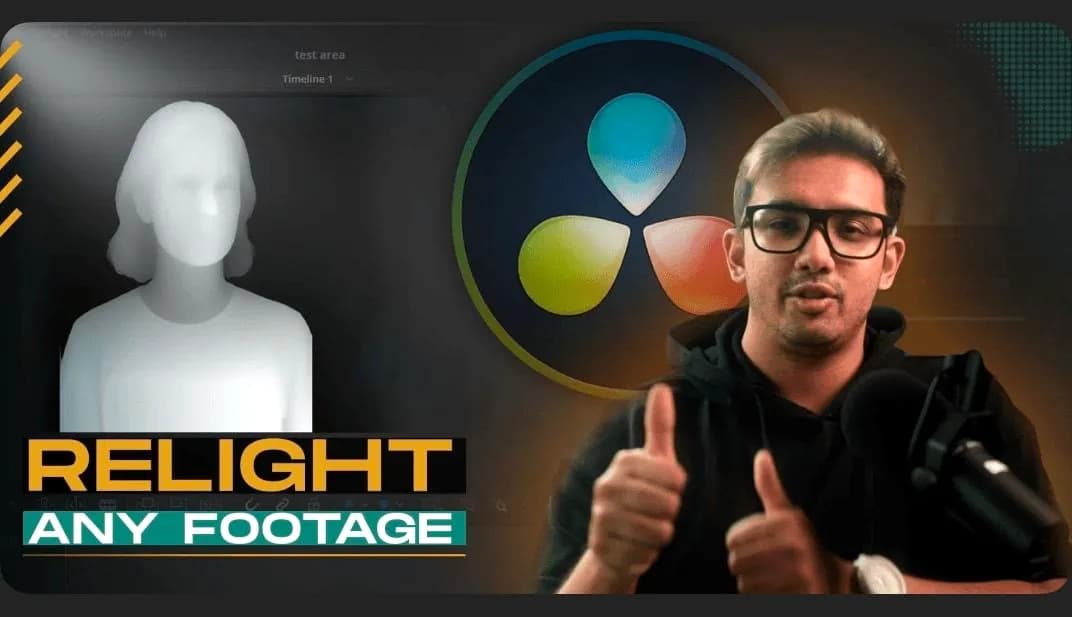
Mastering DaVinci Resolve: Relight Effect for Cinematic Post-Production
Included in plans
Your First Beauty Product Animation in Blender
Included in plans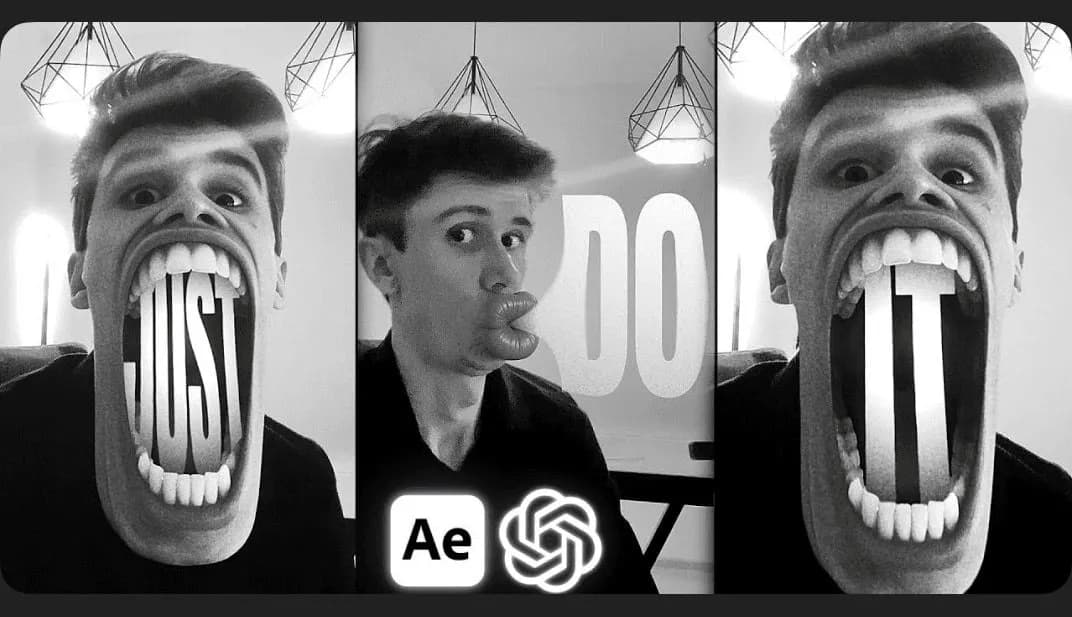
ChatGPT + Adobe After Effects Face Warp Animation
Included in plans