By Udemy · Official page
Logo Animation in After Effects: Beginner to Advanced
About this item
Learn to create stunning logo animations in Adobe After Effects.
Want to create stunning, professional logo animations in Adobe After Effects? This course takes you from the basics to advanced animation techniques through practical, project-based learning.
Whether you're a beginner exploring motion design or an aspiring motion graphics artist looking to improve your skills, you'll learn how to transform static logos into dynamic, eye-catching animations.
What you will learn
- Understand the essential basics of Adobe After Effects required for logo animation.
- Learn keyframes, easing, graph editor, masks, shape layers, and other essential animation tools.
- Create 4 exciting logo animations with step-by-step guidance.
- Explore 5 additional advanced logo animation techniques.
- Master timing, spacing, transitions, and smooth animation principles.
- Develop your creativity and create unique logo reveals for different brands.
- Understand how to polish, render, and export your final animations.
Who it is for
- Beginners who want to start learning logo animation.
- Graphic designers who want to bring their designs to life.
- Video editors and motion designers looking to expand their skills.
- After Effects users who want to learn creative and advanced logo animation techniques.
By the end of this course, you'll have the knowledge and practical experience to create impressive logo animations and build a strong foundation for your motion design journey.
Software required: Adobe After Effects. No prior logo animation experience is required.
Frequently Asked Questions
How does instant Telegram delivery via @madbaxapp_bot work?
Activate any plan from $5, then press Download on this page: 2 files (5.6 GB) are sent to your Telegram chat instantly by the bot @madbaxapp_bot.
How do I extract multi-part .part01.rar archives on Windows and macOS?
Download all volumes (.part01.rar, .part02.rar … .partN.rar) into one folder, then start the extraction only from the first volume, part01.rar. On Windows use WinRAR or 7-Zip; on macOS use Keka or The Unarchiver. The other volumes are read automatically.
What is included in the download archive?
The archive includes all project and video files for this release. It does not include one-to-one mentoring or certificates from the original school.
Related Assets
Premium SaaS Border Beam Animation in Adobe After Effects
Included in plans
Create Your First Animation in Adobe After Effects
Included in plans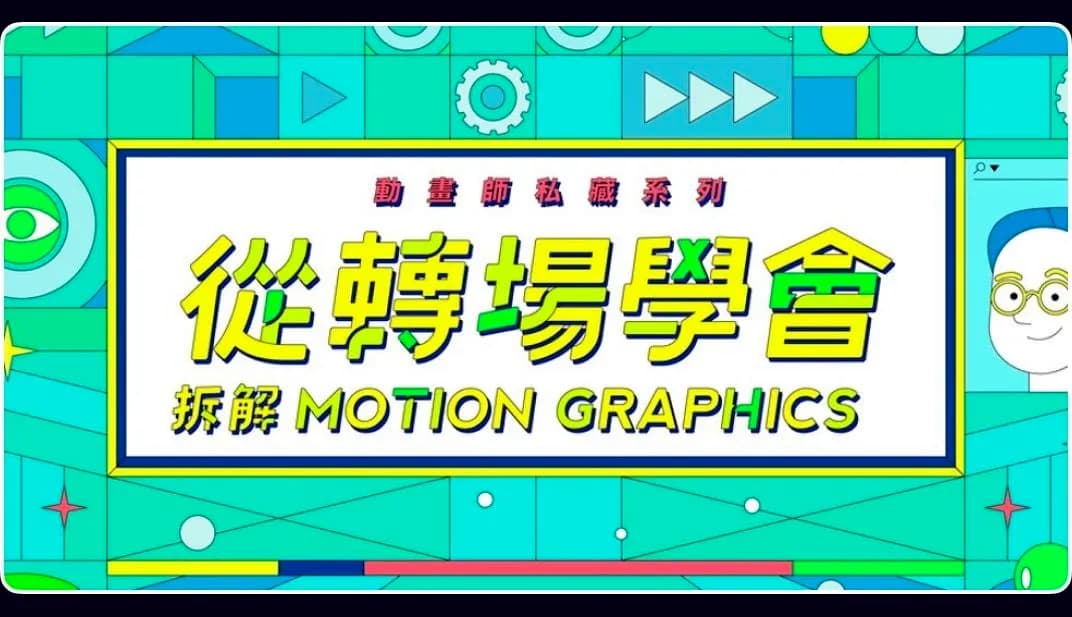
Animator’s Secret Collection | Learning to Deconstruct Motion Graphics Through Transitions
Included in plans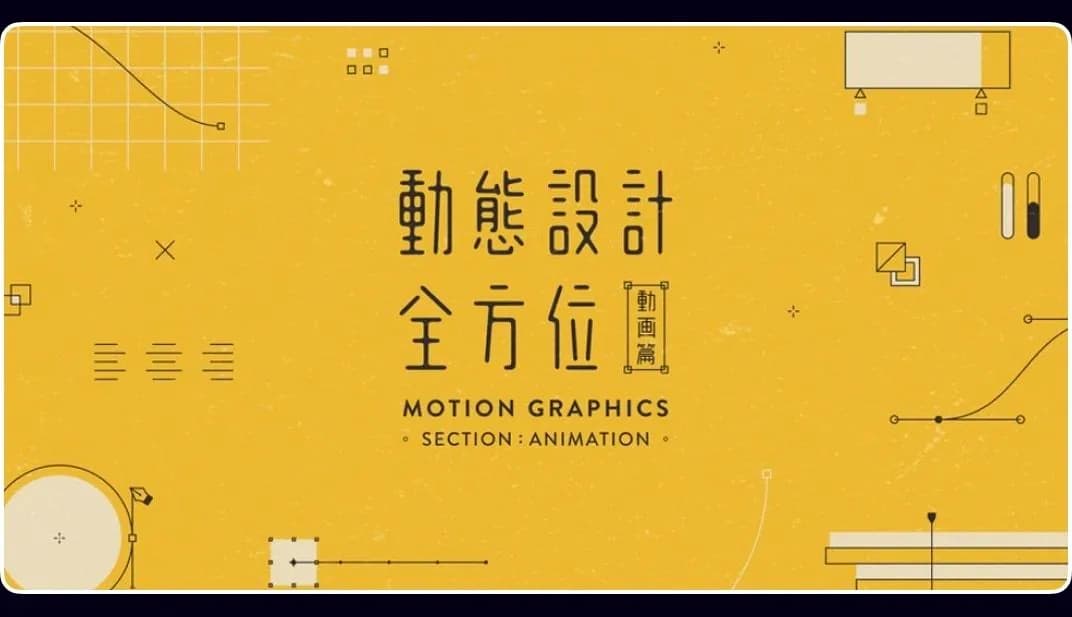
Dynamic Design in All Aspects! [Animation Edition] Practical Introduction All in One Go
Included in plans
The Ebert Club patreon
Included in plans
Carlos TV
Included in plansMore from Madbax
Vertical Realistic Film Camera Shutter | After Effects
Included in plans
Shopping Bags And Sale Icons Pack for After Effects
Included in plans
Travel Icons And Vacation Elements Pack for After Effects
Included in plans