By Udemy · Official page
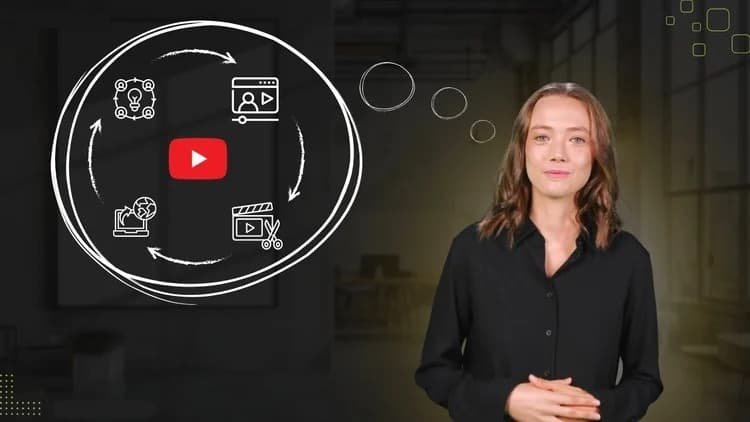
Modern YouTube Creation for Beginners
About this item
Learn to Plan, Record, Edit and Publish Videos with Confidence Using Beginner-Friendly Tools and Workflows
Course Curriculum
- 12 sections • 45 lectures • 2h 52m total length
- Planning Your Video Content Preview 1:57 Learn how to clarify your message, understand your audience and choose video formats that fit your goals, style and comfort level.
- Using AI to Brainstorm Video Ideas Preview 1:48 Discover how tools like ChatGPT, Jasper and Copy.ai can help you generate hooks, outlines and simple video scripts faster.
- AI Tools for Planning and Confidence 2:10 Explore modern AI-assisted planning tools for scripting, content calendars, speaking practice and workflow organization.
- Common AI Content Mistakes to Avoid 1:21 Learn how to use AI more effectively by improving prompts, adapting tone and avoiding generic copy-and-paste content.
- Video Planning & AI Mistakes Quiz
- Planning Videos with Canva Whiteboard 4:33 Learn how to visually organize ideas, map video concepts and brainstorm content using Canva Whiteboard and Magic Write.
- Practice Challenge and Next Steps 0:24 Review the key ideas from this module and complete a simple beginner-friendly practice challenge to start building confidence.
Compatibility & Requirements
- No previous YouTube or video editing experience is required.
- A computer or laptop with internet access is recommended for editing and publishing videos
- A smartphone or basic camera is enough to follow the filming demonstrations
- Free tools or tools with a free version, such as Canva and CapCut, can be used throughout the course
- A willingness to learn, experiment and start creating content with confidence
Frequently Asked Questions
How does instant Telegram delivery via @madbaxapp_bot work?
Activate any plan from $5, then press Download on this page: 11 files (10.6 GB) are sent to your Telegram chat instantly by the bot @madbaxapp_bot.
How do I extract multi-part .part01.rar archives on Windows and macOS?
Download all volumes (.part01.rar, .part02.rar … .partN.rar) into one folder, then start the extraction only from the first volume, part01.rar. On Windows use WinRAR or 7-Zip; on macOS use Keka or The Unarchiver. The other volumes are read automatically.
What is included in the download archive?
The archive includes all project and video files for this release. It does not include one-to-one mentoring or certificates from the original school.
Related Assets
Courses
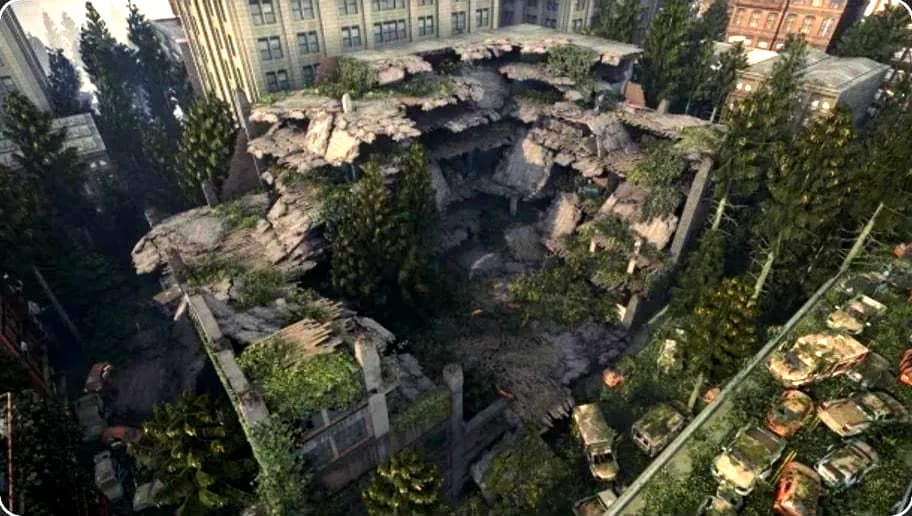
Creating Destroyed Assets for Games — 3D Art Tutorial
Included in plans
Courses
Perplexity — SaaS Animation Tutorial
Included in plans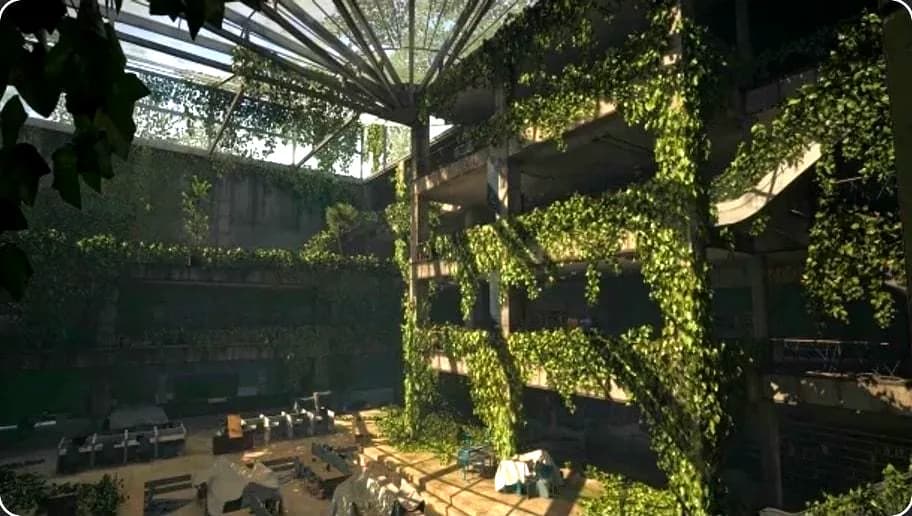
Courses
Creating 3D Interior Environments for Games — 3D Art Tutorial
Included in plans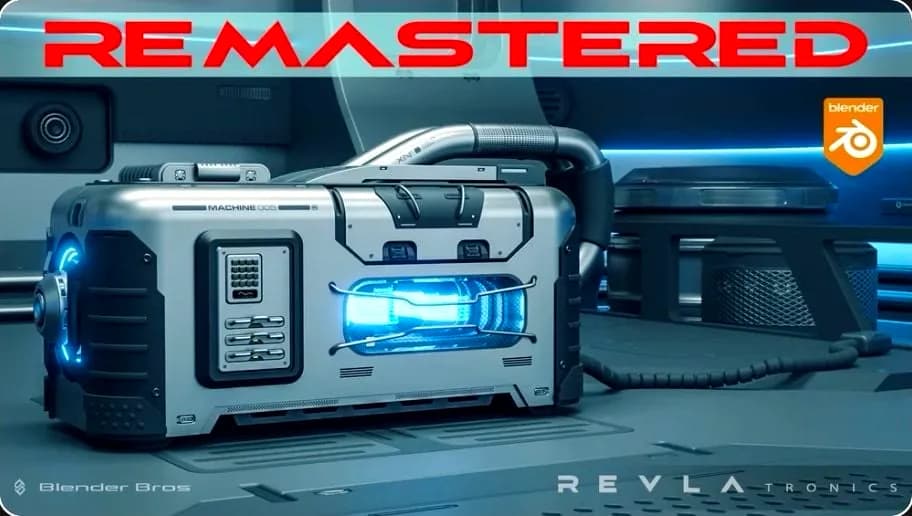
Courses
SciFi Crate Design in Blender – REMASTERED
Included in plans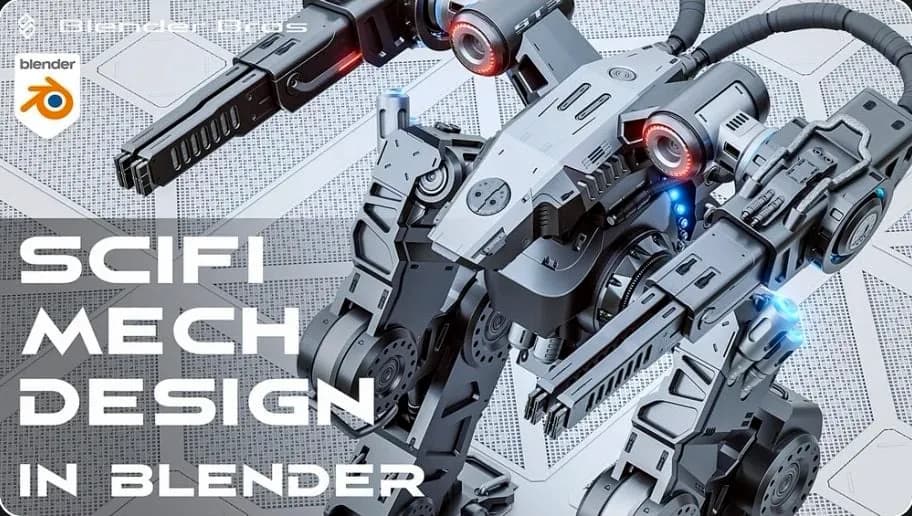
Courses
SciFi Mech Design in Blender
Included in plans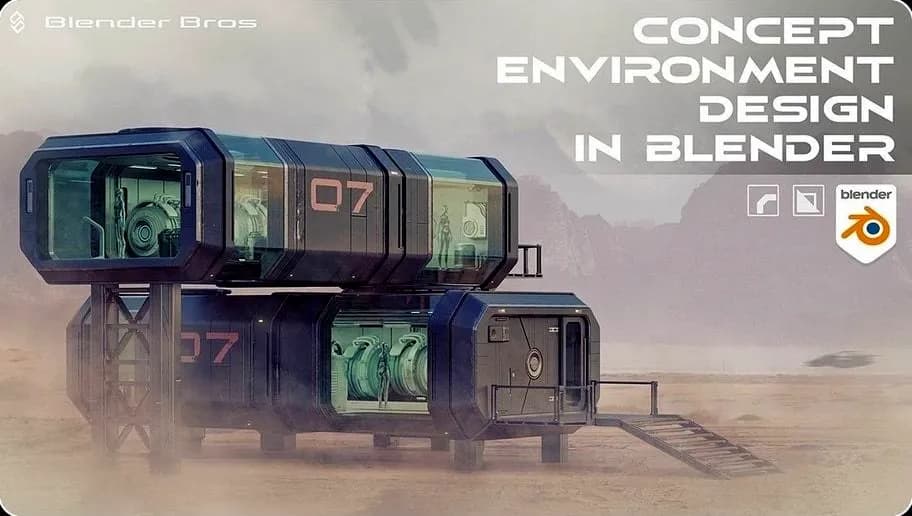
Courses
Concept Environment Masterclass in Blender
Included in plansMore from Madbax
Courses
Ultimate Photogrammetry Course — 3D Art Tutorial
Included in plans
Courses
Ultimate Environmental Texture Creation Course — 3D Art Tutorial
Included in plans
Courses
Budget 3D Environment Art – Tutorial Course — 3D Art Tutorial
Included in plans
Courses