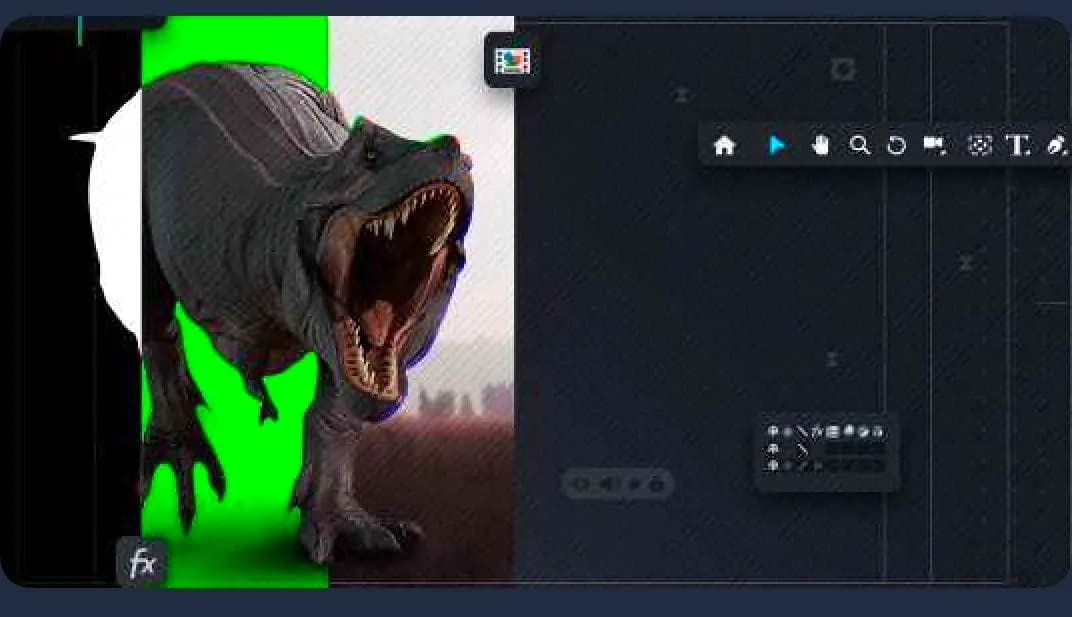
By Unhideschool · Official page
After Effects in Practice: Compositing for Beginners
About this item
Discover the main techniques covered throughout the course:
- Introduction to After Effects
- Graphic composition
- 3D Parallax Objects
- Introduction to the world of VFX
- Motion tracking
- Chroma key
- Track matte
- Blend mode
- Cameras
- Effects
Frequently Asked Questions
How does instant Telegram delivery via @madbaxapp_bot work?
Activate any plan from $5, then press Download on this page: 4 files (15.2 GB) are sent to your Telegram chat instantly by the bot @madbaxapp_bot.
How do I extract multi-part .part01.rar archives on Windows and macOS?
Download all volumes (.part01.rar, .part02.rar … .partN.rar) into one folder, then start the extraction only from the first volume, part01.rar. On Windows use WinRAR or 7-Zip; on macOS use Keka or The Unarchiver. The other volumes are read automatically.
What is included in the download archive?
The archive includes all project and video files for this release. It does not include one-to-one mentoring or certificates from the original school.
Related Assets

Video Resources
Summer Icon After Effect
Included in plans
Video Resources
Abstract Brush Elements | After Effects
Included in plans
Video Resources
Colorful Dynamic Transitions for After Effects
Included in plans
Video Resources
Bakery Icon After Effect
Included in plans
Video Resources
Ecology Icon After Effect
Included in plans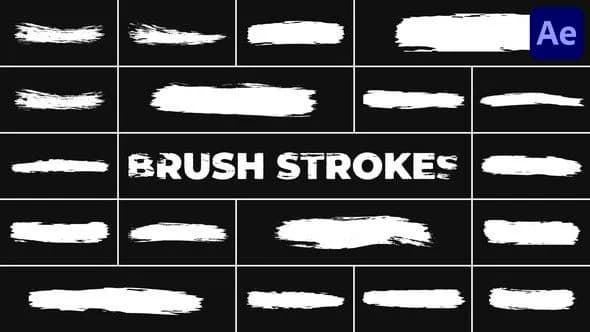
Video Resources
Brush Strokes for After Effects
Included in plansMore from Madbax
Video Resources
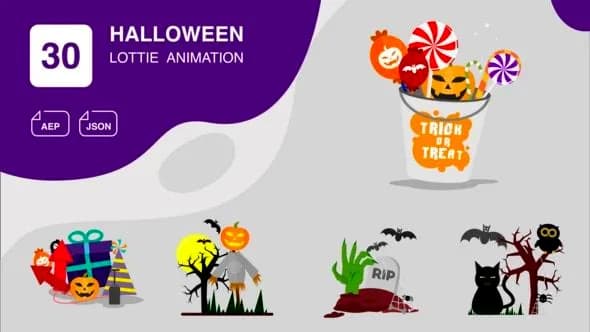
Halloween Animation | After Effects
Included in plans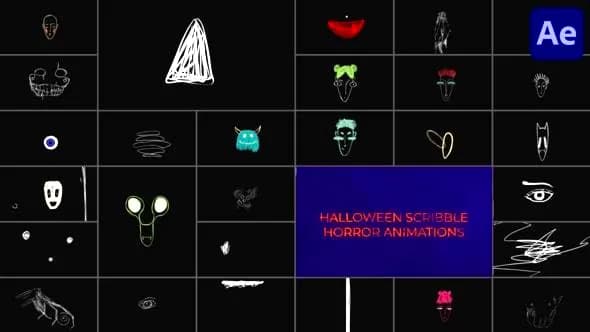
Video Resources
Halloween Scribble Horror Animations for After Effects
Included in plans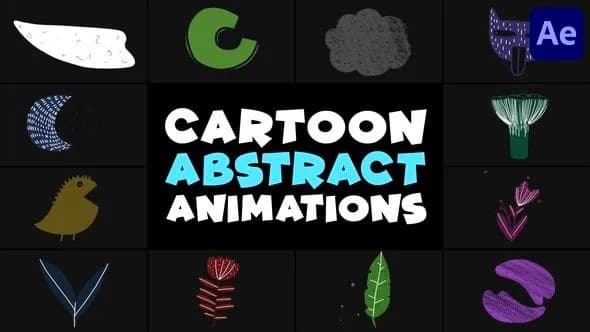
Video Resources
Cartoon Abstract Animations | After Effects
Included in plans
Video Resources