By Gnomon · Official page
The Gnomon Workshop – Creating Production-Ready Hero Assets using Mari
About this item
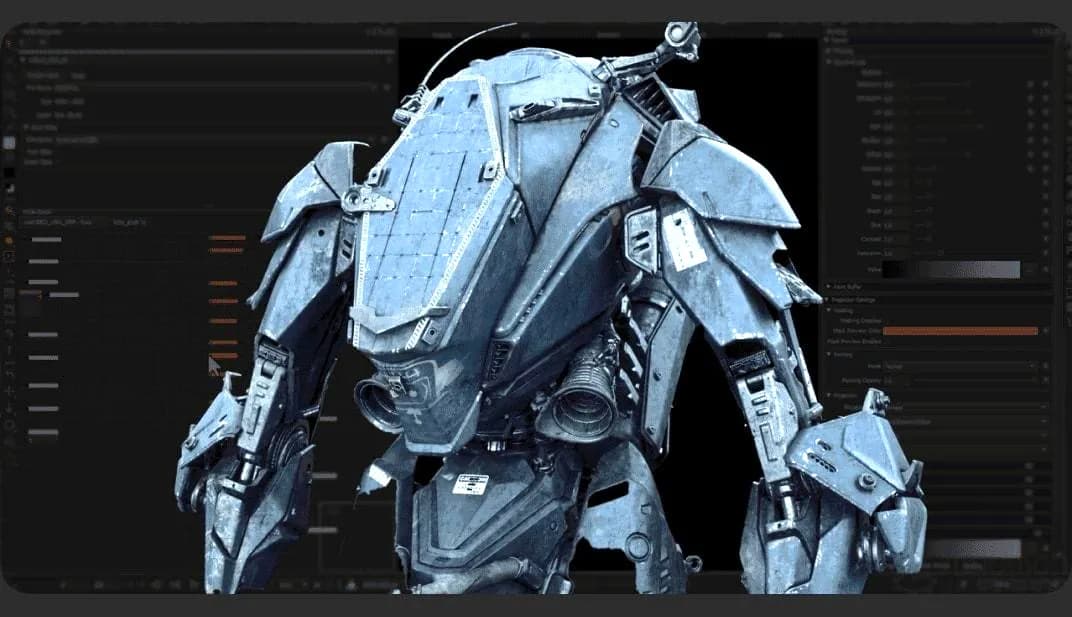
From there, Michal focuses on creating the essential diffuse, roughness, and bump maps, sharing the specific techniques that he uses in production to generate professional maps. Artists will also learn how to transfer masks to create secondary high-frequency bump details. Once the texturing phase is complete, Michal exports the textures and transitions into building out the scene using Gaffer. He breaks down each node within Gaffer – the open-source, node-based lighting and look-dev tool developed by Image Engine (similar to Katana) – and explains how each function fits into the studio pipeline.
Frequently Asked Questions
How does instant Telegram delivery via @madbaxapp_bot work?
Activate any plan from $5, then press Download on this page: 1 file (2.8 GB) are sent to your Telegram chat instantly by the bot @madbaxapp_bot.
How do I extract multi-part .part01.rar archives on Windows and macOS?
Download all volumes (.part01.rar, .part02.rar … .partN.rar) into one folder, then start the extraction only from the first volume, part01.rar. On Windows use WinRAR or 7-Zip; on macOS use Keka or The Unarchiver. The other volumes are read automatically.
What is included in the download archive?
The archive includes all project and video files for this release. It does not include one-to-one mentoring or certificates from the original school.
Related Assets
History of Visual Effects
Included in plans
Animating Stylized Attacks in Maya
Included in plans
AAA Rocks for games – For total beginners and seniors!
Included in plans
Animating a Complex Fight Action Sequence in Maya
Included in plans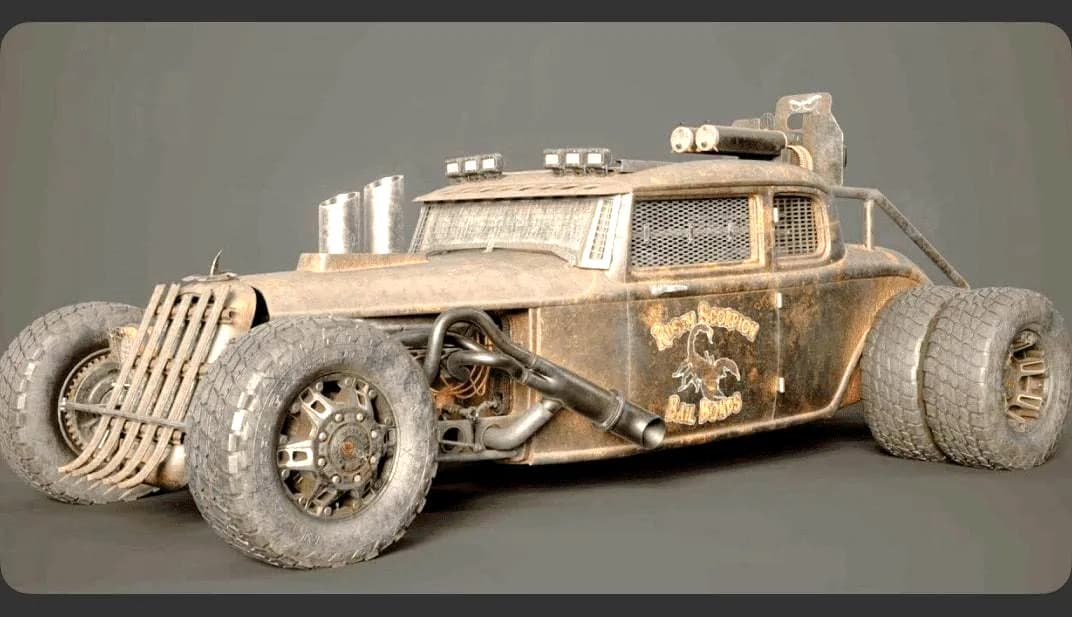
Vehicle Texturing in Substance Painter: From Clean to Mean
Included in plans