Madbax Navigation - Complete Ultimate Edition

Search Madbax

Find courses, tutorials, and creative resources

Enter to search
↑↓ to navigate
Esc to close
Madbax Navigation - Complete Ultimate Edition

Search Madbax

Find courses, tutorials, and creative resources

Enter to search
↑↓ to navigate
Esc to close
Home Courses After Effects 2.5 D animation to get started with Blender Griz Pencil
After EffectsBlenderColoso

2.5 D animation to get started with Blender Griz Pencil

Share

Animator Riddby
Speaker’s Portfolio
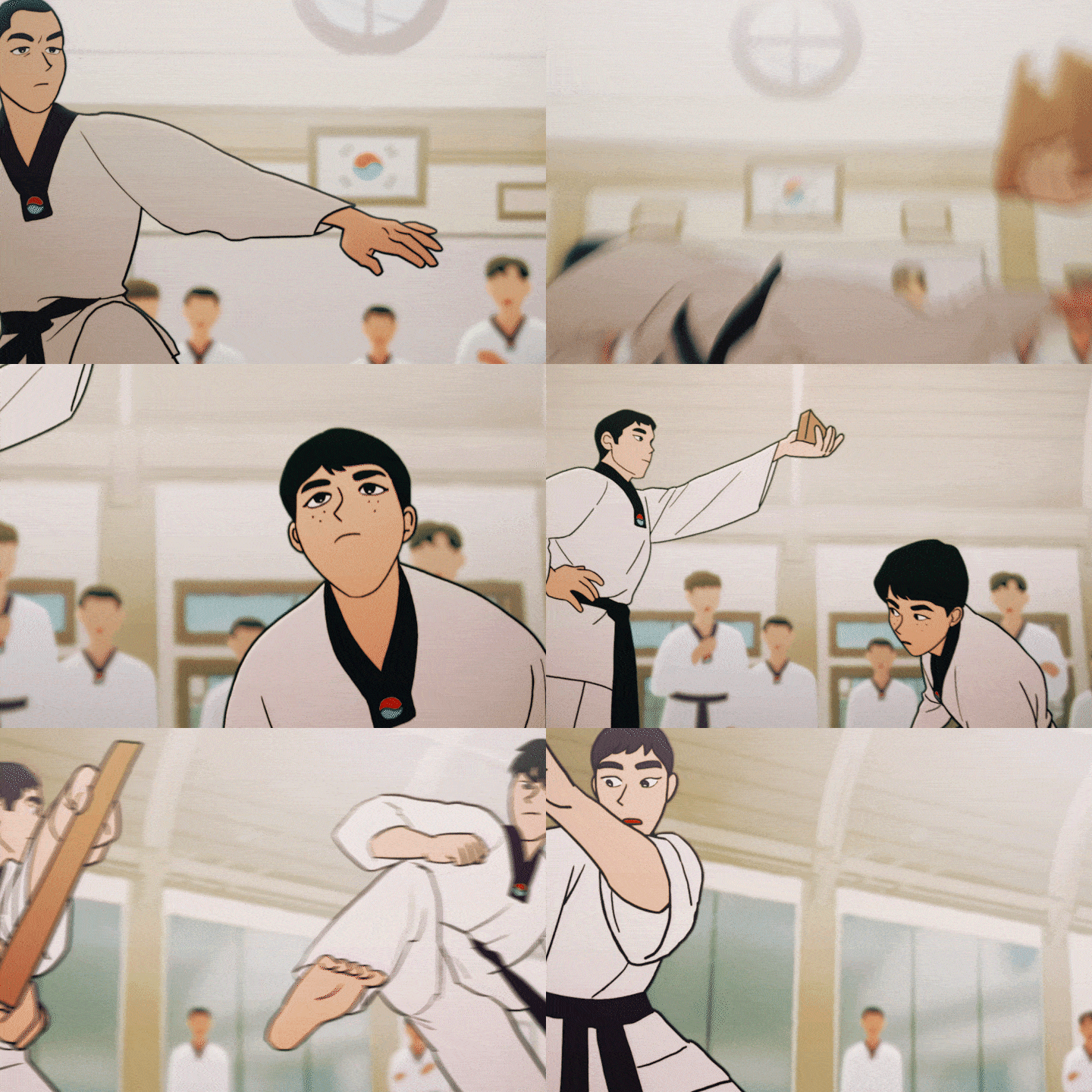
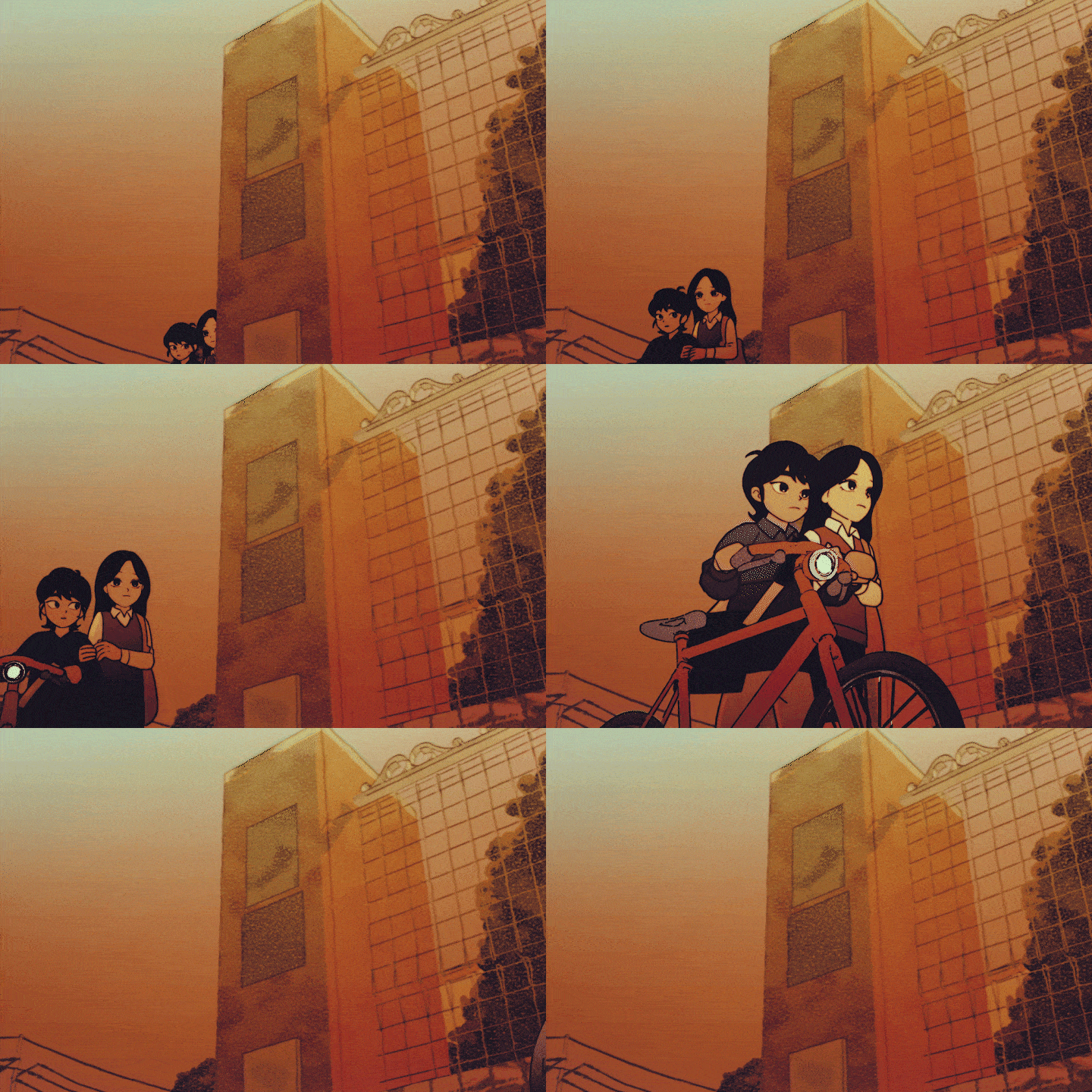
  • 리디비 영상디자인 포트폴리오
  • 리디비 영상디자인 포트폴리오
  • 리디비 영상디자인 포트폴리오
  • 리디비 영상디자인 포트폴리오

next

  • 리디비 영상디자인 포트폴리오
  • 리디비 영상디자인 포트폴리오
  • 리디비 영상디자인 포트폴리오

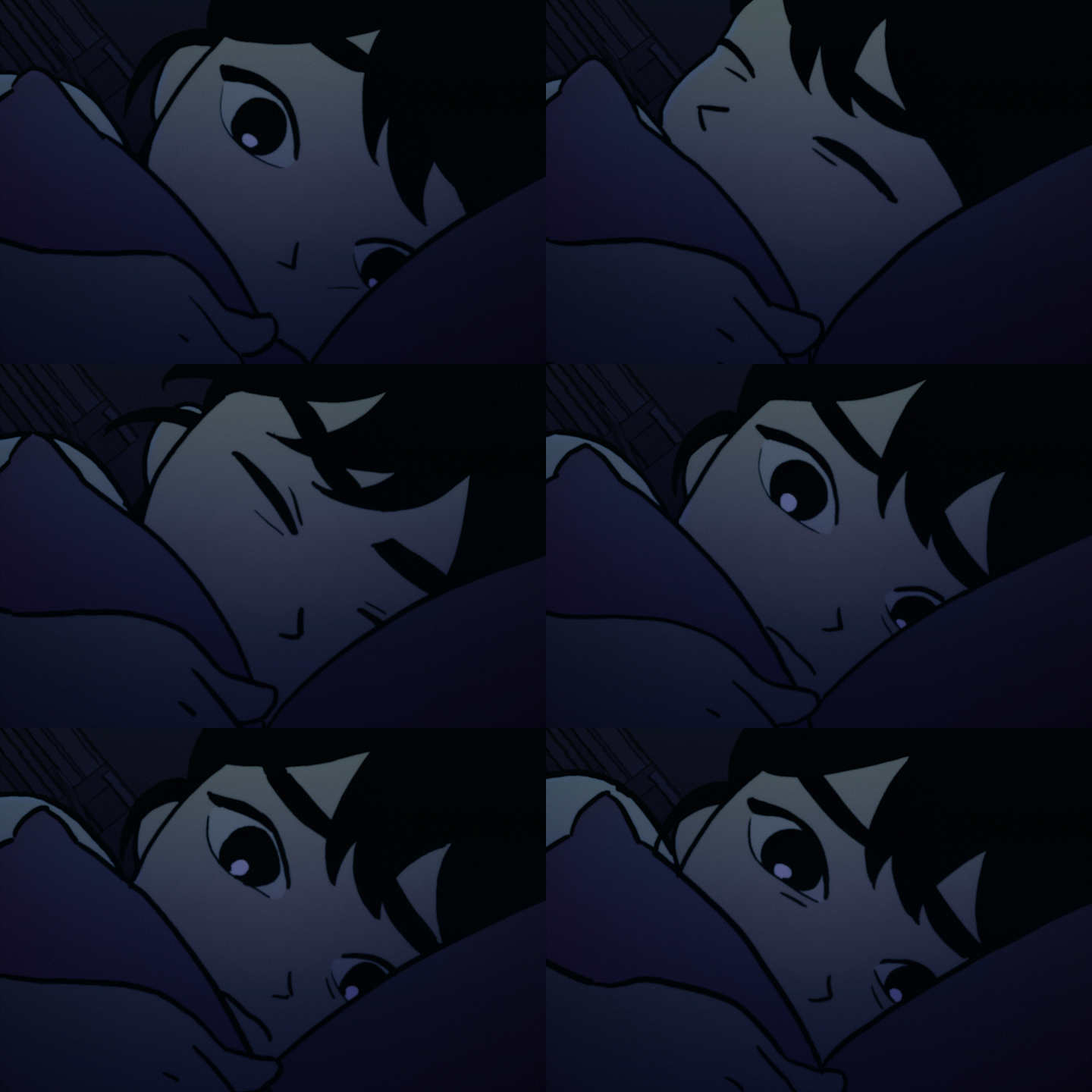
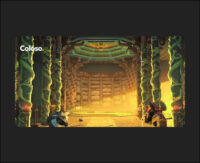
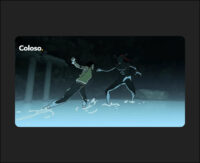
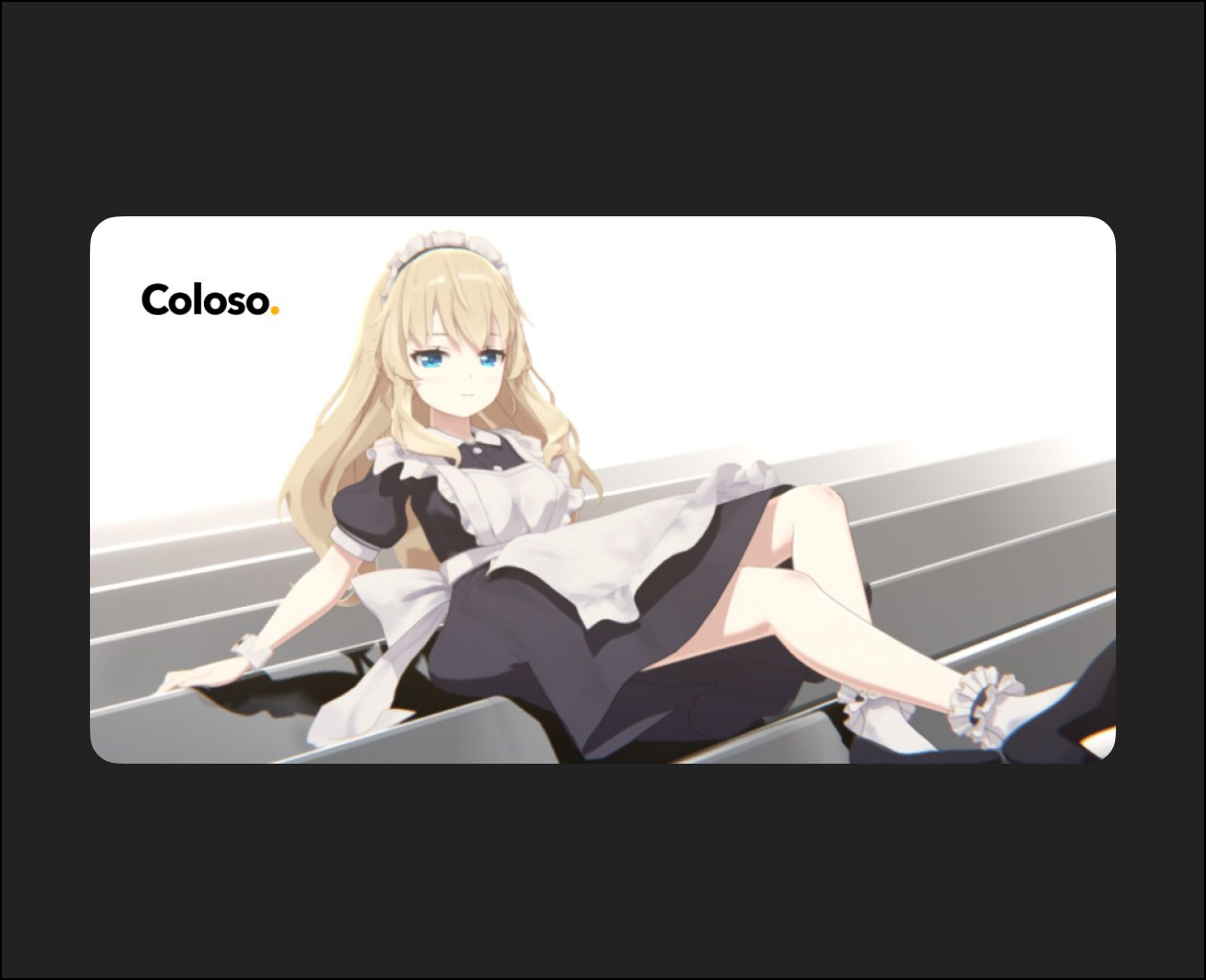
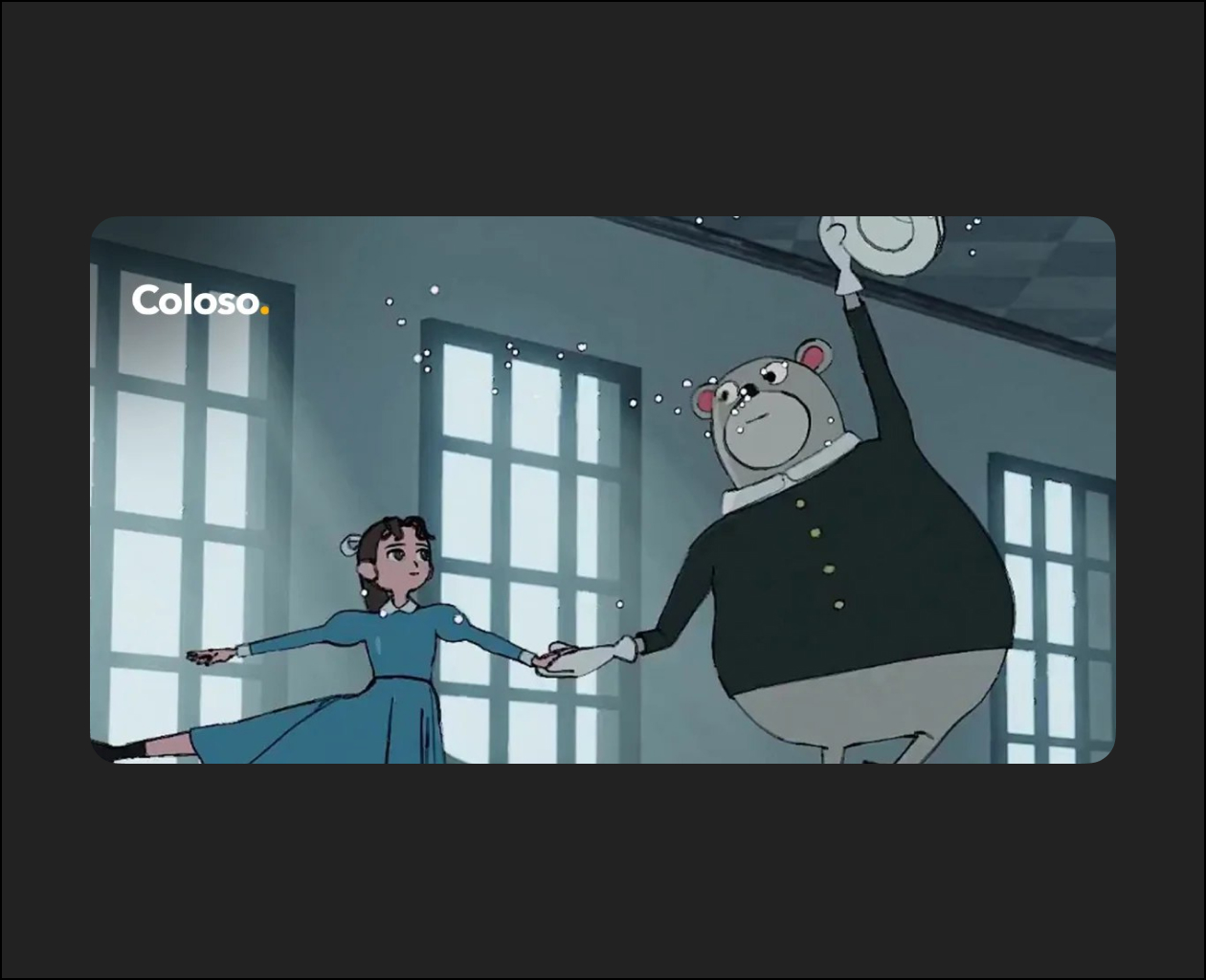
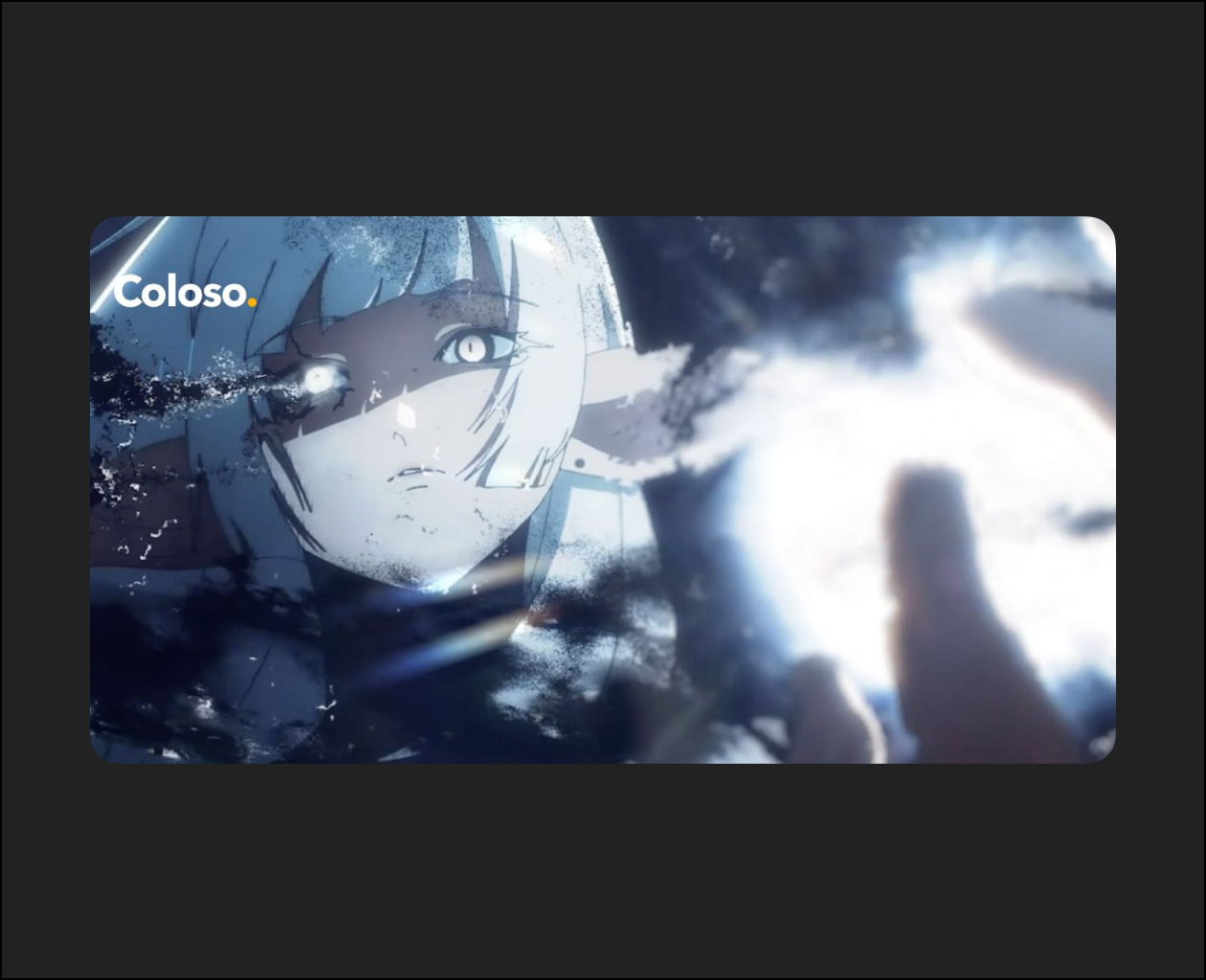
Blender’s Cheat Key, Griz Pencil class
Upgrade your work quality and work efficiency!

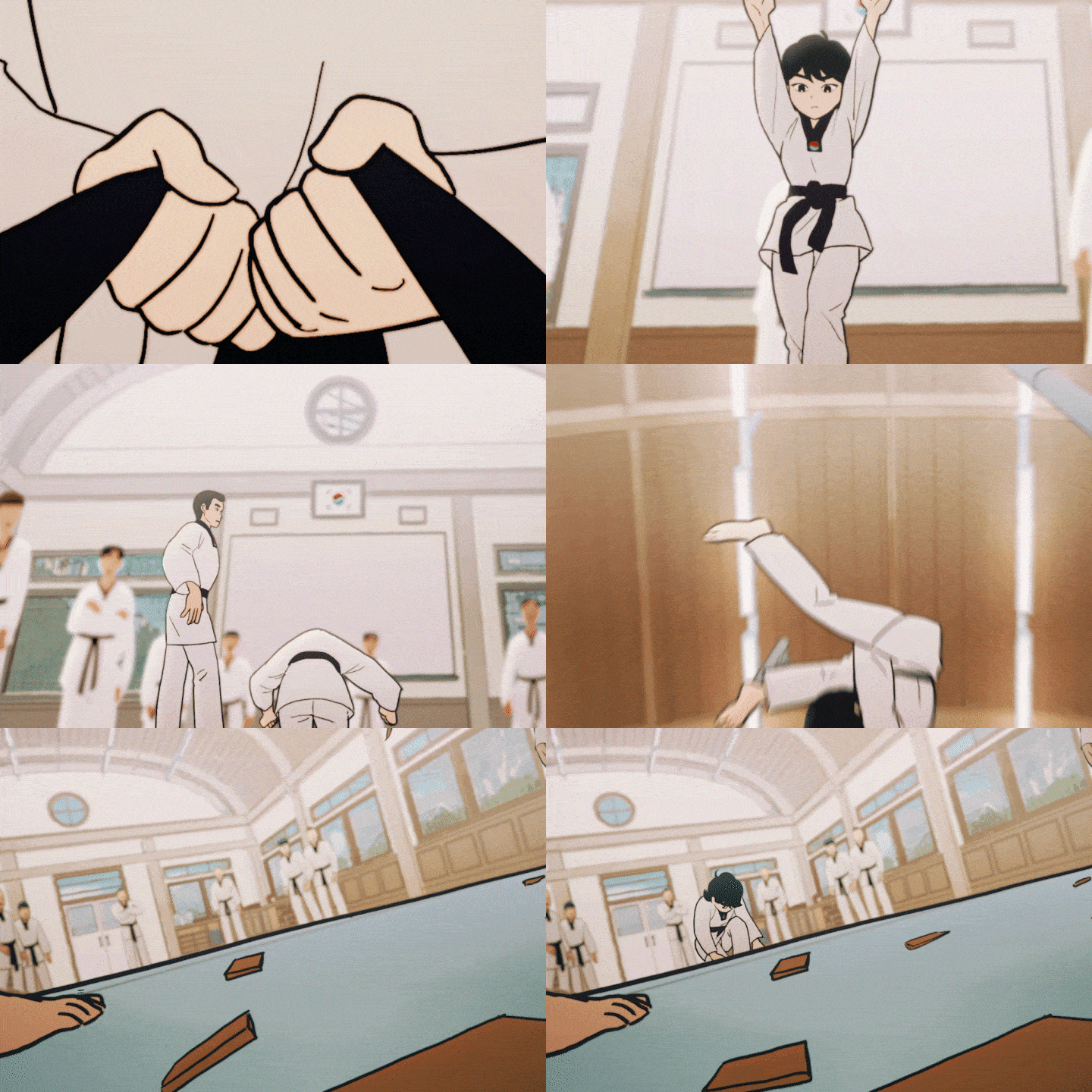
Recently, a lot of animators
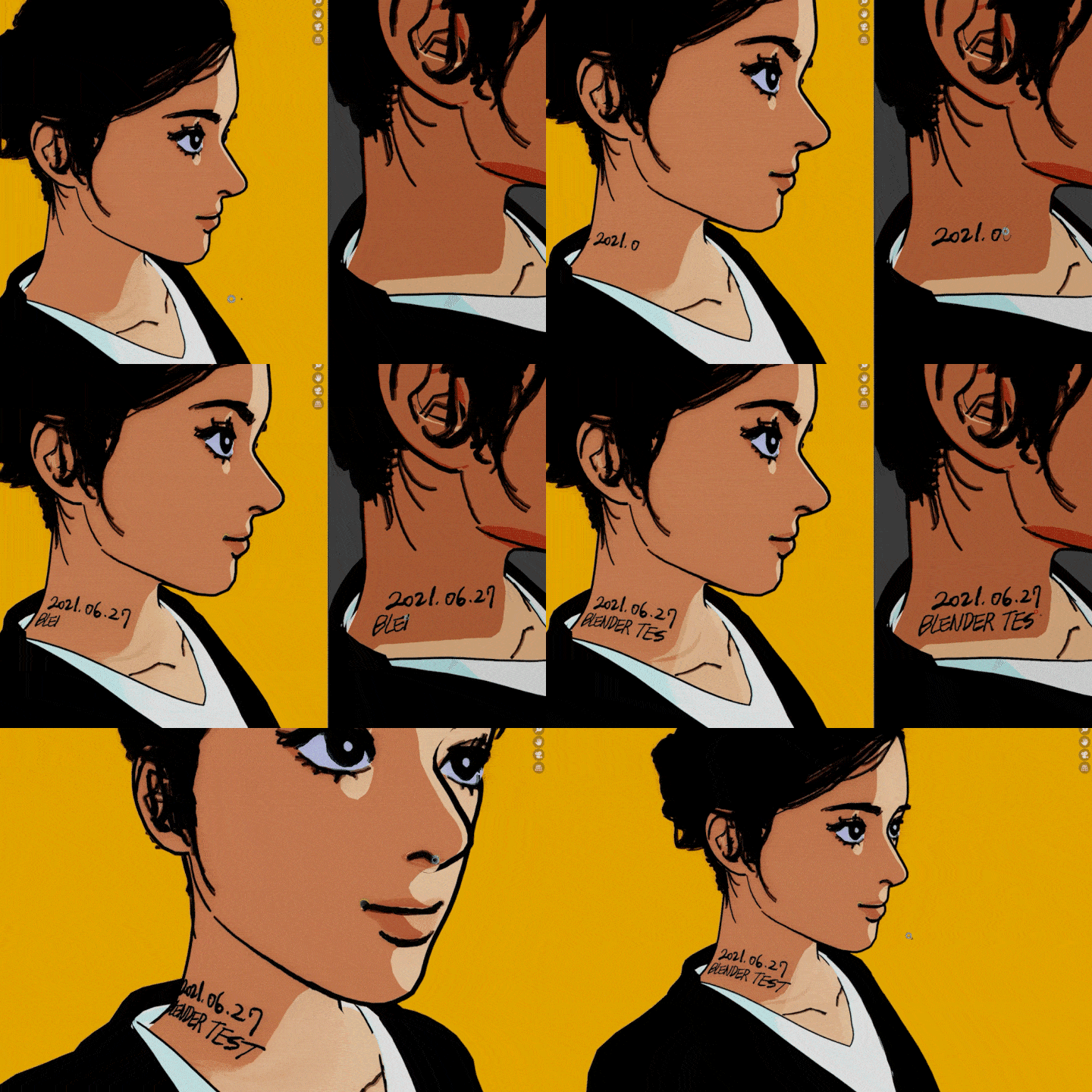
The griz pencil of the blender is noted
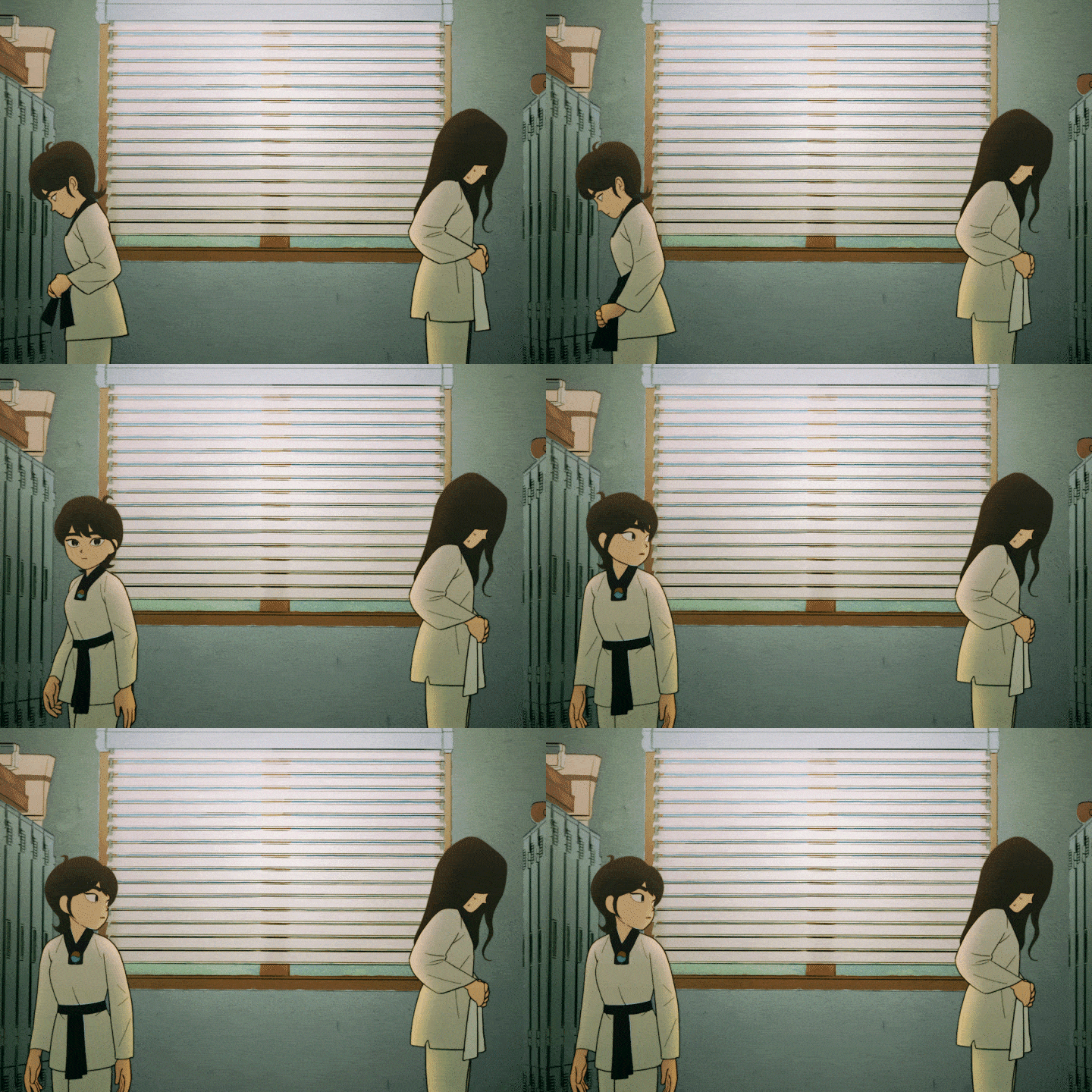
The flat charm of 2D animation and
Three-dimensional movement of 3D animation
Can be expressed simultaneously.

Despite being a powerful feature
Related lectures are jaw-dropping
Even if you just want to learn properly
It’s a situation where you can’t learn.

Mainly working with griz pencil
I’m building a solid career
Animator Riddby
It will perfectly quench your thirst.

From light sketches
Drawing in 3D space
Add animation features of blender
Create 2.5 D animations that you can’t take your eyes off!
Related Articles
BlenderColoso

Blender Character Modeling for Natural Light and Shadow

Class Details Kickstart Full-Body Character Creation! Learn minusT’s Complete Character Modeling Process...

BlenderColoso

Hand-Drawn Style Character Animation with Blender

Class Details 3D Character Animation with a Cel-Shaded Style and Cartoonish Movements...

After EffectsColoso

Perfect 2D Animation: Effects & Compositing

Class Details Achieve Pro-Level 2D Animation Production with Stunning VFX and Advanced...

BlenderColosoUncategorized

100-Chapter Intro to Creating Cute 3D Characters in Blender

Class Details 100-Chapter Guide to Crafting Adorable 3D Characters in Blender Have...