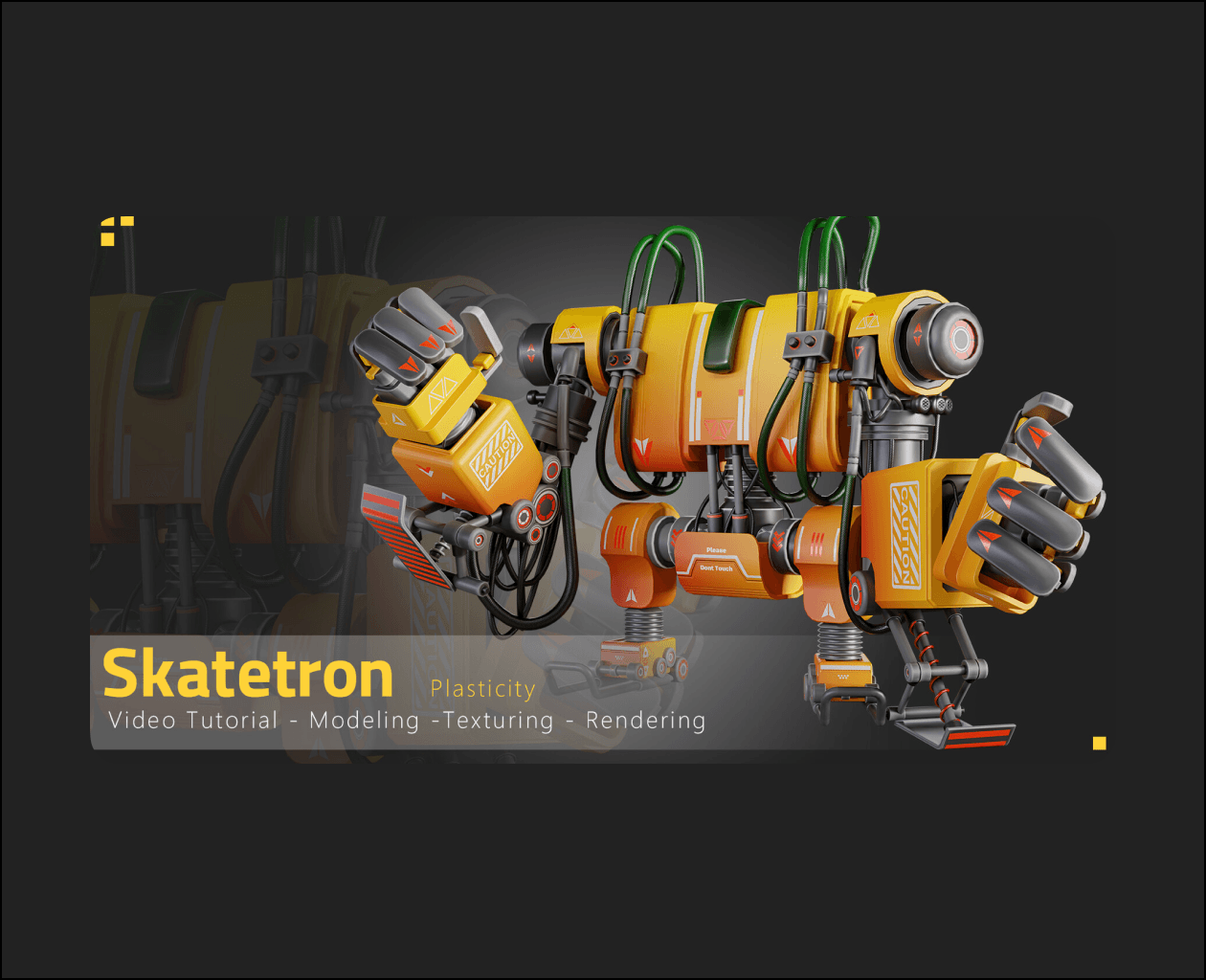
This is a full process tutorial of Modeling, Unwrapping, Texturing and Rendering our Skatetron
(10 hours and 49 minutes unnarrated video).
If you’re ready to dive deep into our latest tutorial, get your tools out!
In this video, we show you how to create a Skatetron Robot from scratch. The tutorial is divided into Six sections :
–Modeling (Duration: 8 hours and 2 minutes)
- The modeling process was done in Plasticity(90%)
- then we add some details in Blender 3.6.0 using the H-Ops add-on and cablerator add-on(10%)
-Optimizing (Duration: 1 hour and 18 minutes)
- Optimizing was done in Blender 3.5.0.
-Unwrapping (Duration:17 minutes)
- We used smart Uv in blender 3.6 then we correct some parts in unfold 3d.
-Texturing & Rendering & Post-Processing (Duration:4hours and 25minutes & 1hours and 10minutes & 10minutes )
At the end of it all, we did some post-processing work with Adobe Firefly(adding smoke) and Nik Collection Plugin on Photoshop to give it that extra attractive render!
Texturing was done with Substance 3D Painter, rendering has done in Blender3.5.0(Cycles) and 3ds Max 2021(V-ray5)
We created all materials from scratch using various techniques for more detail.