Class Details
- Now Available
- Basic~Advanced
- Total 21 videos, 13Hours 13Minutes
- English
- English [Auto], Traditional Chinese [Auto], Thai [Auto]
- Class materials included
Easy Steps to Creating Dynamic Character Animation
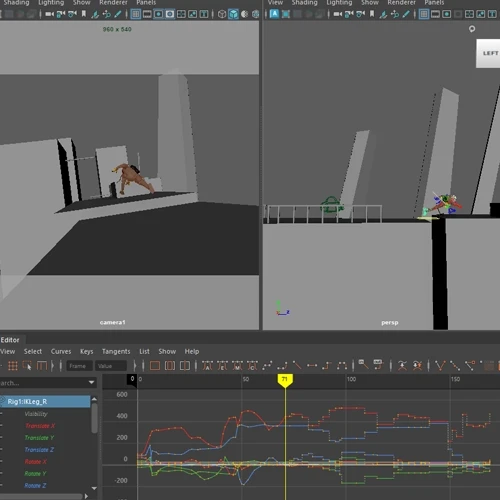
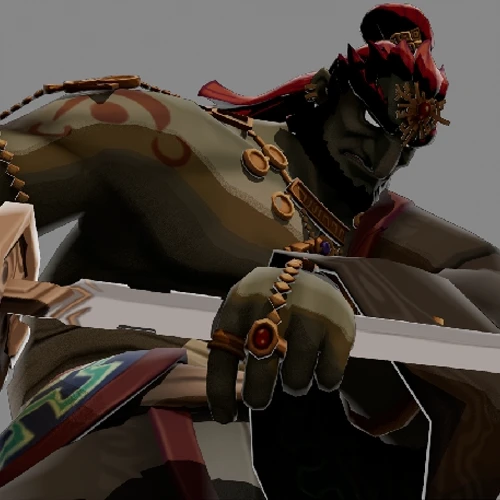
Animation becomes much easier and more intuitive when you have a solid grasp of the fundamentals. 3D animator Vikram Grewal has designed this class specifically for beginner and intermediate animators, offering a strong foundation in creating dynamic, stylized character movements with effective camera tracking and flow. By breaking down complex actions into manageable, step-by-step processes, this class serves as the perfect guide to building confident and compelling animation.

Over the course of 20 classes, you’ll dive into essential animation principles such as weight, timing, and spacing—focusing on how these elements affect the way characters move and interact with their environment. You’ll also analyze real-world reference materials and explore effective techniques used in other animated works, learning how to apply those insights to your own animations to create believable, engaging movement. With Vikram Grewal’s guidance, animation won’t feel like a daunting challenge, but an enjoyable and rewarding process that brings your ideas to life.
Why Take This Class?
Building a Strong Foundation: The Key to Creating Animation
If you’re struggling with stiff or unnatural animation—or you just can’t seem to grasp how animation truly works—it might be because you’re missing a solid understanding of the fundamentals. Fortunately, that’s an easy problem to fix, and you’ve just found the perfect class to help you do it.
Vikram Grewal designed this class to ensure every student walks away with a strong foundation in animation. That’s why each step is broken down into simple, manageable parts so you never feel overwhelmed. This beginner-friendly course starts with an introduction to Maya, helping you get comfortable with the software before diving into practicing creating actual animation based on key principles. If you want to build confidence and create animations that actually move and feel right, this class is your first step in the right direction.
9 Class Exercises


- Ball Bouncing Weight Exercise
- Walk/Run Cycle
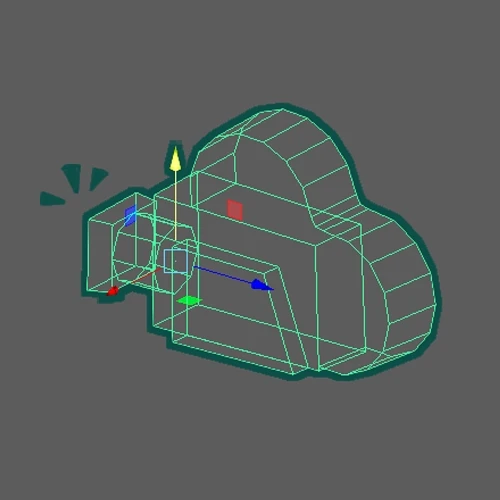
- Camera Animation


- Weight Mechanic Test
- Constraints
- Jump Exercise
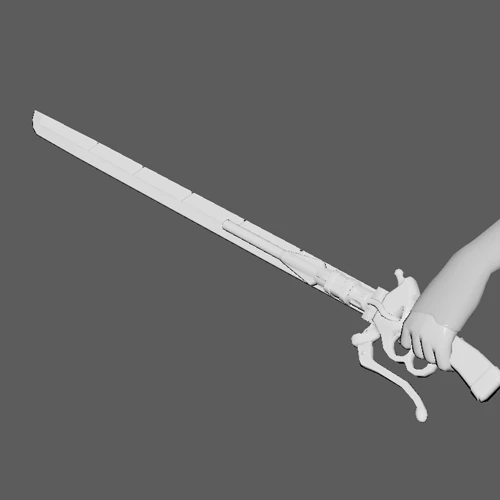
- Blocking and Splining
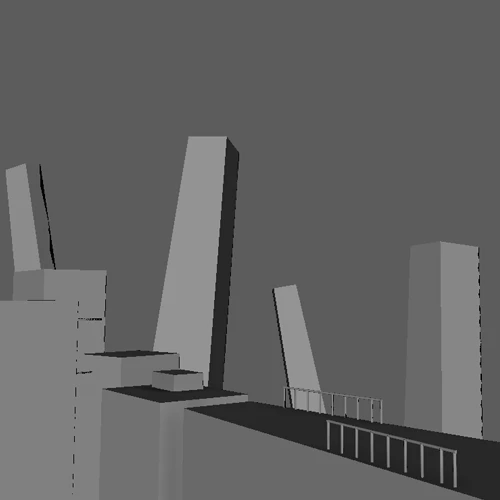
- Simple Environment Geo Building
- Rendering