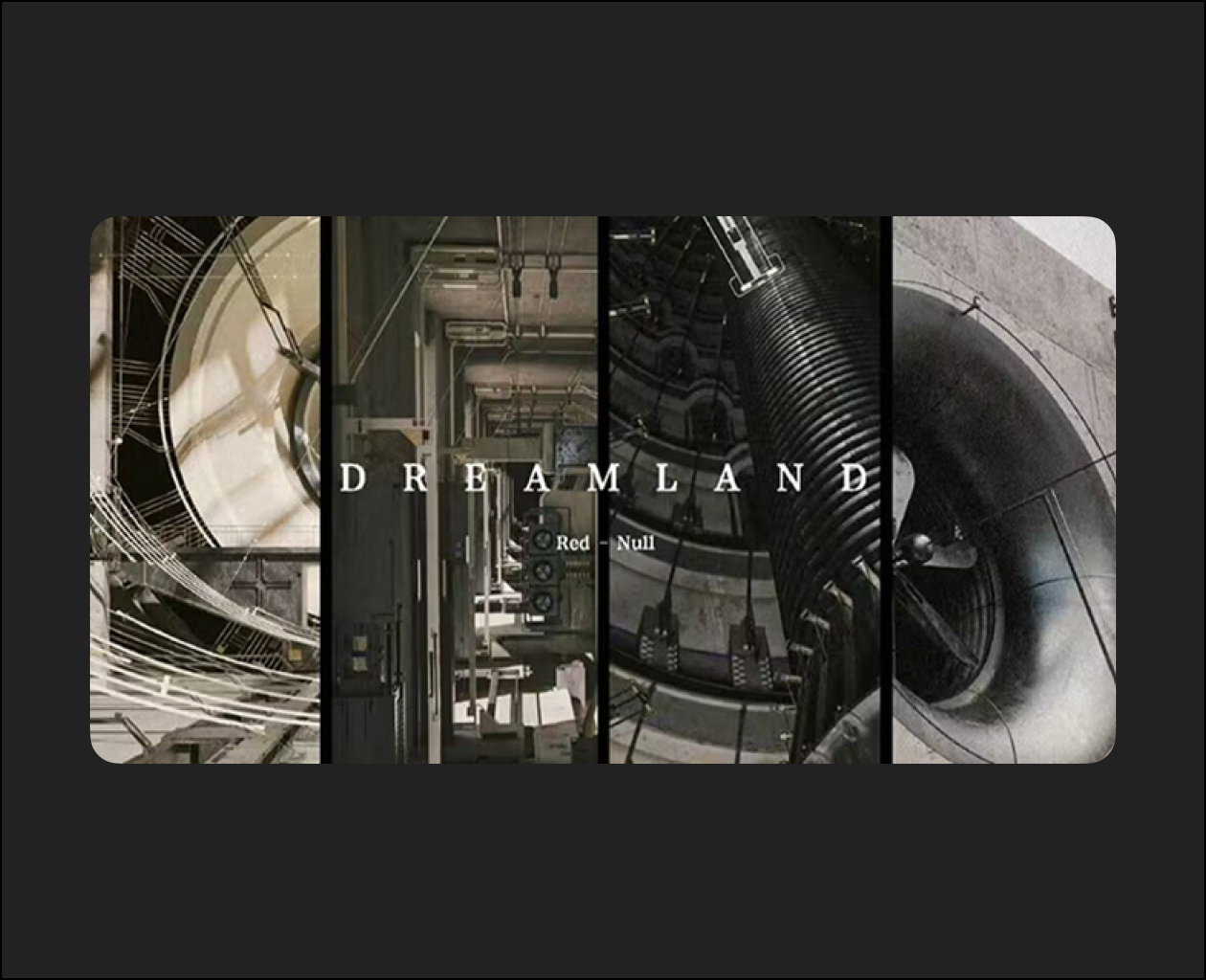
The most daunting step of learning a software like Houdini is often taking the first step. In this first lesson, Adam will focus on the key concepts you’ll need to understand as a foundation to working in Houdini. You’ll learn how to navigate the UI, organize your project, and get familiar with some procedural modeling and design tools.
Using randomization, you can create organic-looking scatter patterns in your scene. Adam will show you how to inherit properties from an object’s surface, and how to use textures to influence its appearance. By the end of this lesson, you’ll have created a tool to distribute and render millions of complex objects with ease.
Continuing on our theme of complexity, now you’ll learn how to build a proper greeble tool. Adam will show you how to turn each primitive of your mesh into a placeholder for a complex piece of geometry, which can be randomized and iterated for insane levels of complexity.Now that our environment is complete, we will focus on rendering strategies. Adam will demonstrate the various techniques behind creating shaders and materials in Houdini. To wrap things up, you’ll break your scene into render layers and create multi-channel EXR’s to rebuild in Nuke and refine the look of your image.
Now that our environment is complete, we will focus on rendering strategies. Adam will demonstrate the various techniques behind creating shaders and materials in Houdini. To wrap things up, you’ll break your scene into render layers and create multi-channel EXR’s to rebuild in Nuke and refine the look of your image.