Madbax Navigation - Complete Ultimate Edition

Search Madbax

Find courses, tutorials, and creative resources

Enter to search
↑↓ to navigate
Esc to close
Madbax Navigation - Complete Ultimate Edition

Search Madbax

Find courses, tutorials, and creative resources

Enter to search
↑↓ to navigate
Esc to close
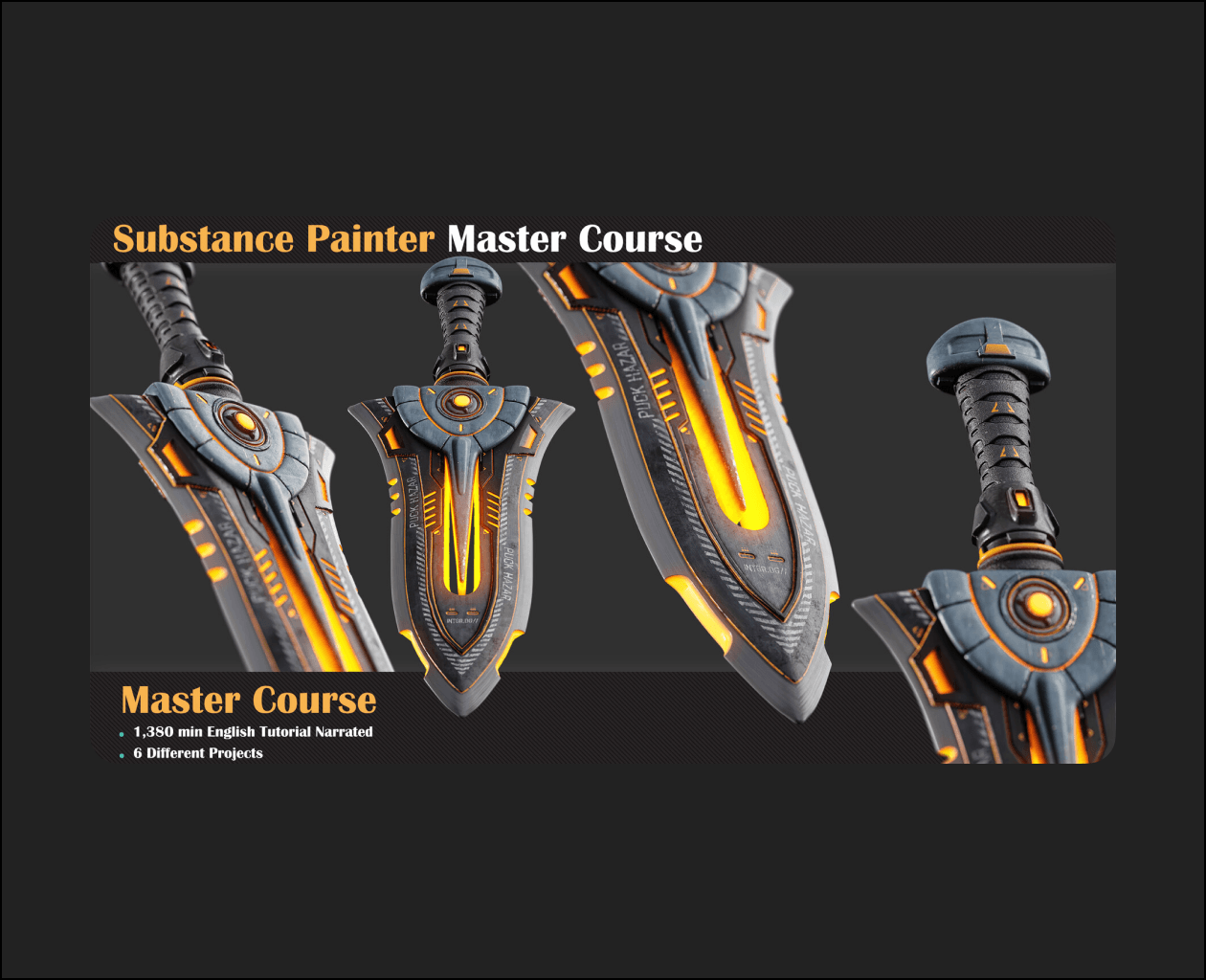
Substance painter

Scifi Blade

Share

Are you ready to texture an environment asset? Let’s kick things off with an air conditioner. We’ll begin by prepping the model for Substance Painter, setting up the scene, and diving into our creative process.

A highlight of this section is creating a custom mask using Photoshop, adding a touch of realism to our work. Once we’ve completed the texturing process in Substance Painter and achieved a fantastic air conditioner material, it’s time to showcase our creation in Marmoset Toolbag.

Sources:Scifi Blade
Related Articles
Blender

Sci-Fi Construction Robot (Blender Tutorial Series)

Tutorial Videos:● Part 1: Modeling the Treads & Wheels● Part 2: Rigging...

Filmmaking

St0ry Her0 Ac1demy

This Is Where You’re Stuck 1. You Can’t Translate Ideas Into Stories. You...

Houdini

Houdini FLIP FX: Container Ship vs Monster Wave

Create a cinematic, production-ready ocean FX shot in Houdini by simulating a...