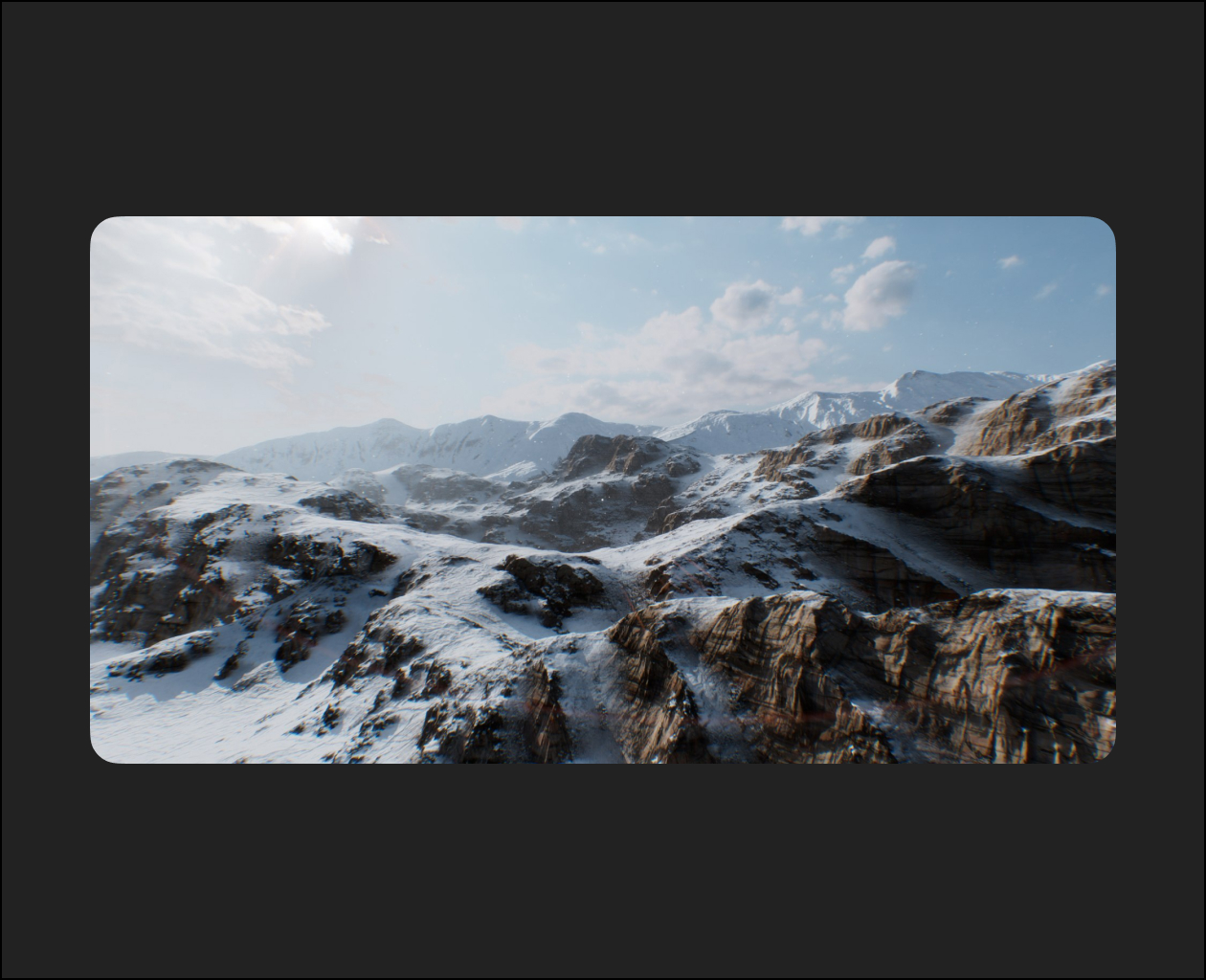
Take your 3D environment skills to the next level with this comprehensive workshop on creating photorealistic landscapes using World Creator and Blender. Designed for intermediate to advanced artists, this workshop by Koke Nunez digs into the professional techniques and tricks used in the industry to produce impressive, realistic terrains.
The 3-hour workshop begins by exploring World Creator’s powerful procedural tools to shape and refine detailed terrains. From there, Koke demonstrates how to take those landscapes into Blender, where he details how to work with node-based materials, perfect your lighting, and create atmospheric effects that add depth and realism.
Essential techniques like placement mapping, advanced shader setups, and rendering with Cycles are covered in detail. Koke also shares insider tips for optimizing your workflow and making your projects look professional and run efficiently. By the end of this workshop, you’ll have a finished landscape ready to showcase in your portfolio, with the added confidence to create your own photorealistic environments from scratch.
The project files provided with this workshop include Koke’s custom terrain maps, textures, and complete Blender scenes. Whether following along step by step or using them as a base for your projects, these resources are yours to keep and build on.