The digital sculpting market and the demand for qualified professionals has been growing every year. This market shift influences various segments such as games, advertising, films, animations, and others. There are many opportunities for artists who constantly update their skills!
This increased demand for 3D projects has also led more artists to seek out Blender: a free, open-source software used worldwide in the market.
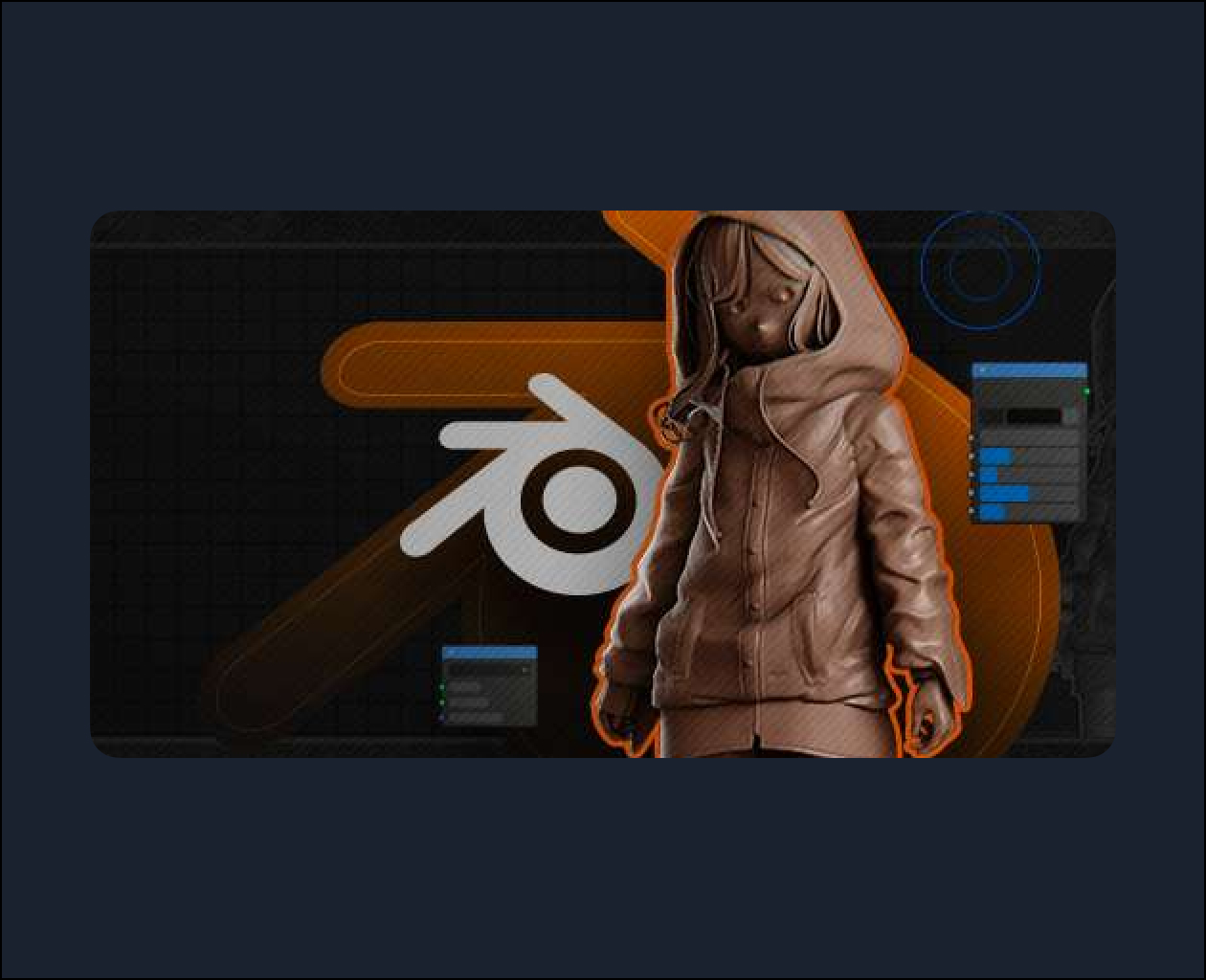
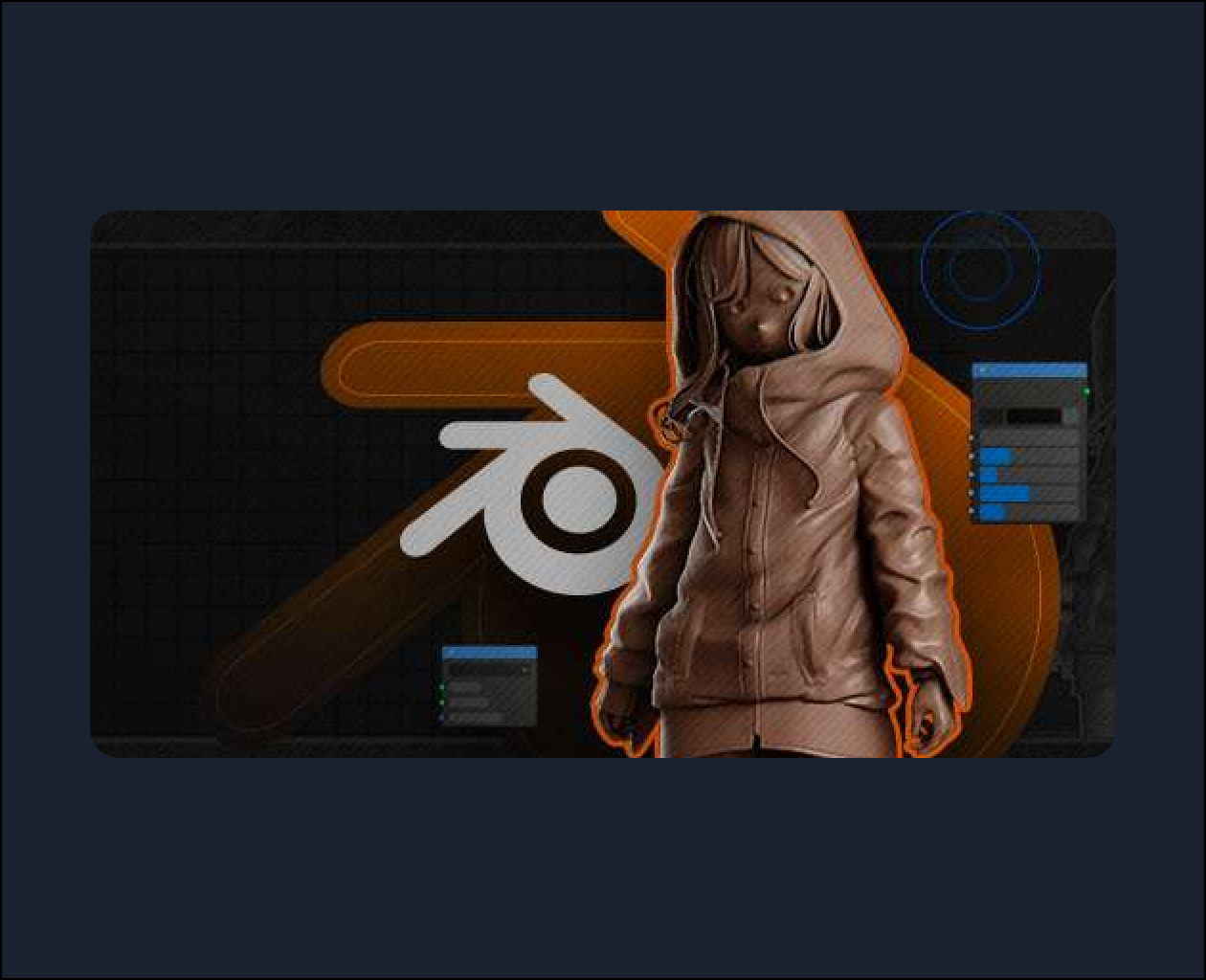
Therefore, for those looking to follow the global trend, the Digital Sculpting in Blender course is a great option. In it, you will learn how to use the software’s UI, Blender’s sculpting tools and brushes, techniques and best practices to ultimately create an organic character sculpture.
This course is recommended for artists who already have a good understanding of Blender, as the instructor does not focus on the fundamentals of the software. Therefore, the basic requirements for this course are:
- High-performance machine for a better experience (minimum recommended configurations: Quad-core processor, 16 GB of RAM and G Force graphics card)
- Blender Master software installed (free);
- Learn the basic tools of Blender;
- Having a graphics tablet, tablet, or pen display available.
Students, designers, 3D artists, and 3D printing professionals are the ideal audience for the Digital Sculpture in Blender course , but any artist with basic Blender knowledge can benefit from the course content!
All software taught on our platform must be purchased and licensed directly from the developers. See below for the official links to purchase and download the software used in the course:
What you will learn in the “Digital Sculpting in Blender” course
The course “Digital Sculpting in Blender” covers techniques and best practices for creating organic character sculptures, as well as ways to deal with the various challenges that the process generates.
During the lessons, you will discover best practices for identifying the three-dimensional shapes of any object from references, and how to translate these three-dimensional shapes into a sculpture using common and important Blender methods and tools.
The content also includes lessons to help you understand Blender’s User Interface (UI), learn about the software’s sculpting tools and brushes, and demonstrate in a practical way how to create quick 3D concept art with Blender.
Throughout the course, you will learn the following techniques:
- Building a basemesh using primitives
- Dyntopo
- Voxel Remesh
- Masks and Facesets
- Multiresolution
- Curves
- Posing IK and FK with pose brush
- Fast Render/Turntable with Eevee
- Cutting with booleans
- Decimating and exporting as STL for 3D printing.