Key Learning Highlights & Features
- Mastering the Graph Editor: Move past predictable movements by fully understanding the Value and Speed graphs. You will learn special workflows to train your “eye for motion” and dramatically cut down your animation production time.
- The 12 Principles of Animation: Learn how to practically implement foundational animation theory—like Squash & Stretch, Anticipation, Follow Through, and Overlapping Action—directly inside After Effects to make characters feel alive.
- Shape Layer Morphing & Manipulation: Discover how to bend curves, manipulate vector assets smoothly, and seamlessly morph shapes into entirely different objects without clunky transitions.
- Character Rigging (IK vs. FK): Demystify rigging. You will learn how to properly import artwork from Adobe Illustrator into After Effects, understand the core concepts of Inverse Kinematics (IK) and Forward Kinematics (FK), and set up character limbs and face controllers using the popular Limber plugin.
Curriculum Outline
Section 1: The Foundations of Motion & Principles
- 1. Controlling Graphs at Will: Deep dive into Value/Speed graphs and time-saving workflows.
- 2. Expressing Free-Form Bouncing: Pinball animation production and rendering.
- 03 & 04. Shape Layer Deep Dive & Applications: Concepts of shape layers, using matching effects, curve control, and shape morphing.
- 5. The 12 Principles of Animation: Why they matter in commercial motion graphics.
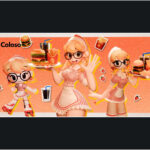
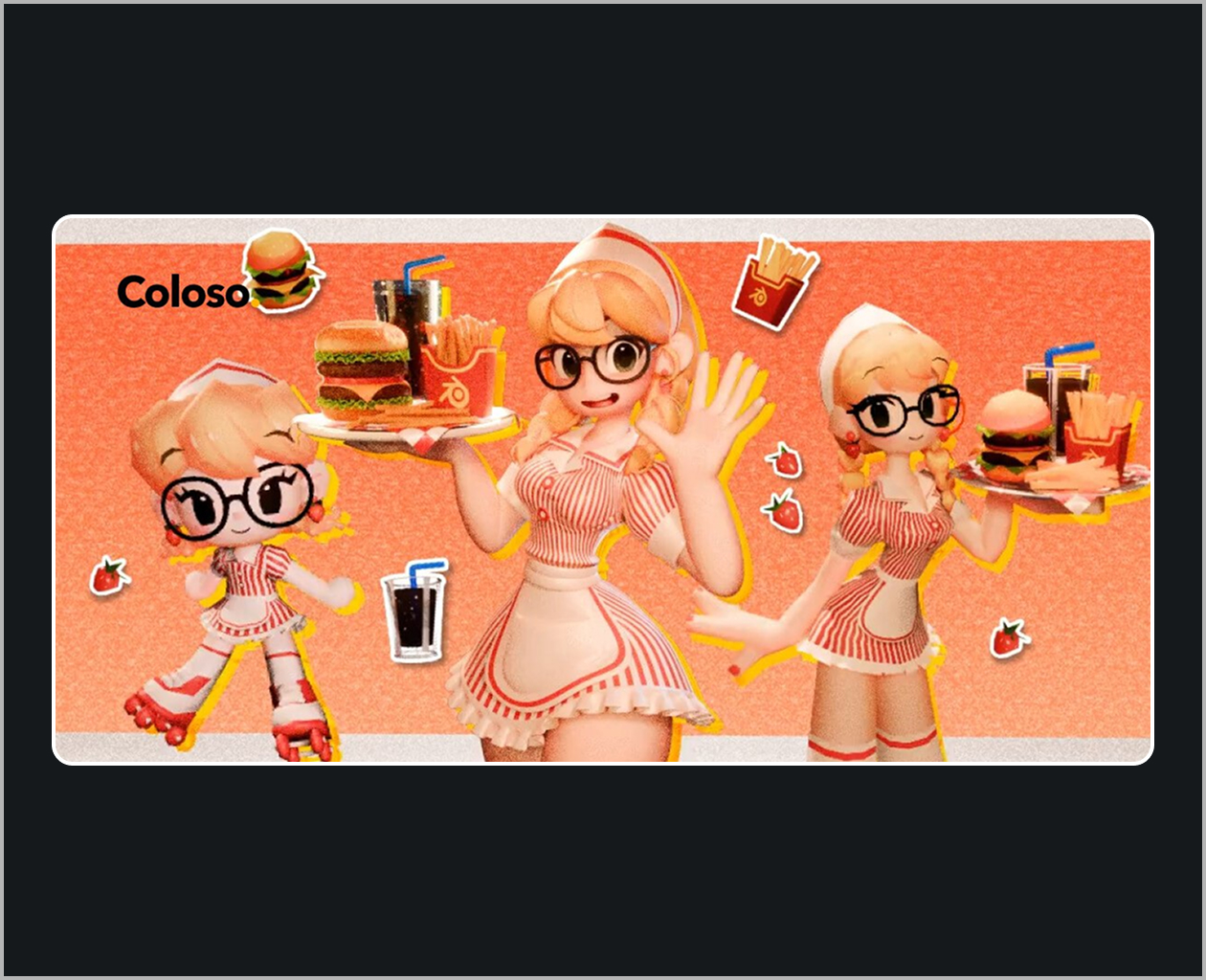
- 06 & 07. 2-Head Figure (Chibi) Character Animation: Applying Squash, Stretch, Anticipation, and Overlapping actions cleanly without plugins.
- 8. Character Animation Practice: Creating a complete 5-second character loop combining prior lessons.
Section 2: Advanced Application & Rigging
- 9. Finding the Right Plugins & Rigging Mechanics: Choosing tools based on character design, and mastering IK vs. FK setups.
- Character Rigging in Action: Importing assets from Illustrator and setting up full-body character rigs using the Limber plugin.
- Facial Animation: Setting up facial rigs and building intuitive custom controllers to animate expressions.
- Core Movements: Rigging and animating foundational cycles frequently used in commercial infographics, such as walk cycles.
Who Is This Course For?
- Intermediate Motion Designers who know After Effects basics but struggle to make their characters move smoothly or naturally.
- Creators wanting to level up their portfolios with commercial-grade infographics and high-tension character work.
- Freelancers and Students looking for proven, efficient rigging workflows that save hours of manual keyframing.