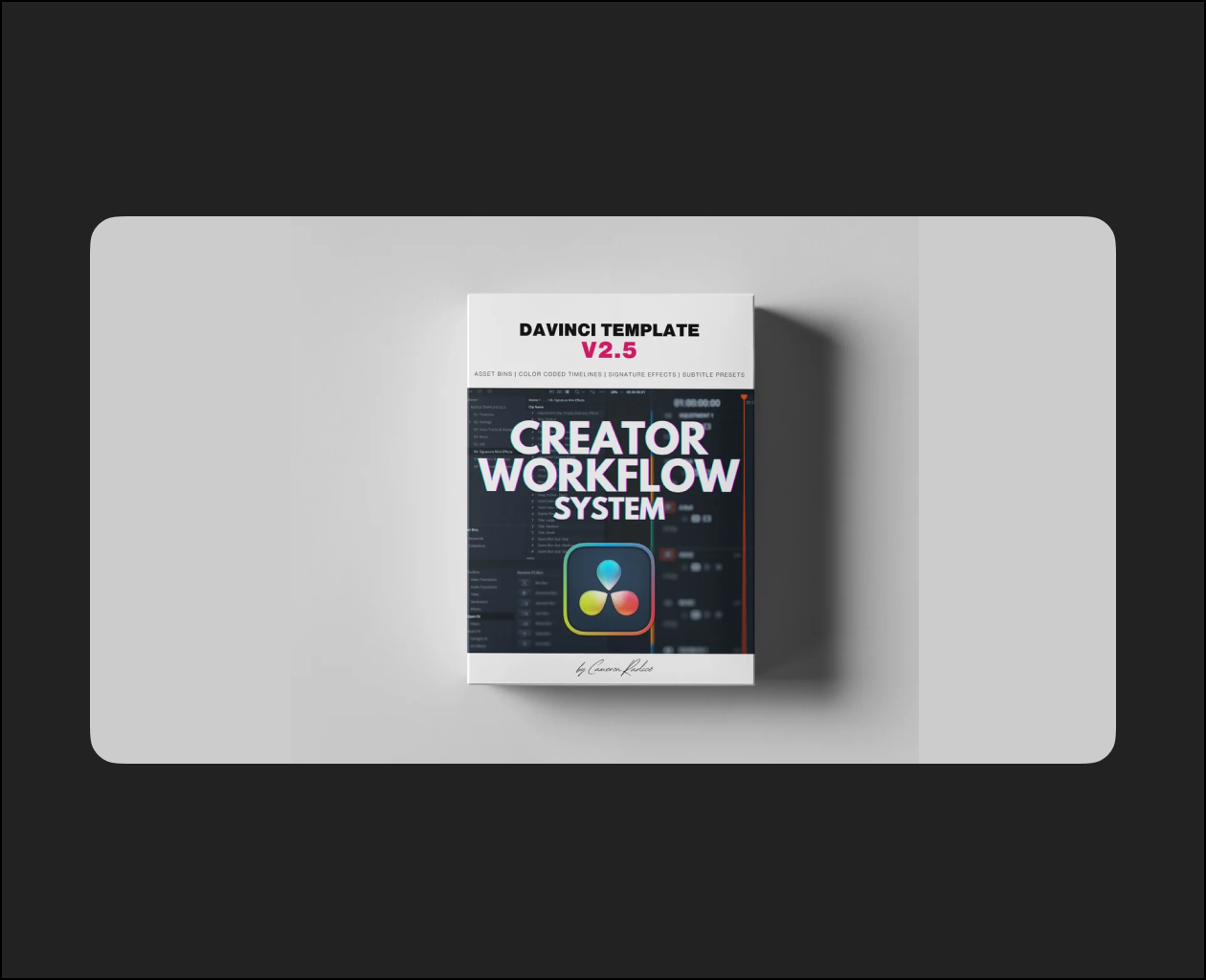
The Ultimate Davinci Resolve Template for Content Creators: Version 2.5
Ready to stop wasting time editing content?
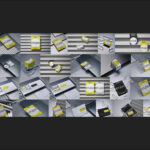
Here’s exactly what you’ll get to build a faster, more organized workflow with this DaVinci Resolve template:
Join 800+ creators who use this system every day to stay organized and never second guess their workflow.
Features of the Davinci Resolve Template for Reels V2.5:
- 8 asset bins to keep your content organized and ready to cut immediately.
- 14 color coded/labeled timelines:
- IG REELS 30 FPS
- IG FEED SQUARE 30 FPS
- IG STORIES 30 FPS
- FB REELS 30 FPS
- TIK TOK 30 FPS
- YOUTUBE SHORTS 30 FPS
- YOUTUBE LONGFORM HD 24 FPS
- YOUTUBE LONGFORM HD 25 FPS
- YOUTUBE LONGFORM HD 30 FPS
- YOUTUBE LONGFORM HD 60 FPS
- YOUTUBE LONGFORM 4K 24 FPS
- YOUTUBE LONGFORM 4K 25 FPS
- YOUTUBE LONGFORM 4K 30 FPS
- YOUTUBE LONGFORM 4K 60 FPS
- Audio Enhancement:
- Dynamics and EQ curves added to the voice track for clarity. Can be disabled or customized.
- Premixed levels for vocals, music, and SFX to ensure your music track won’t overshadow your voice track. Can be disabled or customized.
- “Mini Effect” Adjustment Layers (for 30 FPS timelines only):
- Key-framed blurs for text and graphic overlays
- Fast camera refocus effects
- Snap-ins / Snap-outs
- Zoom blurs
- Short and long zoom ins/outs
- Handheld camera shake
- White/black cards for plates, titles, and infographics
- Small, medium, and large text cards with customizable font and color
- Auto Captions Preset:
- Generate on-screen captions identical to those used in my reels with a single click. Customize font/color to your preference.
- Mini Video Course:
- Part 1: Template for Reels V2.5 Full Walkthrough (15 minutes)
- Part 2: Template for Reels V2.5 Customizing and Installing Presets (5 minutes)
- Part 3: Adding in Your Own Style and Re-Saving as Your Own Custom DRB Template (7 minutes)