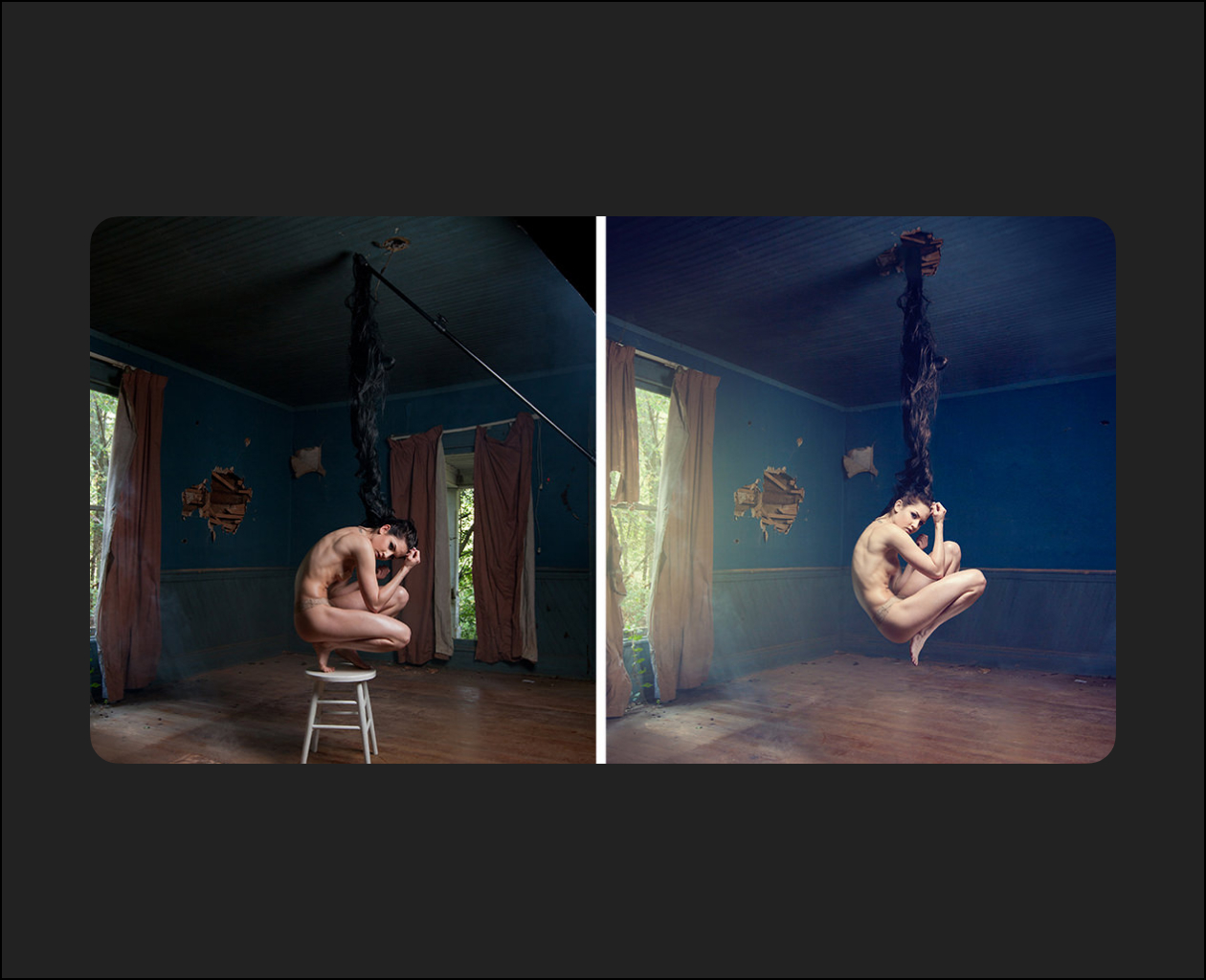
Learn how to seamlessly create even the most complex special effects composite images. In this Phlearn PRO Tutorial your will discover how to cut out objects, use custom brushes, match colors, step and repeat, composite theory and more.
Composite with confidence
Begin by learning the best methods to approach complex composite images such as this. Use the plan you create to ensure you don’t miss any of the critical steps. The advanced techniques you will learn in this Phlearn PRO Tutorial will help you to more easily accomplish incredible special effect composites.
Composite Theory
Learn to composite multiple images together so you can take the best parts of different photos and combine them, saving time on the photo shoot and giving you more creative options. In this tutorial, we cover some of the best practices for evaluating any composite.
Make Perfect Cutouts
Follow along as we explain the correct tools and techniques to cut out the subject for this image. Learn how to use the Pen Tool to create paths and turn the paths into selections. Create
incredible selections and speed up your background cleanup.
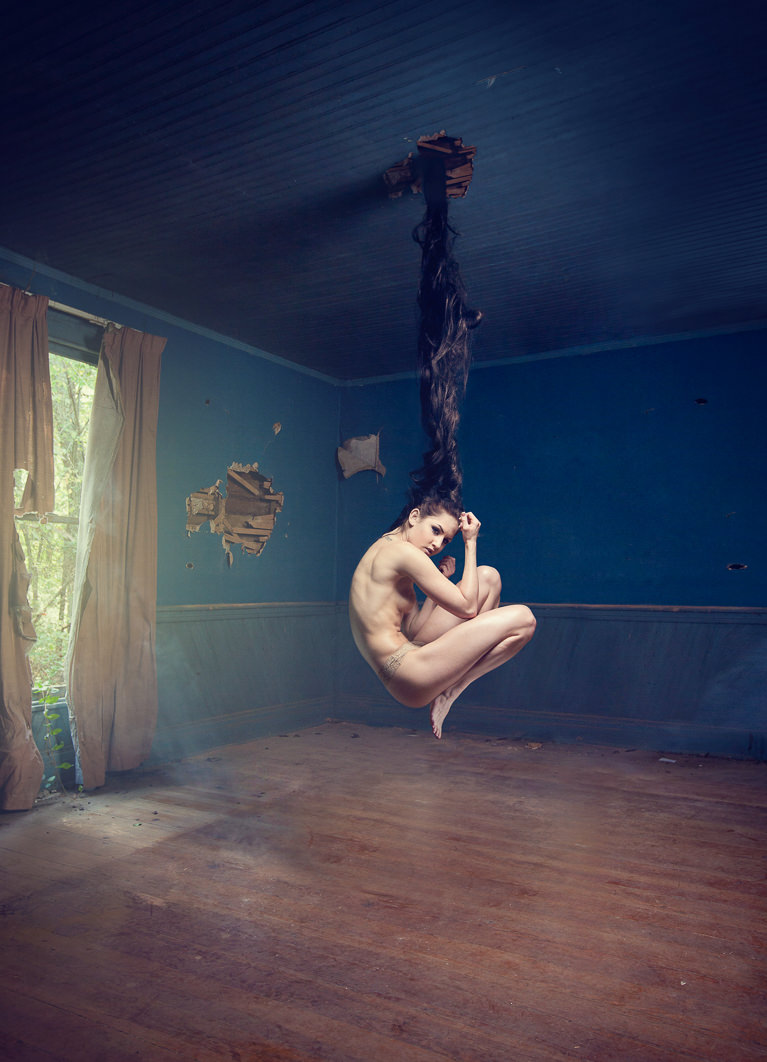

Blend Hair
Learn how extend and enhance your subject’s hair. Use Photoshop to combine many different layers of hair and learn how to mask, color, create highlights and blend the hair perfectly.
Remove Distractions
Refine your images by removing unwanted distractions. Master multiple techniques that will allow you to remove literally anything leaving only the focal points you decide.
Add Light
The trick with adding light to an image is to match the color with the rest of your scene. Learn how to accurately judge color and create the most believable light every time.
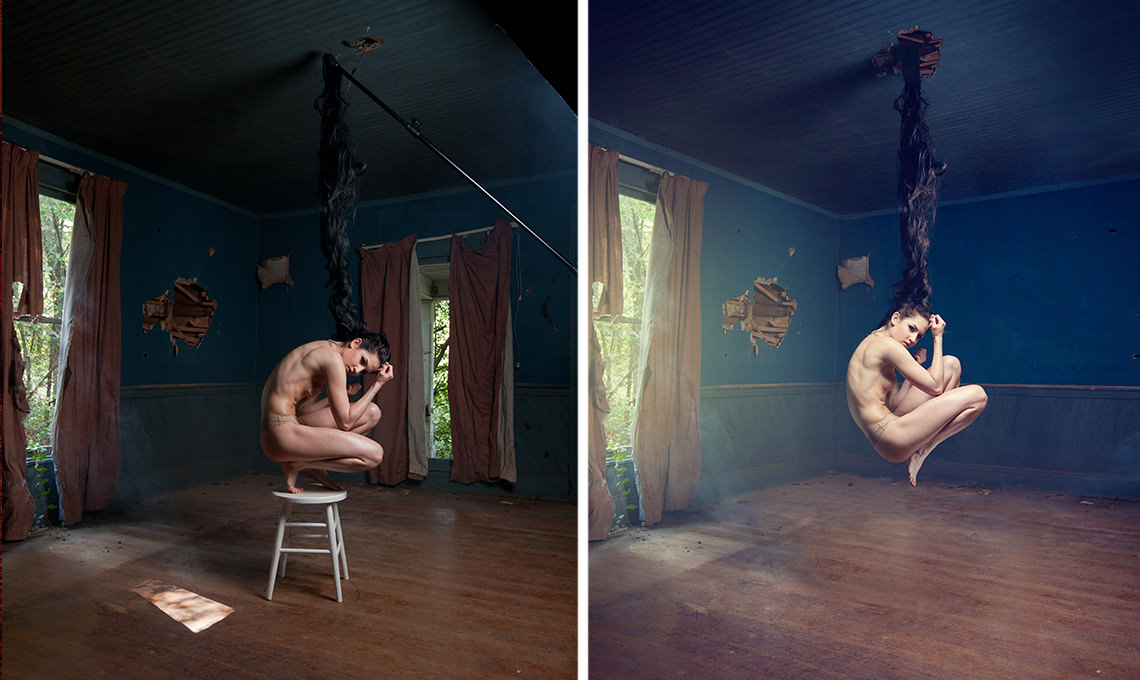
The Rebirth
Get familiar with more then compositing tools in this tutorial. Learn the theory behind how and why we use these tools to make realistic composites.
Perfect Color Match
Create the most believable composite image by matching the colors perfectly. Learn how to adjust the colors separately between shadows, mid-tones and highlights to create an accurate and realistic color match.
Custom Photoshop Brushes
Create your own Photoshop brushes so you’ll always have the right brush for the job. Custom brushes are excellent for advanced retouching and adding special effects to your images.
Retouch, Quick and Simple
Learn time-saving techniques to significantly speed up your retouching process. Follow along and learn how to easily color-match skin tones from different areas of the body to give any subject a more uniform look.