This course is a follow-up to HOU221: USD and LOPs for Houdini Artists which was released using Houdini 18.5. One year later, Houdini 19.5 was released and with it, a lot of changes have been introduced in Solaris and Karma. This course will cover some of the new workflows that were introduced as well as changes in previous workflows that were modified since the last course was released.
It is recommended you watch this course right after finishing HOU221 since we will be working with the same files and showing what has changed between Houdini 18.5 and 19.5. The main areas that will be updated in this mini-course are changes to Karma, an overview of surfacing with MaterialX, and using the new Component Builder.
Video Player
00:00
01:20
Class Listing
Class 1: Creating Assets
In this class, we will go over some of the general updates introduced to Solaris. Afterward, we will focus on asset creation by looking at the new Reference and Asset Reference nodes and updating the project files with these new nodes. This class is a follow-up to classes 5 and 6 from HOU221. We are also going to cover the Component Builder to simplify the creation of assets and look at how we can use it with a variety of assets.
Class 2: Shot Workflows
This class is a follow-up of classes 7 to 10 from HOU221 where we will look at the new LOP Import and Unpack USD nodes and how they are used with the new auto collections. We will revisit the FX and Layout layers and introduce the new Layout node and how it can work with the Component Builder from the previous class.
Class 3: Karma Updates
Karma CPU was finally released for production and Karma XPU moved from Alpha to Beta. This class will cover the updates and current limitations of both renderers and is a follow-up to class 11 from HOU221. We will go over AOVs, Cryptomatte, Deep Camera Maps, new motion blur nodes, and render-time procedurals.
Class 4: MaterialX
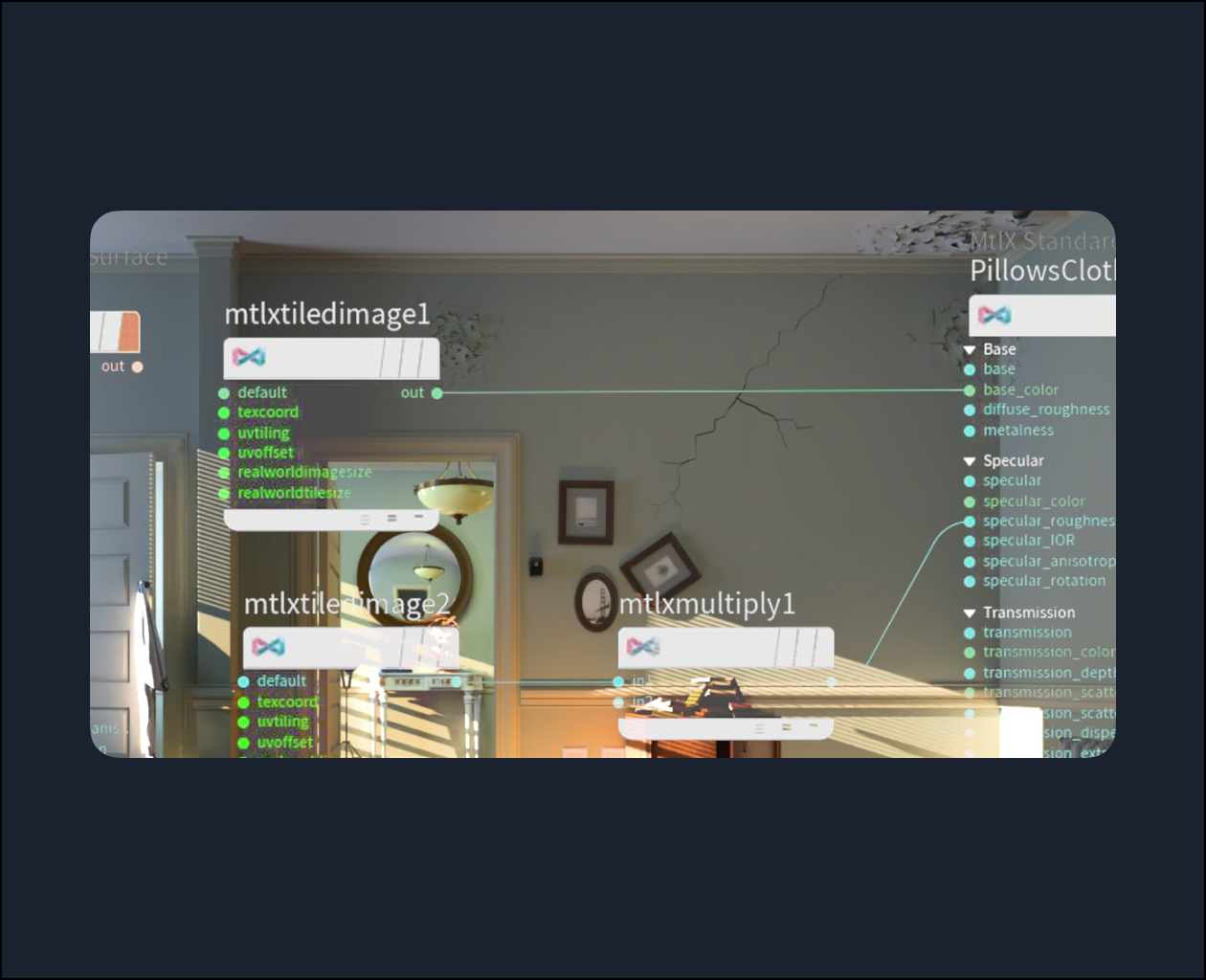
This last class will go over MaterialX, the new open source shading network that was added to Houdini 19.0 and allows you to create shaders that are portable between different renderers and programs. MaterialX is the future of shaders in Karma, so we are going to update our assets to use MaterialX and also add USD Preview Surface to make them as portable as possible.