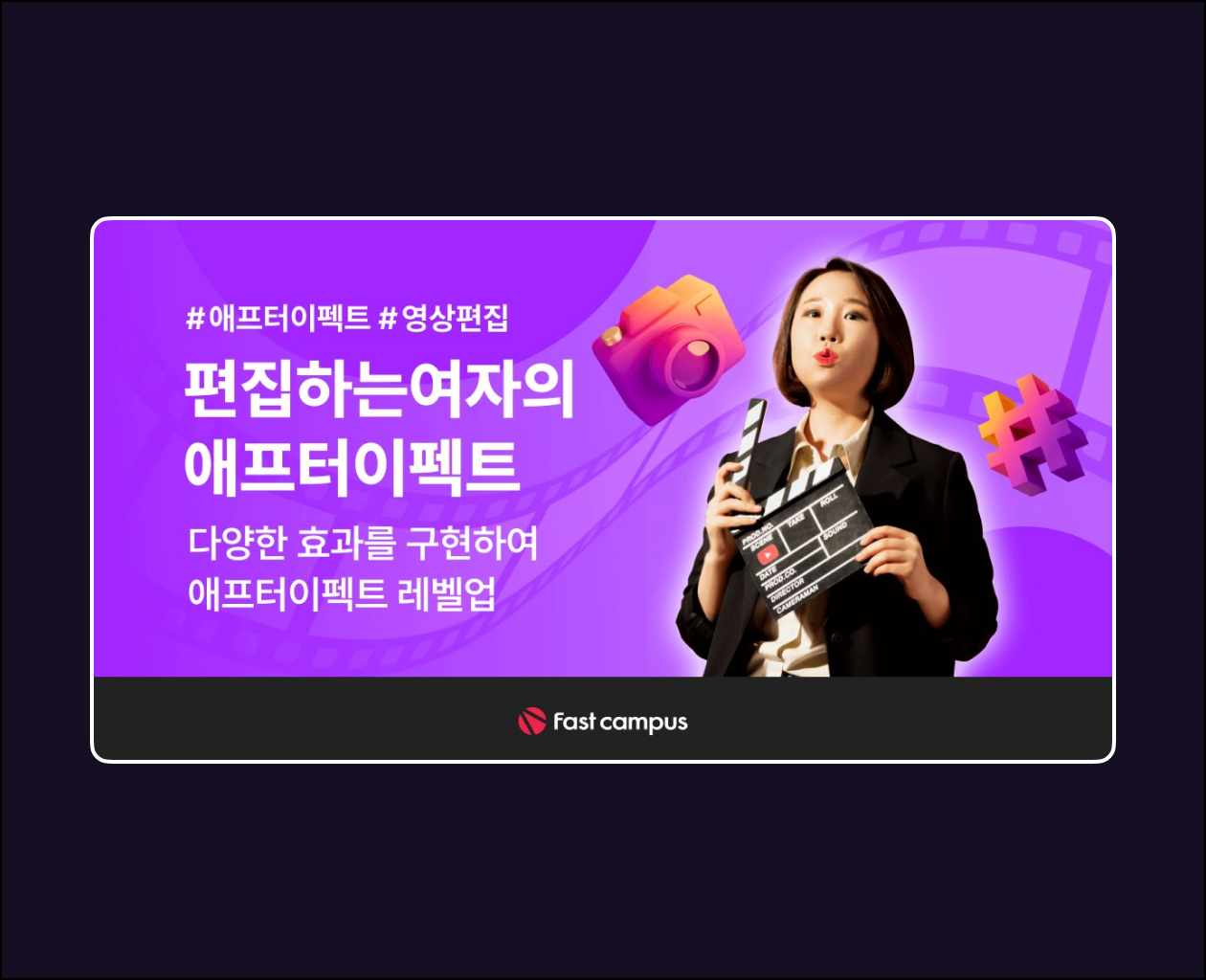
In <Level Up Premiere with 10 Editing Techniques>,
we learn these things.
Cut editing to the music tempoLet’s learn twomethods for editing cuts to the music tempo, which is one of the techniques for creating non-loosening cut edits .
Sophisticated speed control with time remapping!We will learn the A to Z of time remapping, from gradually speeding up to gradually slowing down, to speed ramping transitions that add tension to the speed.
Ad Effect: Tip for Infinite Cutscene Loop with a Single CtrlThe ultimate cut-emphasizing effect used in various TV commercials for Trailblazer, Alcon, Coway, and more! Learn how to easily use Play, Rewind, and Play effects with just the Ctrl key.
Using various video sourcesLet’s learn how to utilize various video sources to help with edits that look a bit plain .Green Screen, Overlay, Luma Matte.
Creating a simple intro using various optionsUsing the various skills learned up to Chapter 5, we will create a simple, modern intro ourselves.
Access: Telegram | MP4
Price — 30$