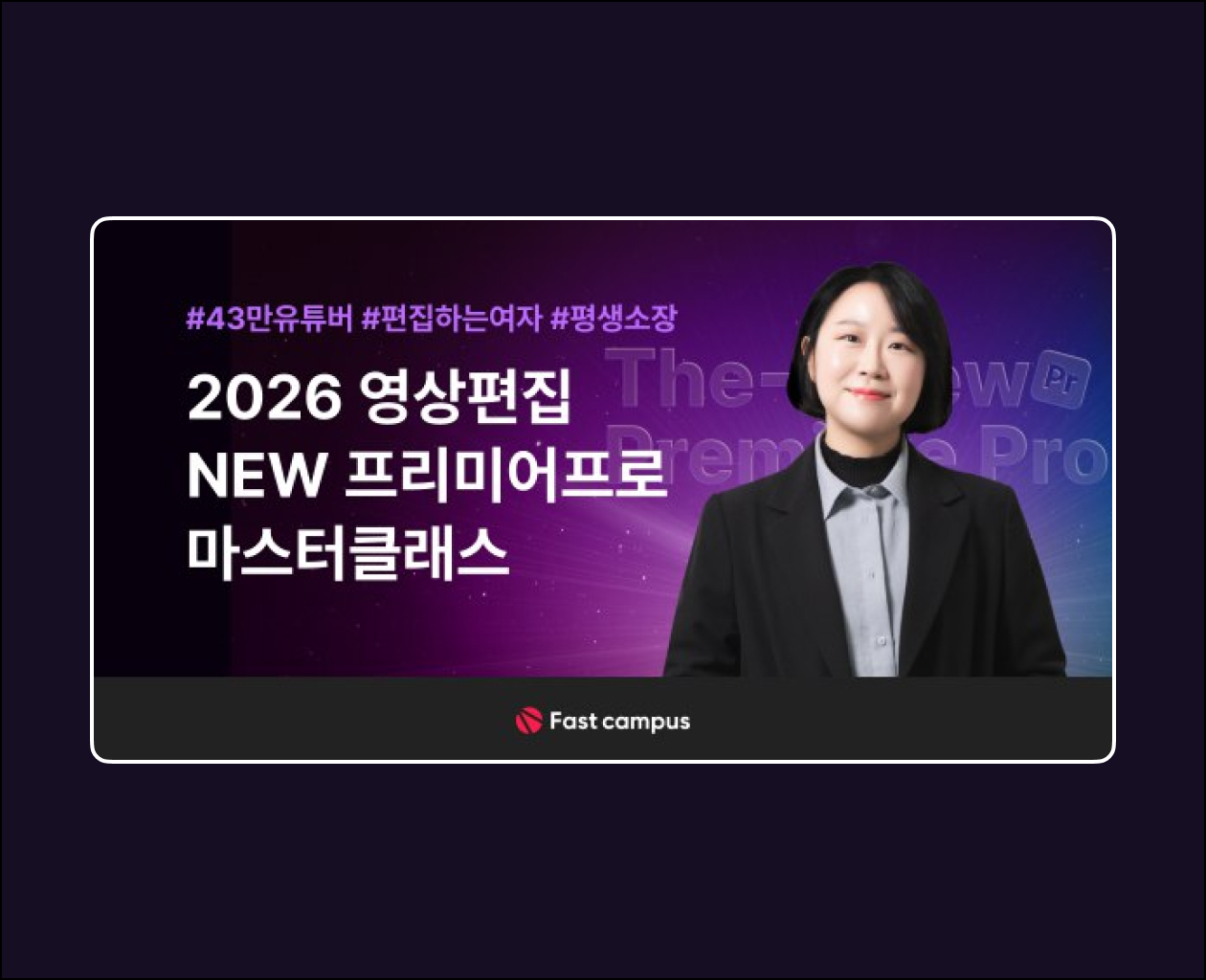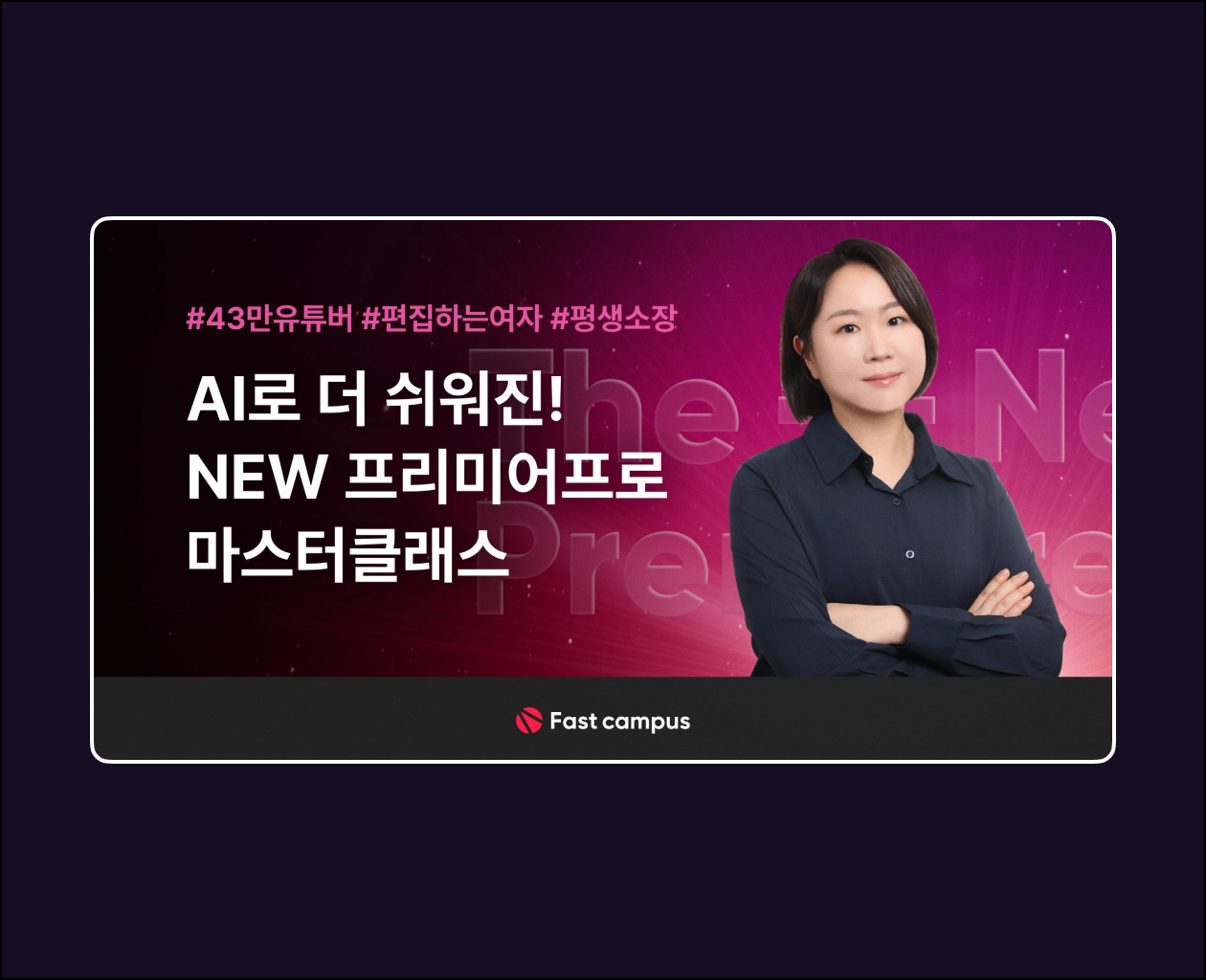
Fast Campus’s video editing bestseller, “Editor Girl,” is back with a revamped version!
Video editing made easier with AI—from the tool interface to editing skills and encoding! Learn everything about Premiere Pro with the latest trends and techniques!
Basic Information∙ 12 major topics, over 30 lecture clips (approx. 8 hours)
∙ Introduction
Course Features∙ Lifetime access with a one-time payment
∙ From interface to editing and encoding, all in one go
∙ Editing techniques utilizing the latest features and AI
∙ Premiere Pro practice example files and original source files provided
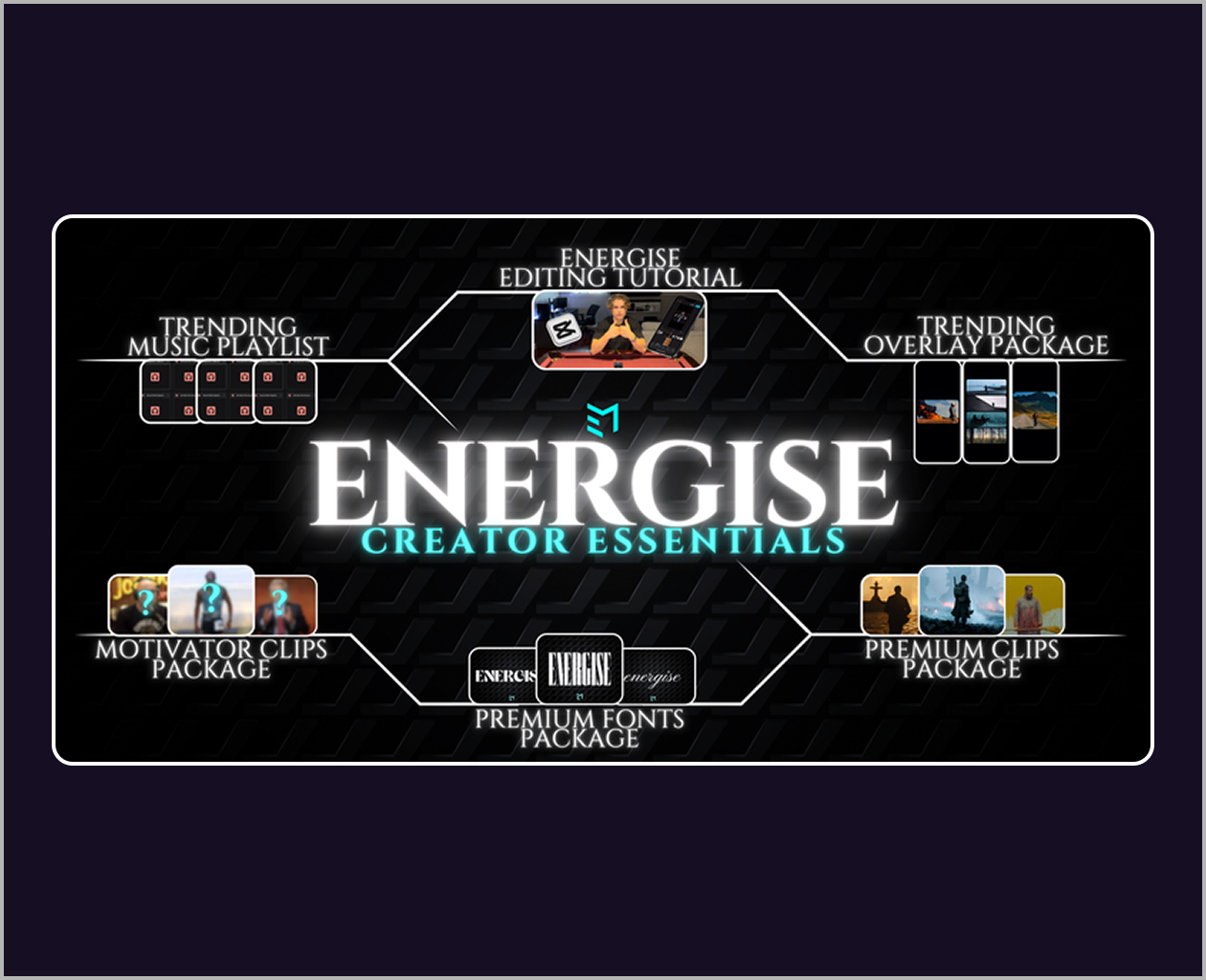
∙ Approximately 1,000 templates provided as video editing cheat codes
Premiere Pro Cut Editing A to Z
Learn about cut editing shortcuts that double editing speed without using tools, and how to quickly edit cuts using AI.
Control audio volume with AI
It is set to automatically adjust the volume in response to my voice, and it amplifies un-microphoneed audio to maintain high quality.
No more boring repetition! AI audio length control
I am trying to make it so that the length of the audio track is automatically adjusted, even in parts where the background music is insufficient
Apply eye transition effects + customize transition effects to your liking
Add various screen transition effects, but modify them to your liking so that you can create a unique feel even when using the same transition effect.
Automatic processing of vast amounts of speech subtitles with AI
Instead of typing out a vast amount of speech subtitles one by one, I will recognize the audio and create subtitles with the desired design.
Create Vividness with Various Presets
Let’s create motion subtitles that elevate quality simply by dragging and dropping MOGRT presets, instead of lifeless subtitles.
Access: Telegram | MP4
Price — 30$