By skillshare.com · After Effects · Courses · Jul 21, 2026
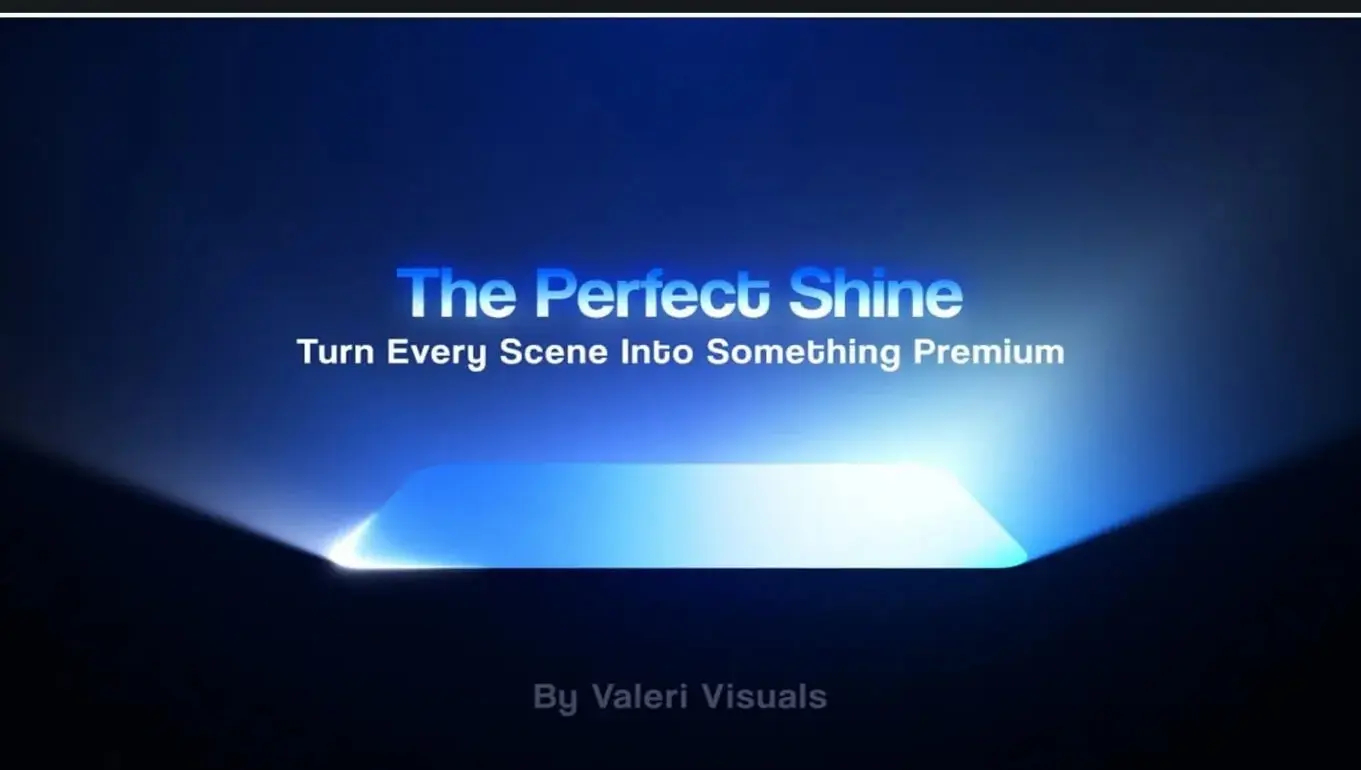
**The Perfect Shine Effect in Adobe After Effects** *(by Valeri Visuals)*
* **Level & Length:** Intermediate | ~40 Minutes
* **Software/Tools:** Adobe After Effects (100% native tools, no third-party plugins)
### Summary & Topics Covered
* **Light Sweep Techniques:** Building smooth, customizable light streaks across logos, UI cards, and typography.
* **Gradients & Blend Modes:** Utilizing linear gradients, track mattes, and transfer modes to ensure realistic metallic or glassy highlights.
* **Reflections & Edge Beveling:** Adding realistic inner glows, rim lighting, and specular highlights to ground the shine effect.
* **Timing & Easing:** Refining keyframe velocity and speed graphs to make light sweeps feel natural and impactful.
### Class Project
Apply the shine effect technique to a logo or UI card asset of your choice, adjust the light angle and gradient colors to match the branding, and export a short animation render.
Topics: After Effects