By skillshare.com · After Effects · Courses · Jul 21, 2026
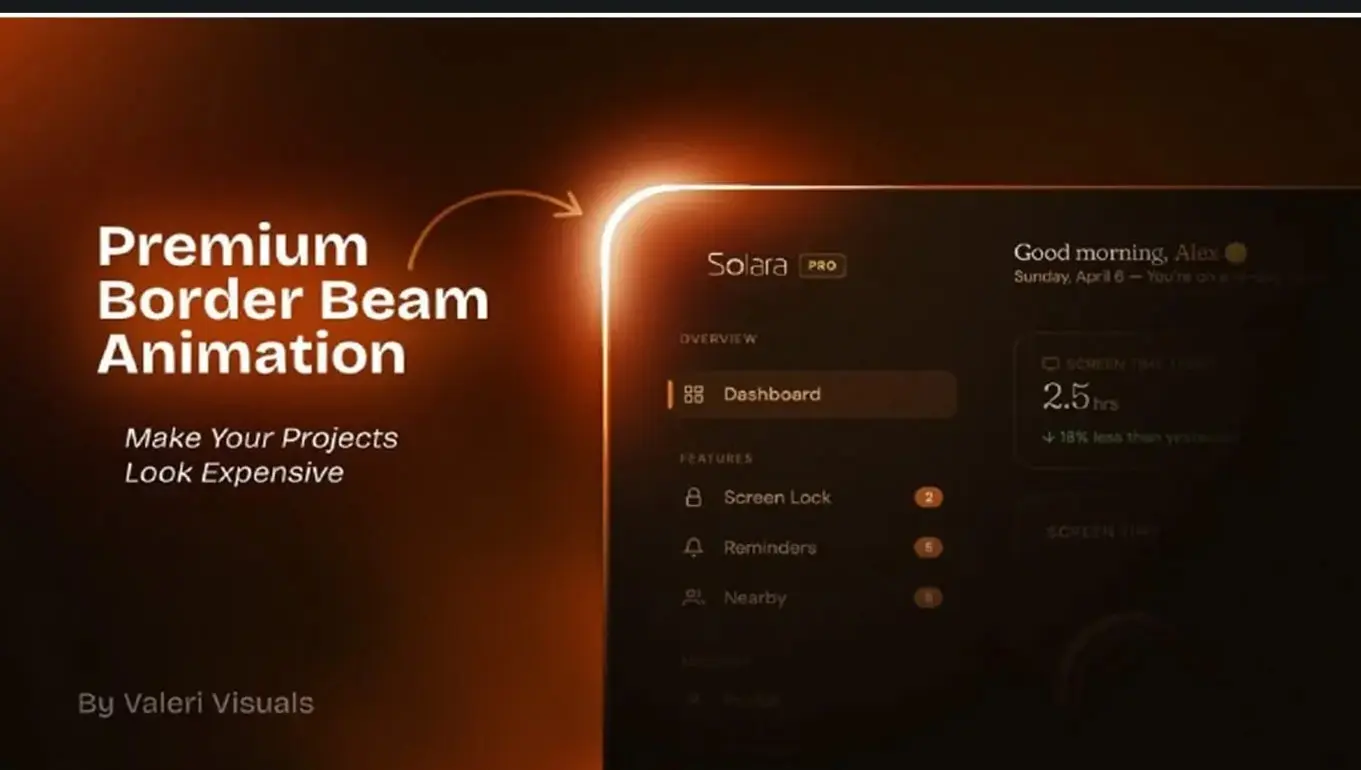
**Premium SaaS Border Beam Animation in Adobe After Effects** *(by Valeri Visuals)*
* **Level & Length:** Intermediate | ~55 Minutes (6 lessons)
* **Software/Tools:** Adobe After Effects (100% native plugins, no third-party scripts required)
### Summary & Topics Covered
* **Project & Color Setup:** Configuring a 16-bit depth color workflow for smooth gradients and crisp UI glows.
* **Parametric Layer Linking:** Parenting shape paths and stroke settings so the border beam dynamically adjusts to any UI card dimension.
* **Beam Shaping & Trim Paths:** Utilizing trim paths, stroke caps, and track mattes to generate custom neon beams.
* **Inner Glows & UI Reveal:** Building inner glow highlights and animating the beam to smoothly reveal UI assets and interfaces.
* **Polish & Fixes:** Troubleshooting common rendering issues, refining speed curves, and adding realistic post-processing glow effects.
### Class Project
Recreate the animated border beam effect using your own UI design or provided mockups. Customize the beam’s color palette, adjust the card dimensions, and export a short video or GIF render.
Topics: After Effects