I will show you the curriculum .
01. Orientation: Instructor Introduction and Course Objectives
- Introduction to Instructor Career and Portfolio
- Introduction to Lecture Plans and Broadcast Title Production Workflow
- Creating a finished work through a workflow
02. Understanding After Effects Interface and Basic Layers
- Understanding Layers (Text, Solid, Light, Camera, Null Object, Shape Layer, Adjustment Layer, etc.)
- Understanding the Timeline Panel and Layer Controls (Work Area Bar, In/Out Points, Composition Window Settings, Duplicate, Sequence Layers, etc.)
03. Understanding Keyframes
- Understanding the Types of Keyframes and Velocity Graphs in After Effects
- Simple animation training using solids and text layers
- Examples and Understanding of Kinetic Typography
- (Example) Typography animation using Pre Comp and Create Shapes from Text
04. Understanding Masks, Mattes, and Blending Modes
- Understanding Mask Mode Values (Add, Subtract, Intersect, Lighten, Darken, Difference)
- Position change using the mask’s pass
- Understanding Alpha and Luma Matte
- Types and Application of Blending Modes
- Cutout work on chroma key footage using the Keylight effect
- Proportion and aesthetic form
- (Example) Double exposure technique using chroma key footage
05. Understanding Cameras, 3D Layers, and Element 3D 01
- Understanding 2D and 3D Layers
- Types and Properties of Light, Cast Shadows (Parallel, Spot, Point, Ambient)
- Understanding Camera Lens Properties, Camera Aperture, and Shutter Speed (Depth of Field)
- Understanding and Setting Point of Interest Exclusively in the Camera Layer
06. Understanding Cameras, 3D Layers, and Element 3D 02
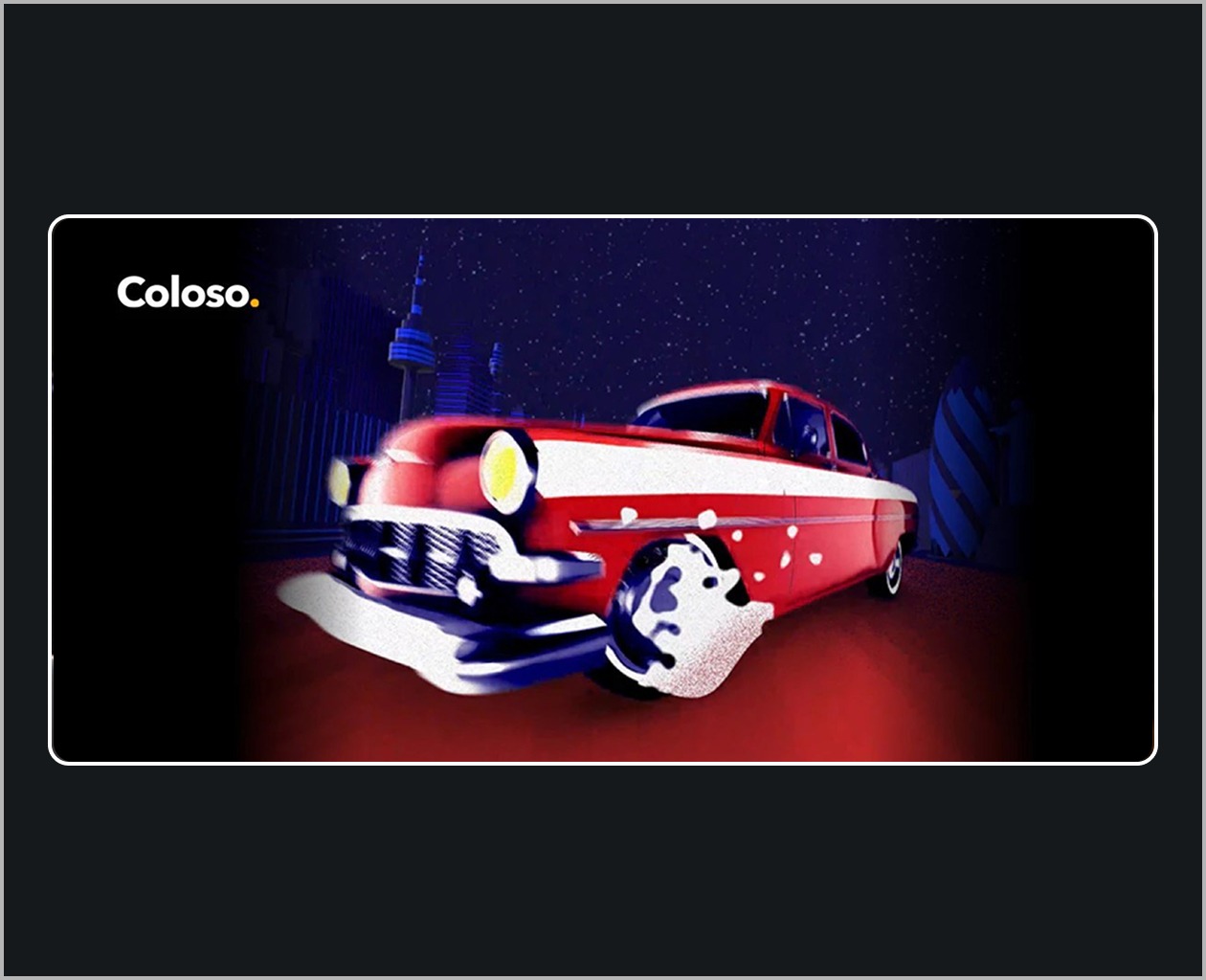
- Car Modeling Setup Using Element 3D and Camera
- (Example) Creating a Dynamic City Running Animation
07. Understanding the Program Title Package to be Produced and Storyboard
- Program concept, idea, and rough structure
- Reference search and font color
- Basic planning of the title
- Storyboard production
08. Logo Creation Using Illustrator
- Introduction to Illustrator’s Simple Interface
- Points to Note in Broadcast Program Logo Design
- (Example) Creating a program logo design using fonts in Illustrator
09. Production of animation using the designed logo
- Key motion to showcase the overall concept of the title
- (Example) Creating a logo animation using a designed logo
10. Creating a bumper using the generated logo animation
- Creating a single artwork that encapsulates the program’s overall look
- City setting using Element 3D
- Creating image files including alpha values (mov, Targa Squence, png Squence)
- (Example) Create a program bumper by applying a logo animation to a designed artwork page
11. Sound editing in Premiere Pro and a rough cut using storyboards
- A brief introduction to the Premiere Pro interface
- Selection and editing of sounds that form the program’s concept and overall structure
- The overall rhythm of the video utilizing music
- Production of a rough cut using storyboard cuts
12. Shooting source material for the title
- Understanding Shot Types and Camera Angles
- Preparation for the shoot, props, costumes, etc.
- Chroma Key Filming and Precautions. Direction on the Filming Set
13. Third-party Plugin: Trapcode’s Particular
- Understanding the main functions of particles, such as Emitter, Particle, Physics, and Auxsystem
14. Post-production 01: The Intro and Cohesion of an Attractive Title
- Rough cut and scene arrangement using footage
- Creating an intro sequence using previous example cuts
15. Post-production 02: The Title’s Thrilling Development Using 3D Cameras
- Production of car shots dynamically driving through the city
16. Post-production 03: Creating Beauty Shots Using Matte Techniques and Camera
- Production of beauty shots of the cast using a camera and mat
17. Post-production 04: Production of the Ending Sequence, the Climax of the Title
- Converting Modeling to Sketch
- Filling the portfolio density
18. Post-production 05: Transition Production and Detailing with Effects
- Details using effects
- Scene transitions and continuity. Overall tone correction and detail enhancement.
19. Scene Connections and Transitions
- Overall tone correction and detail enhancement
- Add sound effects
- Types and functions of codecs commonly used in practice
- Setting up your own output module
20. Surviving as a Freelancer
- From Non-Major to Becoming a Freelance Designer
- Lessons learned while working as a freelancer and A-to-Z know-how for becoming an independent freelance