Most enrolledNothing viewed yet
Figma Advanced Masterclass: Design Systems, Prototyping & Responsive UI | Skillademia Academy | Skillshare
Skillshare · Course
Watch lesson one, freeIn plan
Catalog
Browse the library by subject and software. Instant Telegram delivery via @madbax_bot.
the last three
you opened
Skillshare · Course
 3.9 GB
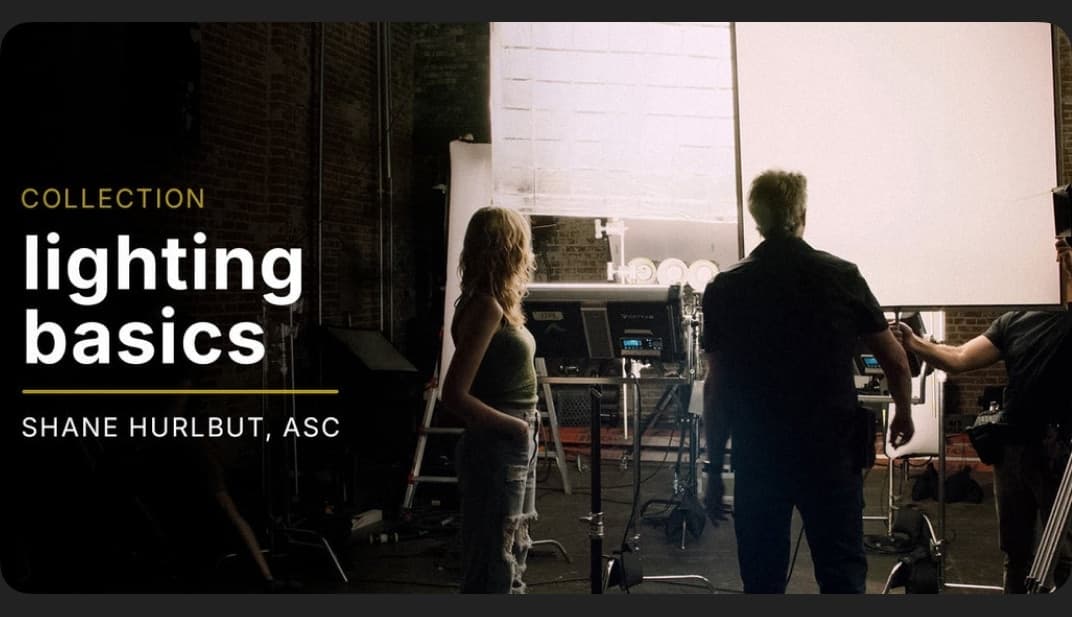
Lighting Basics is an introductory course in the art of lighting techniques. Shane Hurlbut, ASC breaks down the fundamentals with his lighti
2 files · RARLighting and Rendering
 857 MB
Intro To Commercial Directing is designed to give you the essentials to become a Commercial Director. Step onto the fast-paced production of
1 file · RARIn Plan

Photoshop is an invaluable tool for all Lightroom users, and in this class Scott Kelby teaches you the most important Photoshop techniques y
1 file · RARLighting and Rendering
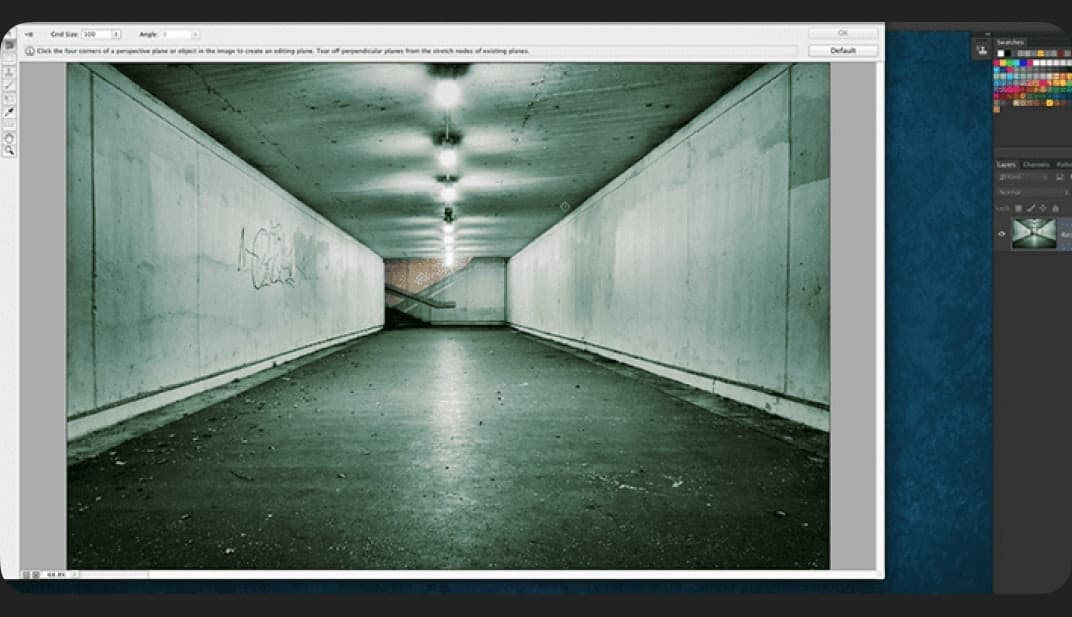
Learn quick and easy tricks to getting high end broadcast style motion graphics and animations including animating in 3D! Topics: Photoshop
1 file · RARMotion and VFX
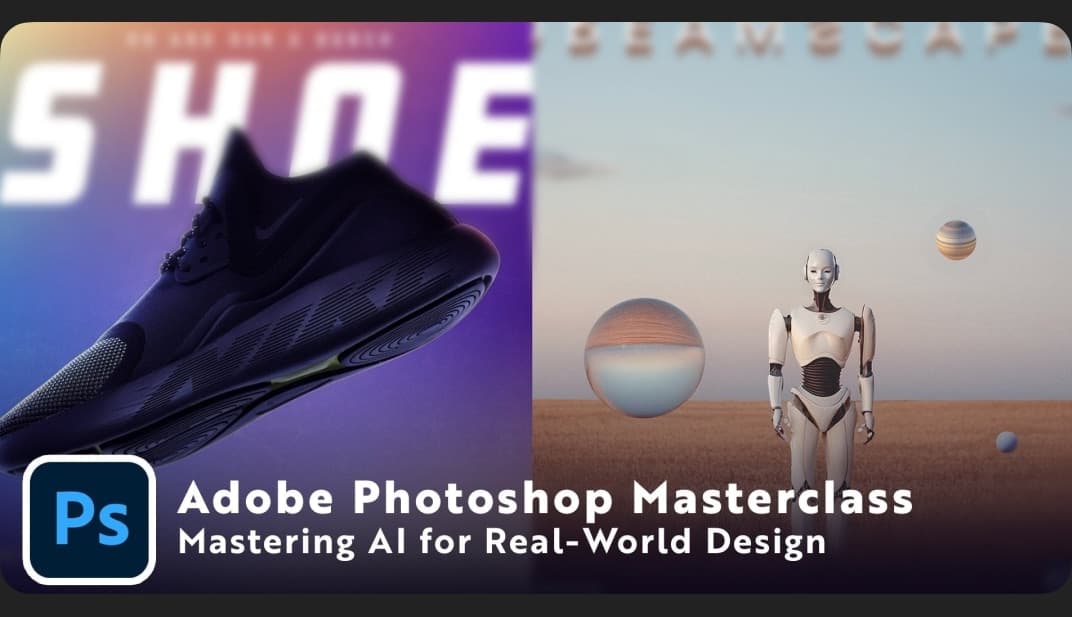
In this class, you’ll learn how to harness Photoshop’s new AI tools to design faster, smarter, and with more creative freedom. AI isn’t here
1 file · RARBusiness and AI

Natalia Seth is a creative force of nature. With over 200,000 followers on Instagram, people all around the world are inspired by her colorf
1 file · RARUI/UX & Design

Navigate the Photoshop interface with confidenceEdit and enhance photos using professional tools and techniquesDesign social media Posts, Ba
4 files · RARDesign and Illustration

These Projects are important for freelancing designersHow To earn from photoshop in editing and designingHow to use perfect Selection ToolsH
1 file · RARUI/UX & Design
How to use the most important Photoshop tools in the toolbarFunctions and how to use the most important filters in PhotoshopUnderstanding an
1 file · RARUI/UX & Design
Understanding the Photoshop InterfaceNavigating Menus, Tools, and PanelsUnderstanding Layers and Layer ManagementUsing Selection Tools (Marq
1 file · RARUI/UX & Design

Create brand-new images using text prompts with the Generate Image panel.Use Generative Fill to remove, add, or replace objects instantly.Pe
1 file · RARBusiness and AI

Follow along as we explain the correct tools and techniques to cut out the subject for this image. Learn how to use the Pen Tool to create p
1 file · RARUI/UX & Design
Showing 2317–2328 of 20144