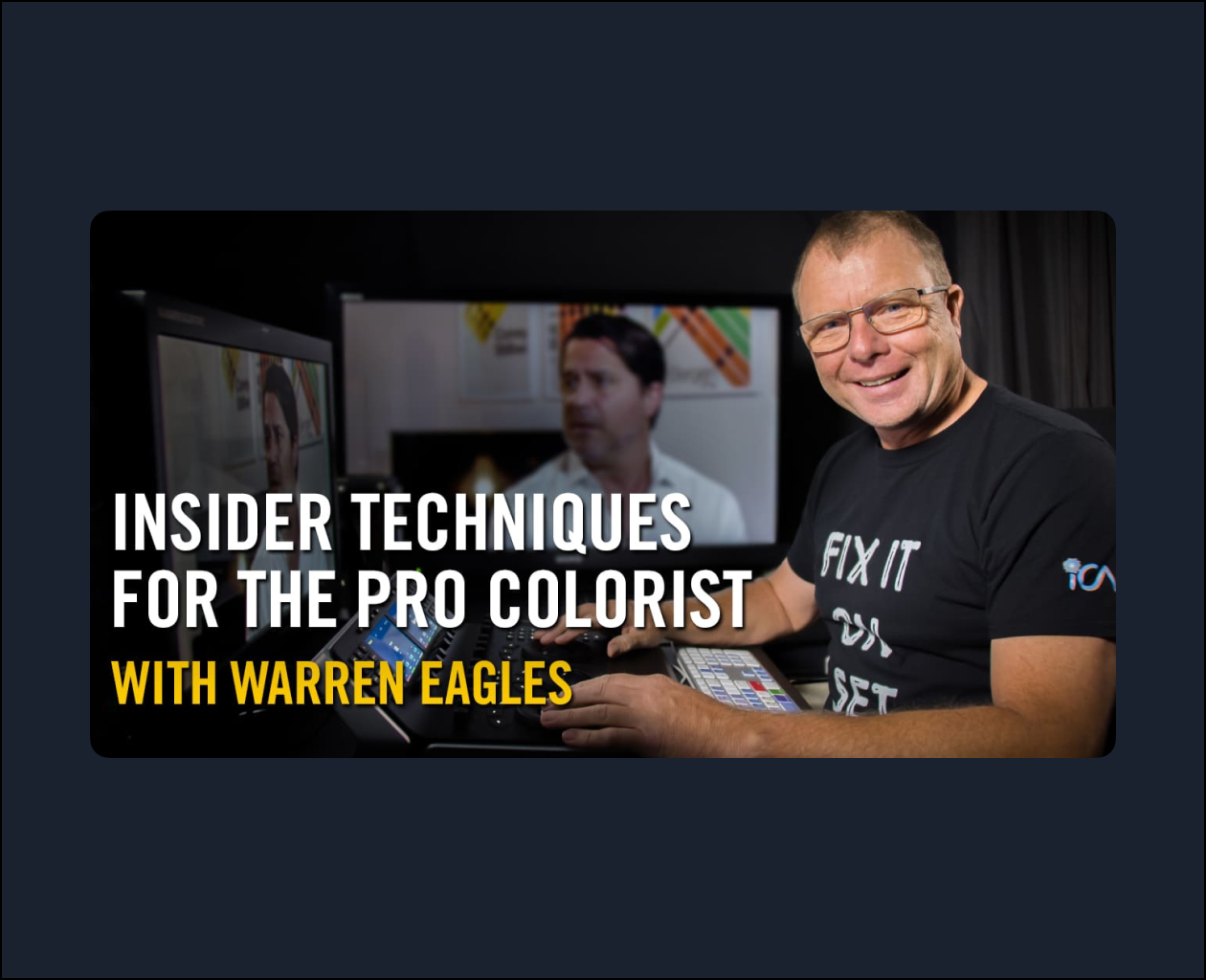
This online training course looks at how to approach a color session, where to start the grade, and what an experienced client expects from you. You’ll also learn how to fix bad camera problems causing shots in the sequence to not match as well as use twelve Resolve OFX plugins to fix problems and add creativity. This course has many tips on how to make your way up the grading ladder including things such as how you should set up your room, monitor, control surface, and even insights on whether it is ok to work for free.
This course was recorded in V16, but due to its creative focus on the craft of color grading, it still provides many great tips and techniques that are useful today.
Once you purchase this course, you can immediately download all class instruction videos. This course is not part of the normal fxphd membership and does not include access to our discussion forums or VPN software. Footage supplied with the course may only be used for learning or your showreel (use in commercial or non-commercial projects is prohibited).
This training is exclusively available for standalone purchase in the fxphd store and is not available as part of the fxphd membership.
For my 13th season of fxphd training I wanted to do something different. Lots of people are learning to color grade using many different ways: in the classroom, books, film school, YouTube, and more. This is OK, but when you start offering your services as a colorist and begin working with clients it becomes a lot more serious.
This course is primarily centered around a 60 second segment introducing a marketing video for a paint shop. Filmed with three different cameras (GoPro, A7iii, and a 4k Blackmagic Pocket Cinema Camera), the footage presents many challenges: flicker, wrong color temperature, bad framing, changes in exposure, noise and a fussy host/vfx artist and CEO who is paying for the grade ;). The course comes with all the footage — over 10GB! — so you can follow along as a tackle the problems.
–Warren Eagles
What level is this class?
This is an Intermediate/advanced class where you get 12 lessons and the media that is used in each class. You should have completed the Fundamentals course or have been previously color correcting with Resolve. Maybe you have been coloring with an older version and want a refresher on what is new. You can follow along with the classes using the same techniques on the same footage as Warren uses during the classes. All media is supplied.
What will I be Coloring?
A mixture of footage, Blackmagic Pocket Cinema Camera ProRes and BRAW, RED R3D, Sony A7ii, and GoPro, including all the problem footage. You will also get all the XMLs and reference movies used in the conform classes.
Why take this class?
You want to learn what is new in Resolve 16 and at the same time get an insider view of the techniques the professional Colorists use in their daily grading sessions. I think my real world experience as a colorist and teaching classroom classes helps the way I transport techniques into online training classes.
Who is this class for?
This is for you is you what to take your grading to the next level and are starting to work with clients. Even if you use Resolve on a daily basis you’ll get something from these classes.