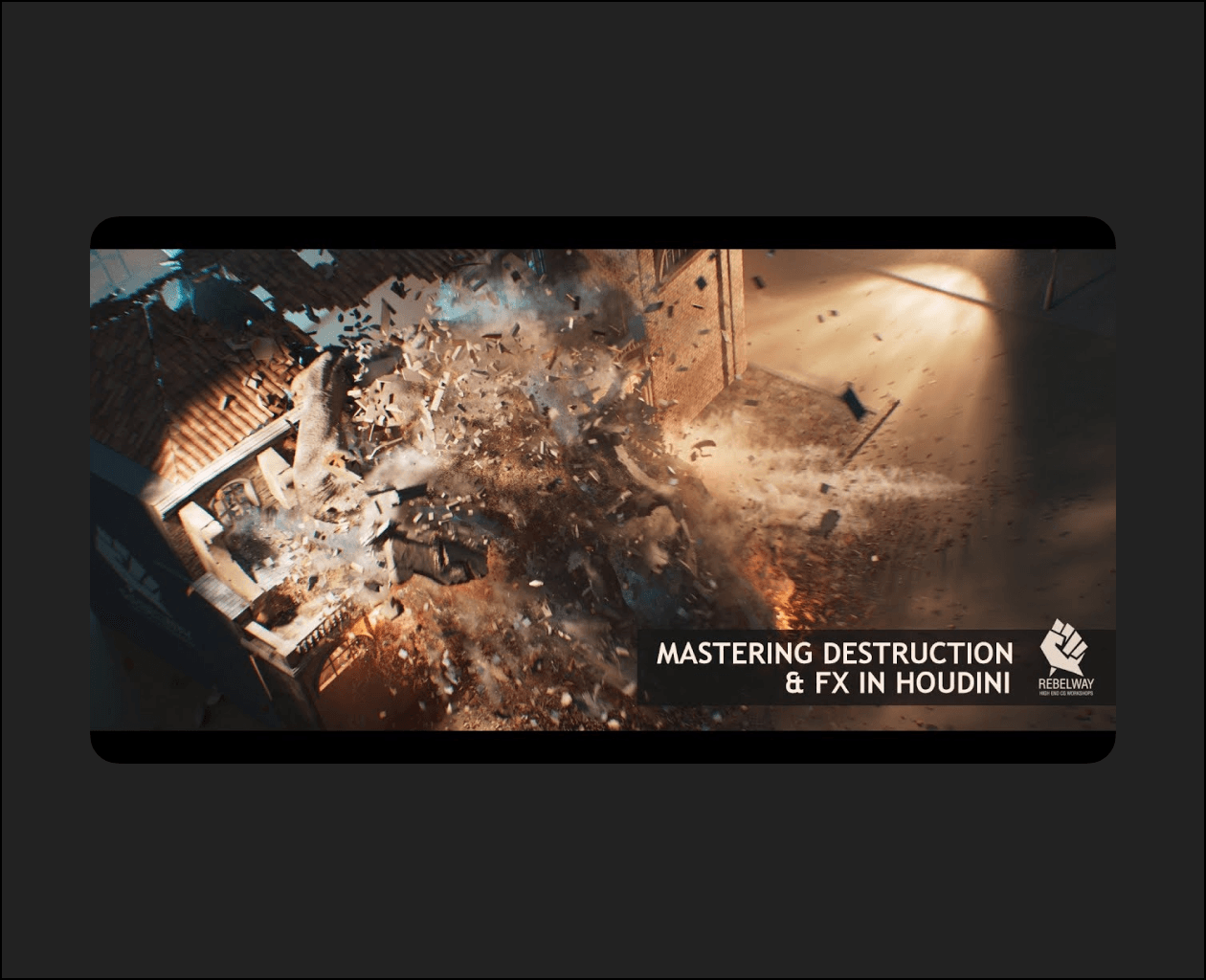
WEEK 1 – OVERVIEW
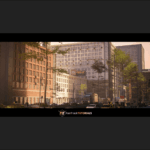
In week one, we will take an in-depth look at the project and the various problem that we may face.
WEEK 2 – FRACTURING
In week two, we will start looking at geometry fracturing and creating our own systems for fracturing concrete and wood.
WEEK 3 – RBD + CONSTRAINTS
In week three, we’re going to create the primary RBD sim and all the constraints needed to get the look that we want.
WEEK 4 – WOOD FRACTURING
In week four, we will continue setting up the parts of the building while focusing on wood structure and rooftop.
WEEK 5 – RBD SYSTEM
In week five, we’re going to continue working on our RBD system.
WEEK 6 – PARTICLE SIMS
In week six, we will start by looking into creating a secondary sims using particles, and using that technique to create debris on our sims.
WEEK 7 – EFFICIENT GEOMETRY
In week seven, we’re going to take a look at creating all the volumetric FX, and learn how to efficiently work with heavy res geometry.
WEEK 8 – PROBLEM SOLVING
In week eight, we’re going to cover a variety of small topics and show solutions to different problems.
WEEK 9 – LIGHTING + SHADING
In week nine, we’re going to start assembling the scene, shading, and lighting the main building.
WEEK 10 – RENDERING
In week ten of this course, we will be discussing smoke rendering, particle rendering and learning how to set up the passes.