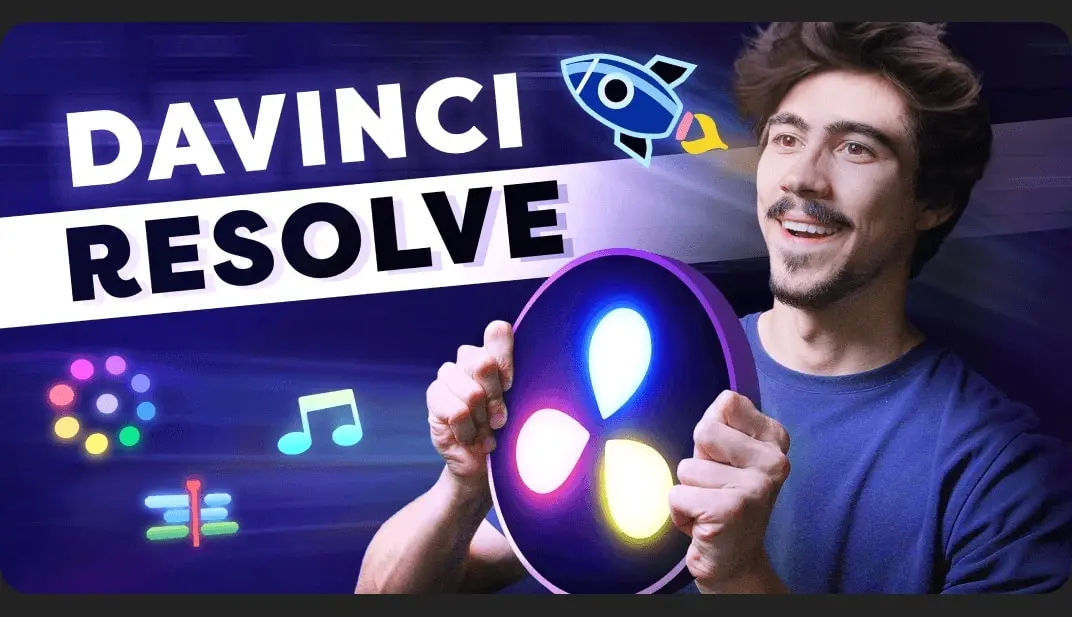
Home Courses Davinci Resolve Tymon Reynders – Learn Video Editing With DaVinci Resolve 20 – Beginners (2025)
Davinci Resolve

Tymon Reynders – Learn Video Editing With DaVinci Resolve 20 – Beginners (2025)

Share

About This Class

Learn how to edit professional videos with DaVinci Resolve 20.

In this beginner class, you’ll learn how to start your first project, basic editing techniques, transitions, basic (text) animations, video effects and more!
Throughout the class, you’ll edit a complete short video together with me. You’ll turn raw footage into a polished video. All project files are included so you can follow along.

By the end of this course, you’ll be able to:

  • Confidently navigate DaVinci Resolve’s interface and workflow
  • Edit videos with professional techniques (cuts, trims, transitions, B-roll)
  • Add titles, effects, animations, and templates
  • Correct and grade colors for cinematic results
  • Mix music, dialogue, and sound effects
  • Export your project with the right settings for YouTube or social media

And don’t forget! When you finish, upload the short video you’ve edited during this class! I’d love to see your work and give feedback!

Have fun!

Related Articles
PluginsVideo Resources

Aescripts – mirAI

mirAI operates After Effects for you — describe what you want in...

PluginsVideo Resources

Aescripts – Grid Composer

Visual grid layout designer for After Effects. Create grid, split, random, and...

PluginsVideo Resources

Aescripts – Depth Scanner 2

AMD & NVIDIA GPU support! Depth Anything v3 added! AI-based plugin for...

PluginsVideo Resources

Aescripts – Depth Scanner Lite

Now with Depth Anything v2! Artificial Intelligence-based plugin for automatic easy depth...