By Videohive · Elements · Effects & overlays · Oct 16, 2026
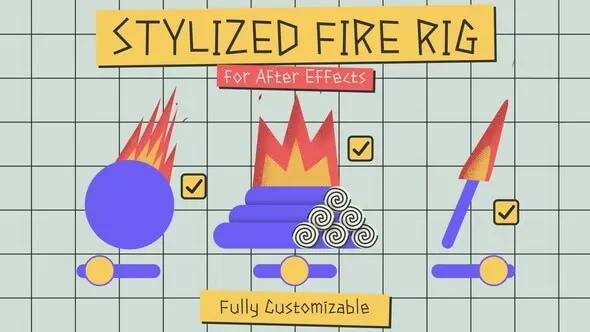
The
Stylized Fire Rig
allows you to create stylized 2D animated fire in After Effects without the need for keyframes. Customize it to your liking! The most important features of this project include:
Adjustable Flame Count:
Change the number of flames in the fire, ranging from 1 to 5 flames.
Secondary Fire Particles:
Add secondary fire particles for extra realism.
Fire Direction Control:
Alter the fire direction to the right or left.
FPS Speed Control:
Adjust the fire speed in frames per second (FPS).
Edge Style:
Choose between sharp or rounded edges.
Frequency and Amplitude Modification:
Fine-tune the fire’s frequency and amplitude.
Enhanced Distortion Detail:
Add more detail to the fire distortion.
Animated Grain:
Introduce animated grain and customize it.
Boiling Effect:
Apply and adjust the boiling effect.
Internal Secondary Fire:
Add a second internal fire layer.
Color Variations:
Switch between single color, dual colors, or color gradients for the fire.
Color Customization:
Modify the primary color, secondary color, and grain color.
Tip Height and Width:
Adjust the height and width of the fire tips.
Glow Enhancement:
Add a glowing effect to the fire.