Creating projects in Substance Painter opens up opportunities for many interesting and lucrative careers. Whether it’s creating virtual worlds for games, bringing animated characters to life, or developing innovative product presentations, 3D texturing skills are highly valued and rewarded . Get ready for a promising career in a dynamic and creative market!

Professionals skilled in 3D texturing using Substance Painter find opportunities in various sectors of the job market. The creation of detailed and realistic textures serves creative industries such as games, animation, film, product design, and advertising.
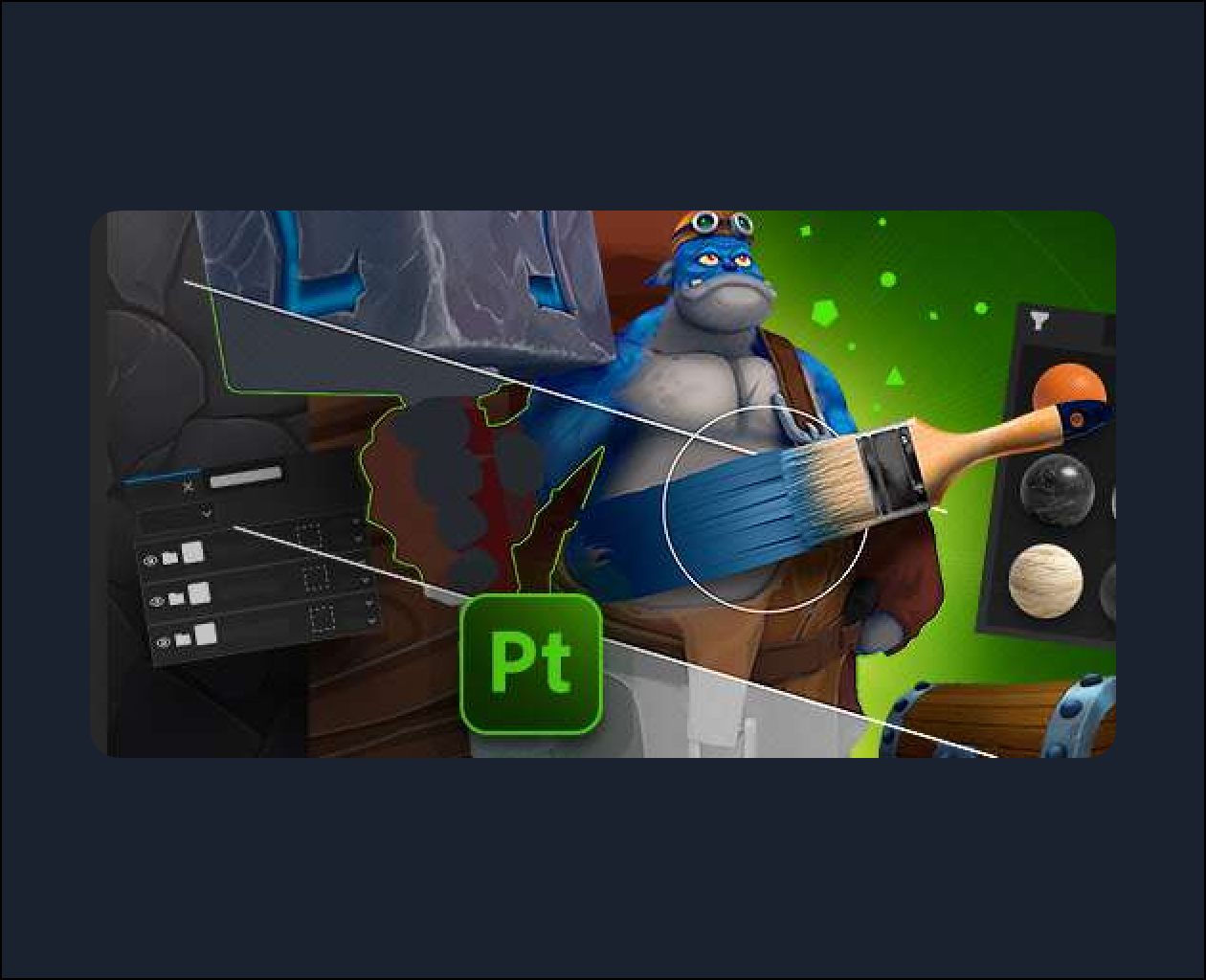
The Handpainted Painting with Substance Painter course will introduce you to powerful tools focusing on creating manual textures, so you can learn how to use more than one painting style in the software.
The classes are aimed at those who wish to work professionally with 3D texturing, illustrators seeking to expand their work opportunities, and art students interested in the handpainted style.
Check the minimum recommended system requirements for software installation:
- Substance Painter: https://helpx.adobe.com/substance-3d-painter/technical-support/hardware-requirements.html
All software taught on our platform must be purchased and licensed directly from the developers. See below for the official links to purchase and download the software used in the course:
- Substance Painter: https://www.adobe.com/br/products/substance3d-painter.html
What you will learn in the course “Handpainted Painting with Substance Painter”
The Handpainted Painting with Substance Painter course presents two essential aspects of texturing: the manual approach and the intelligent use of Substance Painter’s digital tools.
Throughout your studies, you will develop purely manual painting techniques and learn about software tools that help you save time on your projects, learning everything from fundamental concepts to intermediate techniques.
The first lessons of the course teach about hand painting, exploring traditional techniques. Then, the content moves into the digital world, where it presents the software functionalities that help with productivity and enhance the quality of the textures produced.
Learn how to get the most out of Substance Painter by creating even more interesting textures. Get ready to accelerate your workflow and elevate your texturing skills!
Check out the techniques taught throughout the lessons:
- Introduction to Substance Painter
- Smart Material
- Smart Mask
- Filters
- Bake
- UV/UDIM
- Hand painting
- Brushes
- ID Mask
- Manual Mask
- Textures
- Render
- Professional portfolio
- Sketchfab
- ArtStation
Want to learn more about Substance Painter? Check out our Fundamentals of Texturing in Substance Painter course .
Take advantage of this and over 60 other courses that will help your digital art career take off! Choose between our Monthly, Semiannual, or Annual Plan to access all courses on the site, receive a certificate for each completed course, and get personalized mentoring.