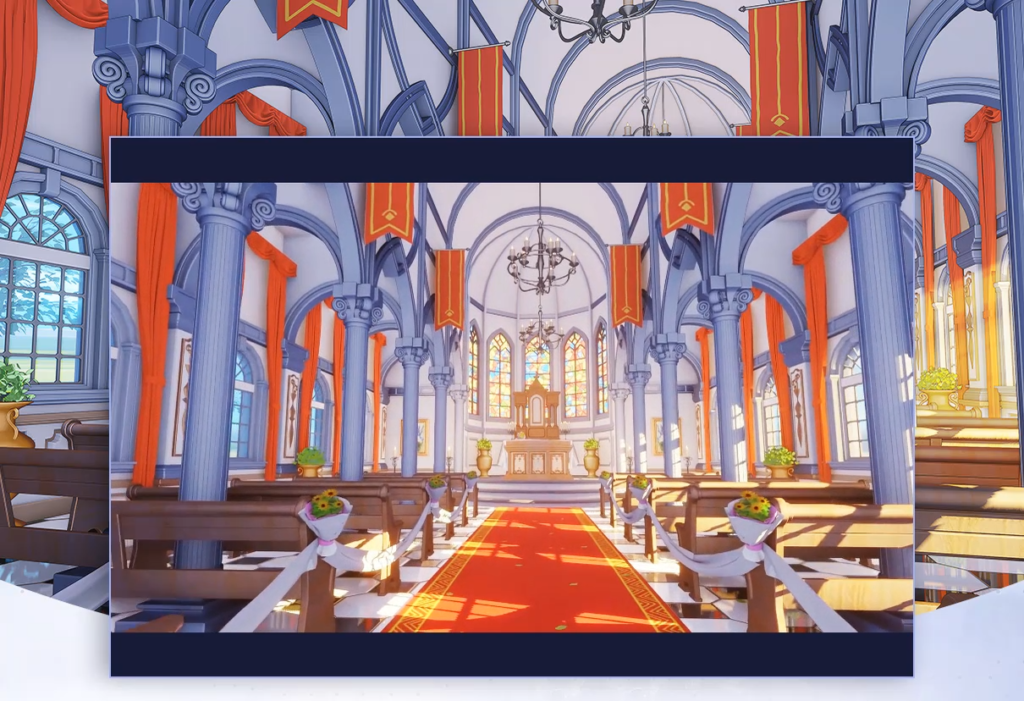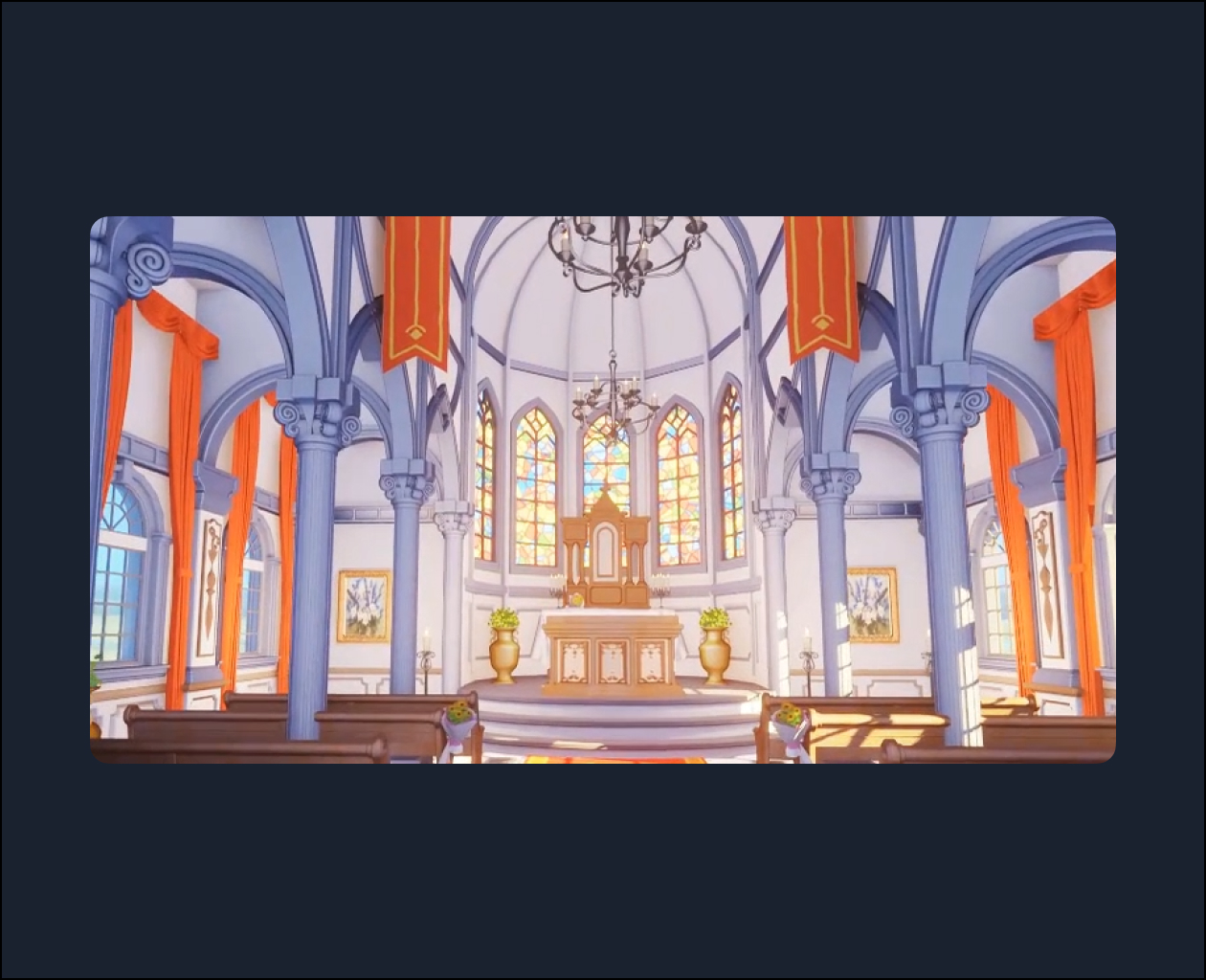
Preface: Advocacy SectionLesson 0: Tutorial Promotional VideoLesson 1: Overview of Tutorial ContentChapter 1: Pre-production PreparationsLesson 3: Production Process and Course Introduction;Lesson 4: Topic Selection, Scene Modeling, and Lighting Analysis;Lesson 5: Styling References and Art Style ReferencesChapter Two: Modeling and Building the Church SceneLesson 6: Modeling and Creating European-Style Columns Lesson7: Modeling and Creating European-Style Wallsand ColumnsLesson 8: Creating European-Style Walls and Windows [Part 1] Lesson 9: Creating European-Style Walls and Windows [Part 2]Lesson 10: Creating Ground Using Textures and UVs Lesson 11:Applying Geometric Arrays to Object Sets Lesson 12:Creating Beams and Using the Array ModifierLesson 13: Creating Roofs – Rotation Key PointsLesson 14: Creating the Interior Walls in Front of the AltarChapter 3: Object Modeling and Texture Creation for the Church SceneLesson 15: Creating a Bench Using Polygonal ModelingLesson 16: Two Methods for Creating Church Stained Glass TexturesLesson 17: Creating Candle Chandeliers Using the Spin ToolLesson 18: Creating Bouquets – Flowers and Wrapping PaperLesson 19: Creating a Church TableLesson 20: Creating European-Style Candle Lamps Using the Spiral ModifierLesson 21: Creating Ribbons and Curtains Using Fabric SimulationLesson 22: Creating Picture Frames with Lace EdgesLesson 23: Editing and Creating Trees and Material Nodes Using Tree GeneratorLesson 24: Setting Up the CameraLesson 25: Creating Flags and Altar TablesLesson 26: Creating Altar Modeling – Completing the Scene SetupChapter 4: Creating Textures and Editing the World EnvironmentLesson 27: Rendering a White Model Using Composer NodesLesson 28: Creating HDR Textures in PhotoshopLesson 29: Creating Environment Maps Using Blender’s Built-in TexturesLesson 30: Adding Environment to a Church SceneLesson 31: Editing the Color Scheme of Objects in a Church SceneLesson 32: Applying Materials to Church Objects [Part 1]Lesson 33: Applying Materials to Objects [Part 2]Chapter 5: Lighting, Atmosphere Rendering, and Post-ProductionLesson 34: Adding Objects and Fog Atmosphere SettingsLesson 35: Supplementing Lighting Knowledge Points – Scene LightingLesson 36: Rendering a Short Church Scene with a CameraLesson 37: Rendering ID, Line Art, and Final Image Using the Compositor and WorkbenchLesson 38: Compositing the Final Image in PhotoshopLesson 39: Lighting and Rendering a Church Scene at NightLesson 40: Creating Textures in PixPlant – Vertex Painting Knowledge PointsChapter Six: Sharing Other Anime and Manga Case StudiesLesson 41: Creating a Small Beach and Editing Materials [Part 1]Lesson 42: Creating a Small Beach and Editing Materials [Part 2]Lesson 43: Editing Glass Item MaterialsLesson 44: Material Editing – Controlling Blend Shader CoefficientsLesson 45: Grass Ground Case Study – Creating Geometric NodesLesson 46: Grass and Cloud Case Study – Editing Cloud and Grass Material Nodes [Part 1]Lesson 47: Grass and Cloud Case Study – Editing Cloud and Grass Material Nodes [Part 2]Lesson 48: City Case Study – Editing Atmosphere Volume Node EffectsLesson 49: Adjusting Object Shadow Variation – Adjustable World Environment Node SettingsLesson 50: Metal Item Case Study – Editing Metal Item MaterialsLesson 51: Foreground Tree Case Study – Creating Trees with Geometric Nodes [Part 1]Lesson 52: Foreground Tree Case Study – Creating Trees with Geometric Nodes [Part 2]Lesson 53: Stone Path – Creating a Stone Path with Geometric NodesLesson 54: Snow Case Study – Landscape Plugin SettingsLesson 55: Snow Case Study – Snow Material Rendering