
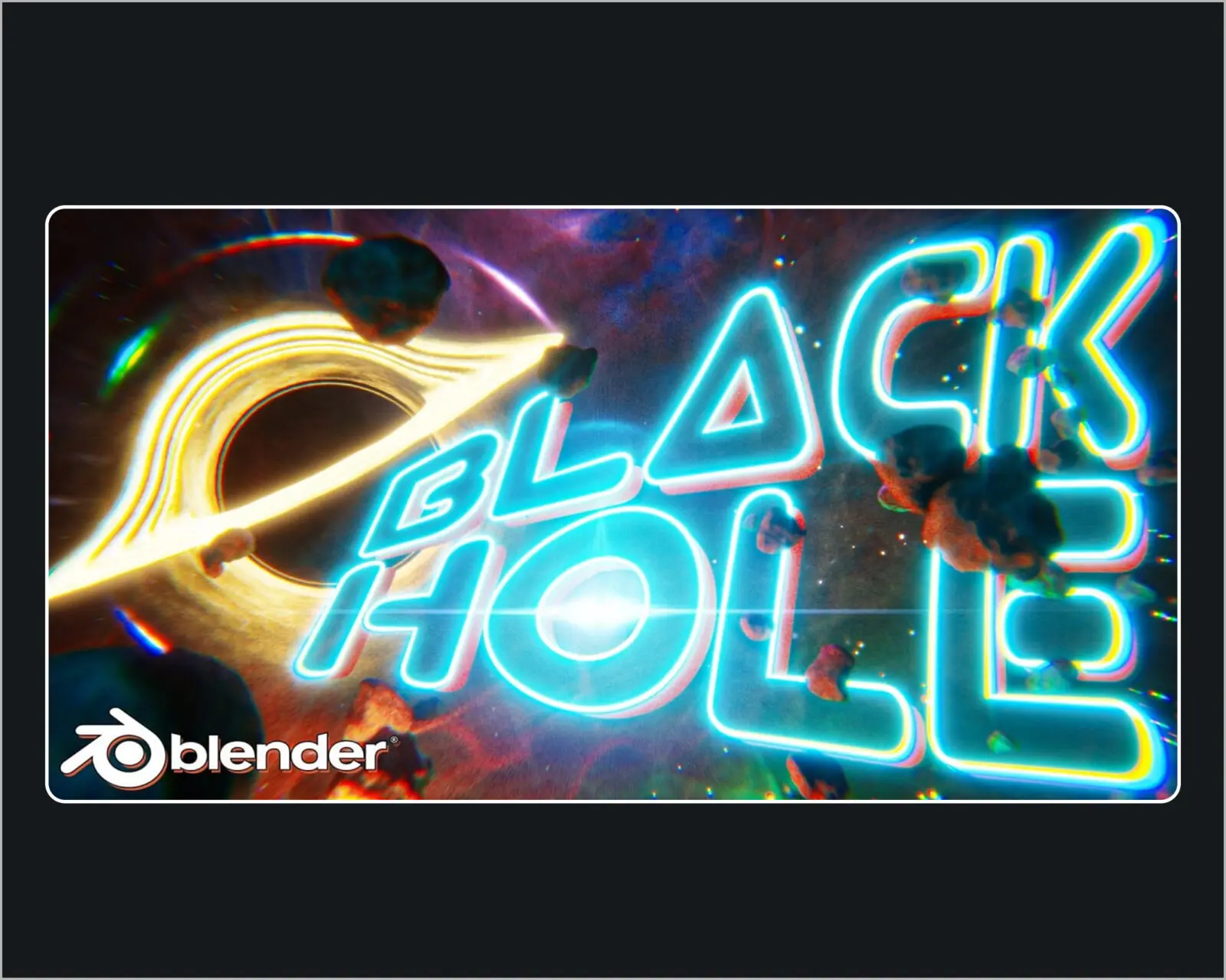
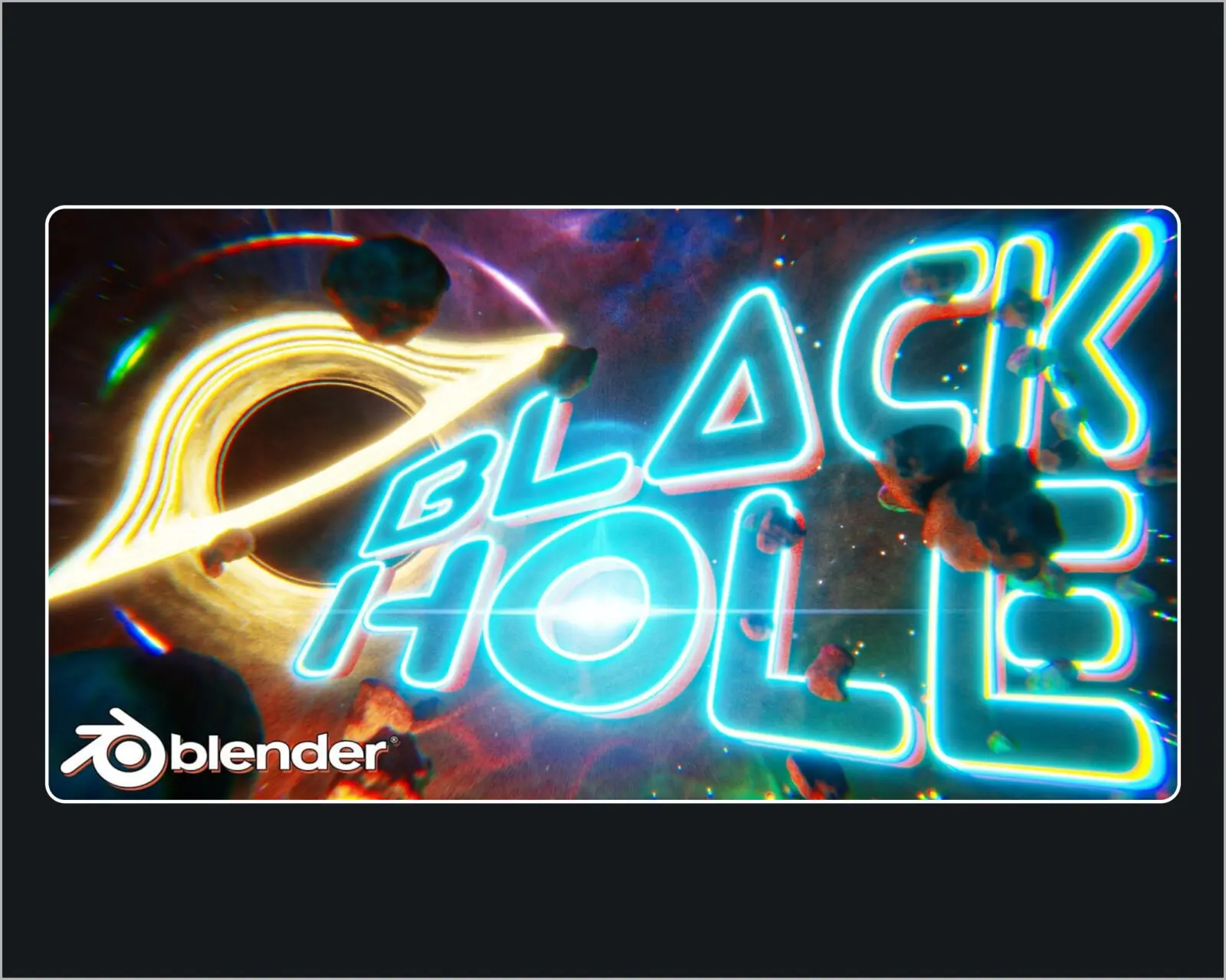
**Blender 3D for Beginners: Create a Black Hole Animation** *(by Harry Helps)*
* **Level & Length:** Beginner | ~4 Hours
* **Software:** Blender
### Summary & Topics Covered
* **Scene Setup:** Viewport basics and deep space world environment settings.
* **Procedural Shading:** Designing the swirling accretion disk using node setups (no external textures required).
* **VFX & Physics Simulation:** Simulating gravitational lensing, emission shaders, and volumetric space dust.
* **Animation:** Setting up looping camera paths and rotation keyframes.
* **Compositing & Rendering:** Applying bloom, lens flares, color grading, and exporting the final loop.
### Class Project
Create a custom, looping black hole scene with personalized colors/camera angles and export a final image or animation render.
Author: KYZ
Topics: Blender






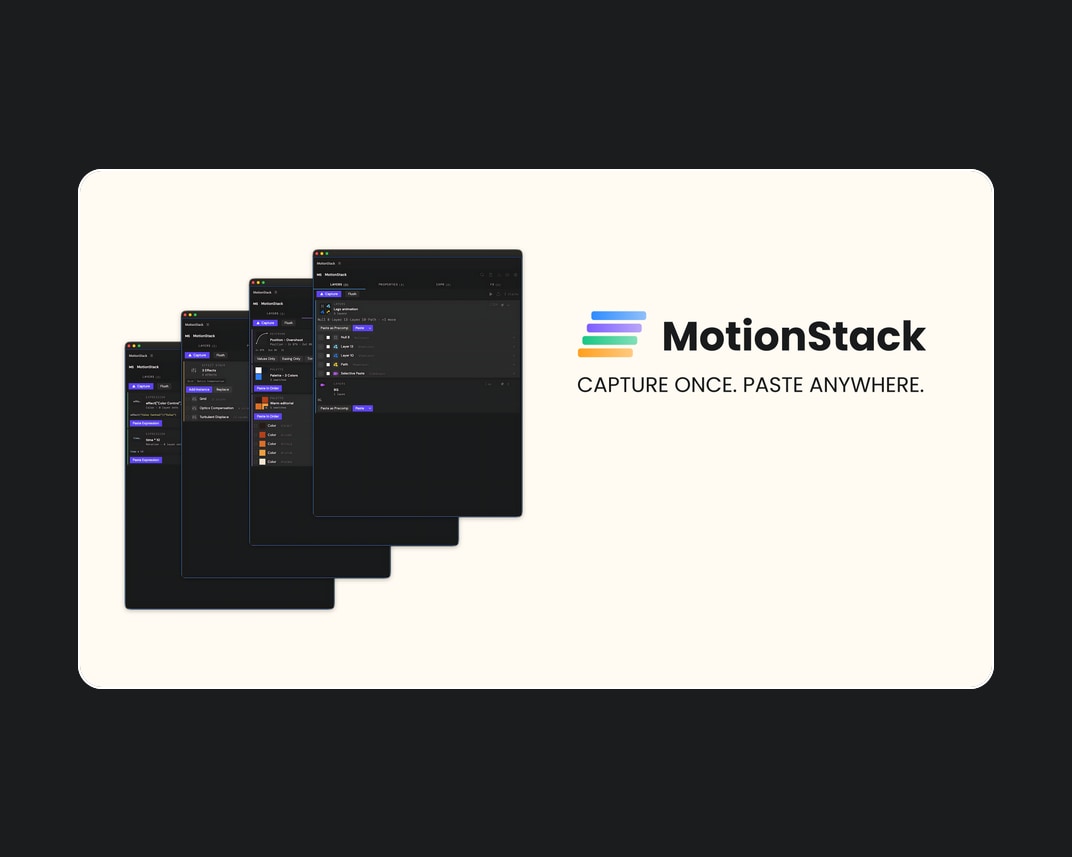
Aescripts – MotionStack v1.0
A persistent visual clipboard for After Effects. Capture layers, keyframes, expressions, effects,...
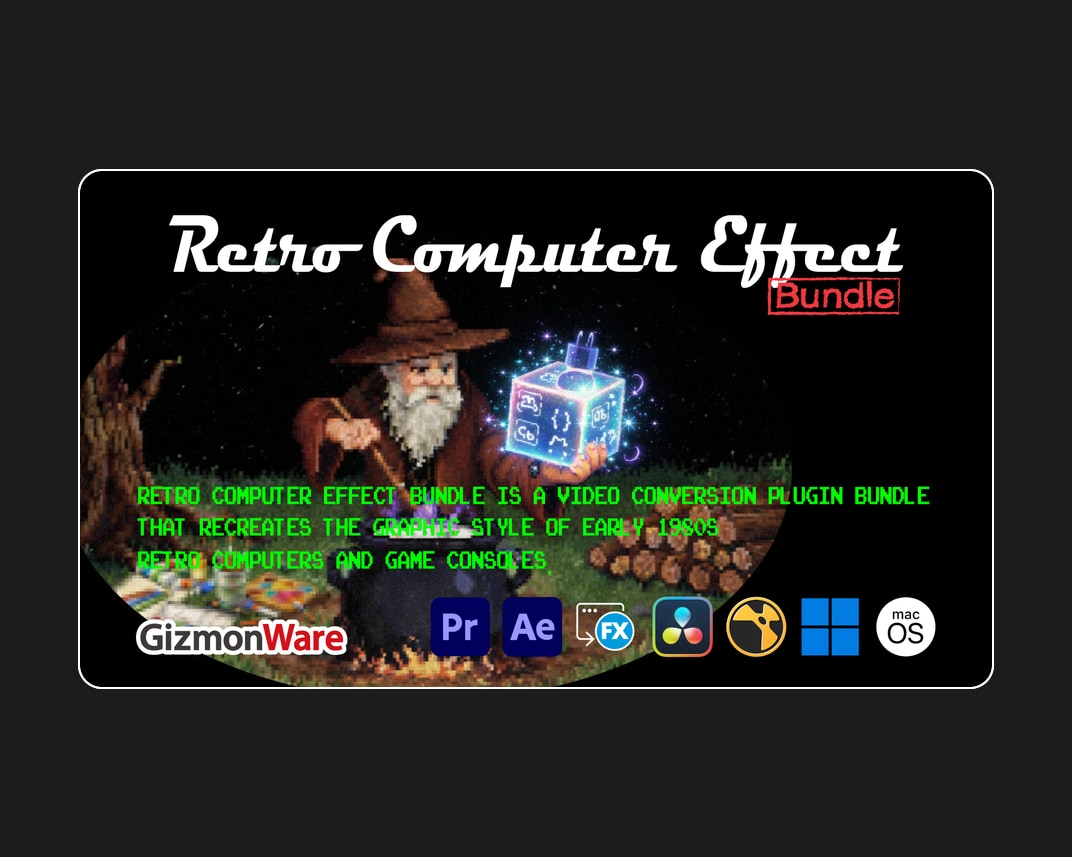
Aescripts – Retro Computer Effect Bundle v0.3.0
Retro Computer Effect Bundle is a video conversion plugin bundle that recreates...
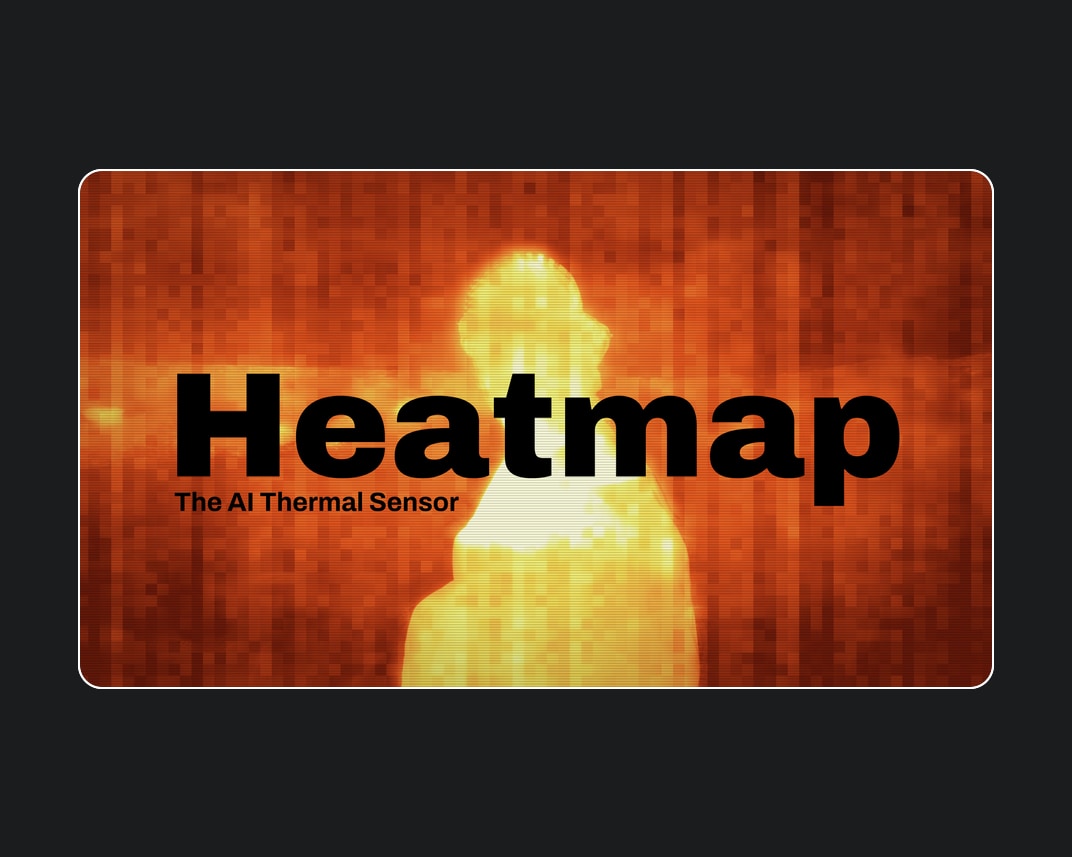
Aescripts – Heatmap v1.5.0
Heatmap is an AI thermal sensor for After Effects and Premiere Pro....
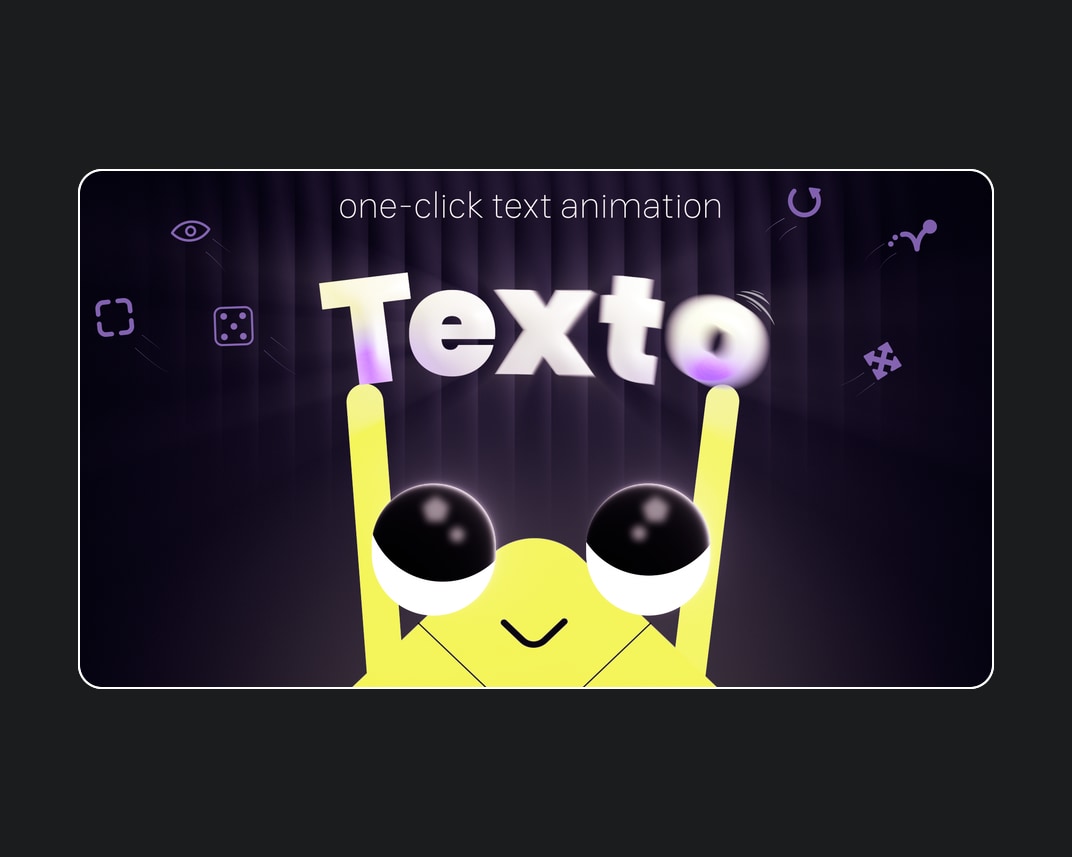


Aescripts – Texto v1.0.1
One-click text animation for After Effects. Texto turns tedious text animation into...
