Intermediate Graphic Design Certificate: Design Systems
By udemy.com · Photoshop · Courses · Jul 8, 2026
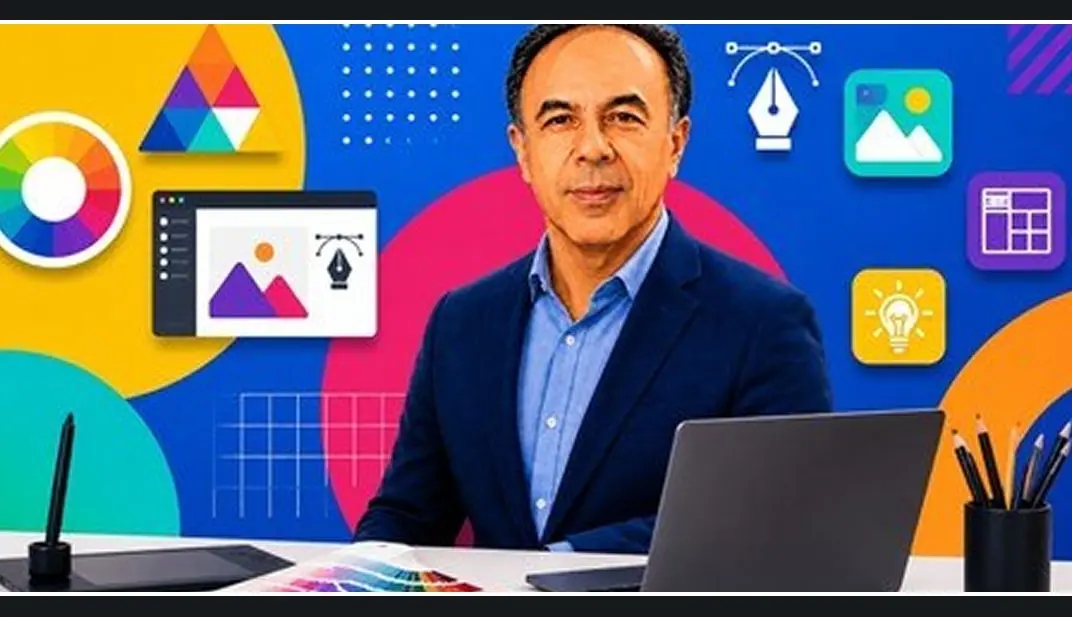
Overview
Instead of teaching you how to use a specific tool from scratch, an intermediate course on **Design Systems** focuses on scalability, efficiency, and maintaining visual consistency across large-scale projects.
### Key Focus Areas
– **Building Visual Frameworks:** Developing cohesive design languages, including component libraries, standardized typography scales, explicit spacing grids, and functional color palettes.
– **Component Architecture & Reusability:** Creating master components, variants, and nested elements (often using industry standards like Figma or Adobe XD) that can be easily updated globally across a project.
– **Documentation & Governance:** Learning how to write clear usage guidelines, style guides, and documentation so that cross-functional teams (like developers and other designers) know exactly how and when to use specific UI elements.
– **Bridging Design and Development:** Understanding tokenization (design tokens) and handoff workflows to ensure what you design matches what engineers actually build.
### Who It is For
– **Junior Graphic/UI Designers:** Designers looking to level up from creating one-off assets or single landing pages to managing complex, multi-page platforms or brand ecosystems.
– **Freelancers:** Creatives who want to charge premium rates by delivering fully realized, production-ready design systems to clients.
– **Product Teams:** Product managers or developers looking to better understand the systematic side of product UI to collaborate more efficiently.
Topics: Photoshop
Source: https://www.udemy.com/course/intermediate-graphic-design-certificate-design-systems/
How access works
- Get a planStarter, Pro or Lifetime.
- Sign in with TelegramOne tap, your plan is linked to your account.
- DownloadPress Download on this page, the files arrive in your Telegram chat.
More like this